10 Best AI Agents for Customer Support in 2026 (Compared for Real Teams)
Tanu Adhikari · Sep 22, 2026Ten AI support agents compared on verified pricing, real resolution rates and honest cons. Including where ours falls short.
Key Takeaways
- The best AI agents for customer support fall into three groups: ones that answer from your help pages, ones that help your human agents reply faster, and ones that look up your live data and finish the request. Most buying mistakes come from picking the wrong group.
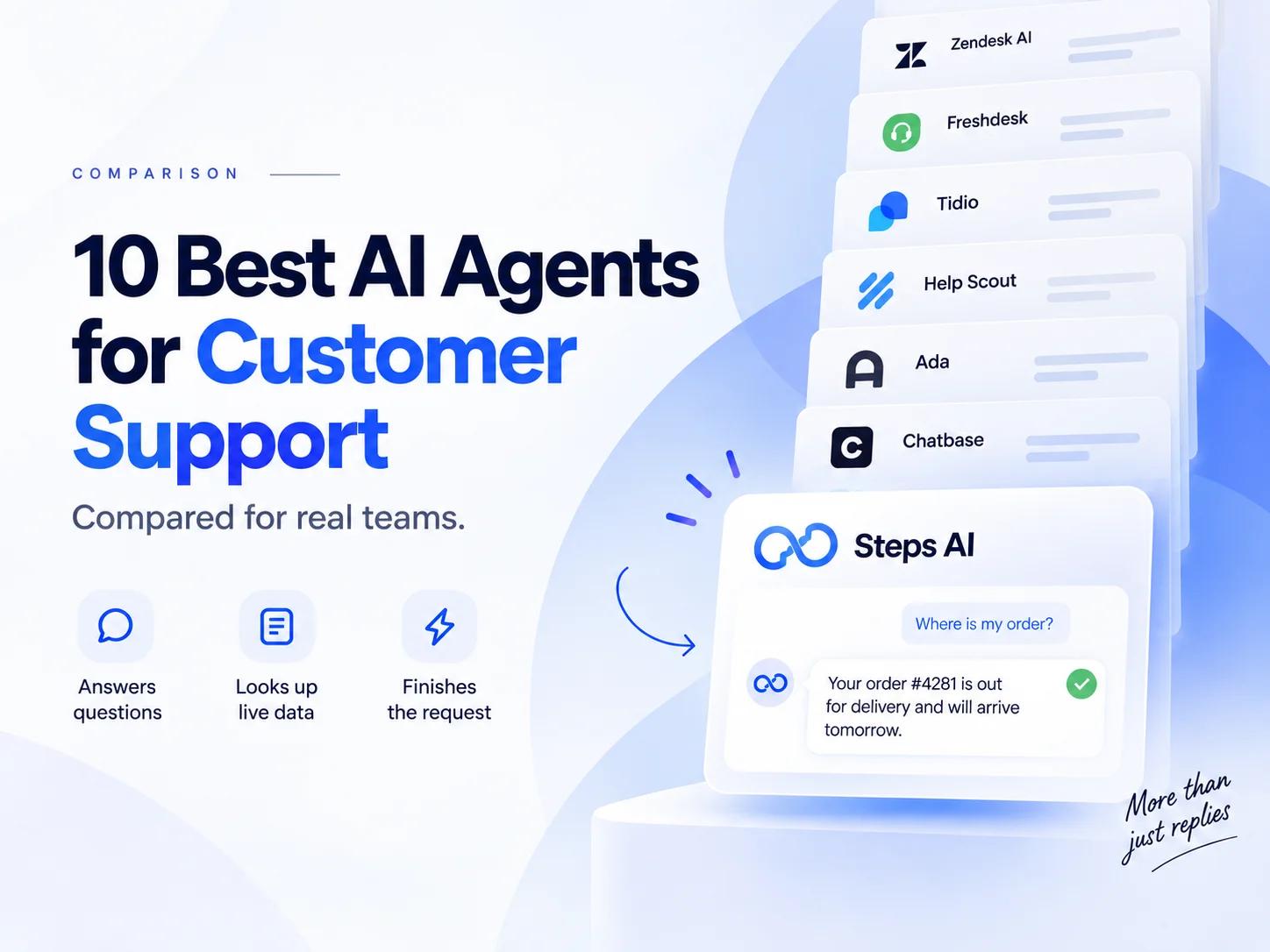
- Steps AI, Fin by Intercom, Gorgias, Zendesk AI, Freshdesk, Tidio, Help Scout, Ada, Chatbase, and Zoho Desk cover almost every realistic budget and team size.
- Pricing works in four different ways: per seat, per resolution, per conversation, and per AI reply. Two tools with similar sticker prices can differ by several times once your real volume is applied.
- An AI support agent is only as good as what information it can reach. If it cannot check an order, a booking, or an account, it can only repeat your policy back to the customer, which does nothing for customer satisfaction.
- Gartner expects AI to resolve around 80% of common customer service issues without human intervention by 2029, but the tools that get close already are the ones connected to core business systems, not the ones with the longest feature list.
- Test privately, start with one channel and one question type, then widen. Almost every bad rollout we see started by switching everything on at once.
Most of these customer support AI agent platforms look identical on a pricing page. They all promise instant answers, fewer tickets, lower operational costs, and happier customers. The differences only show up later, usually the first time a customer asks something your help pages never covered.
We build an AI agent for a living. Most businesses that come to us are switching from another tool on this list, so we see these platforms the way a buyer sees them six months in, once the demo is over and the first real invoice has landed. This is the comparison we'd want if we were buying.
We'll go through how we picked them, the ten worth shortlisting, and what each one really costs once the AI charges are added on top.
How we chose the AI customer service agents on this list
Here are the core capabilities and commercial terms we weighed, and you can check every point yourself on the vendors' own sites:
- Does it resolve or just reply? Whether the agent can complete tasks in your systems without human intervention, or only answer from documents.
- What it costs at your volume. Not the headline price. The price after your actual monthly conversations.
- How easily you can deploy AI agents without a developer. Hours, days, or a paid implementation.
- Channels covered. Website chat, email, WhatsApp, Instagram, Facebook Messenger, voice.
- Quality of the handover. What a human sees when the agent gives up.
- Fit across sizes. A tool that only works in enterprise customer service environments is no use to a team of three, and the reverse is just as true.
Where a tool has a real weakness, we've named it. That includes ours.
10 best AI agents for customer support at a glance
| Tool | Best for | Main channels | How you pay |
|---|---|---|---|
| Steps AI | Teams that need live order and account lookups across chat and messaging | Website, WhatsApp, Instagram, Messenger | Monthly plan with an included reply allowance |
| Fin by Intercom | Support teams wanting pay-per-resolution on top of an existing help desk | Chat, email, SMS, social, voice | Seats plus a fee per resolved question |
| Gorgias | High-volume online stores with a support team | Chat, email, social, SMS | Tiered by ticket volume, AI charged separately |
| Zendesk AI | Large support operations already on Zendesk | Email, chat, voice, social | Per agent, plus AI add-ons |
| Freshdesk (Freddy AI) | Budget-conscious teams wanting a help desk with AI included | Email, chat, phone, social | Per agent, AI tied to plan tier |
| Tidio (Lyro) | Small businesses starting with live chat | Chat, email, Instagram, Messenger, WhatsApp | Monthly plan plus AI conversation packs |
| Help Scout | Lean teams adding AI gradually | Email, chat, help centre | Per user, plus a fee per AI resolution |
| Ada | Enterprise support across many channels and languages | Chat, email, voice, SMS, social | Custom, demo required |
| Chatbase | Building your own support agent without a developer | Chat, email, WhatsApp, Messenger, Instagram, Slack | Monthly plan by message volume |
| Zoho Desk | Teams already using Zoho's other tools | Email, chat, phone, social | Per user, AI on higher tiers |
Prices move often in this category. Check each vendor's pricing page before you decide anything.
The 10 best AI agents for customer support in 2026
Every entry below follows the same shape, so you can skip straight to the part you care about. Best for, what it actually does, key features, pros, cons, pricing, and a short verdict.
1. Steps AI
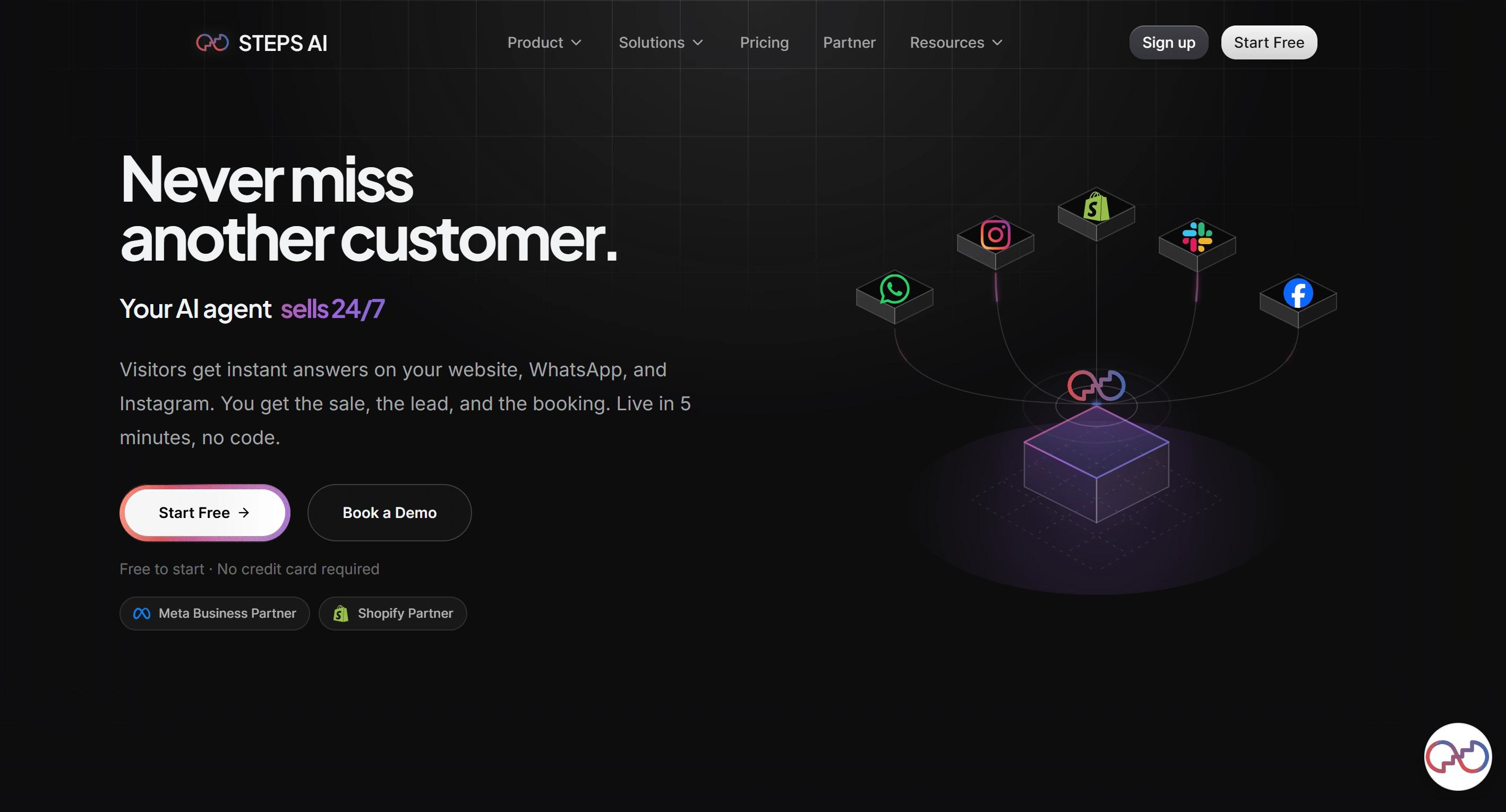
Best for: Businesses of any size that want an agent to finish the request, not just answer the question.
Steps AI connects to the tools your business already runs on, then does the work inside them. It finds the customer's order or booking, makes the change they asked for, opens a ticket if one is needed, and confirms it back to them. When something needs a person, it hands over the conversation already in progress, so nobody has to ask the customer to explain again.
Getting started takes a URL. Paste your website address, the agent reads your pages, documents, and FAQs, and you're usually live in about five minutes. The same agent then answers on your website, WhatsApp, Instagram, and Messenger, in 95+ languages, and tags each conversation by what the customer wanted so your inbox stays organised.
On any paid plan, you can build as many agents as you want, and you can also pick which AI model runs them.
Key features
- Takes real action in connected systems. Lookups, status checks, updates, bookings, and ticket creation, not just answers pulled from documents
- Set it up once, and it works everywhere. The same agent runs on your website, on WhatsApp, Instagram, and Messenger, on the agent page, and through the API. It knows the same things in every place.
- Build as many agents as you need on any paid plan, starting at $27.
- Pick the AI model yourself. Choose a faster one for simple questions, or a stronger one when customers ask harder things.
- Steps AI speaks 95+ languages. Customers write in their own language and get an answer back in it.
- Conversations tag themselves. The agent works out what each customer wanted and labels it, so you can sort your inbox and see what people keep asking about.
- Visual workflow builder with triggers, conditions, waits, and HTTP requests, for multi-step workflows without code
- See where the agent was unsure. Confidence scoring, from the Growth plan up, flags the answers worth checking.
- Enterprise controls when you need them. SSO and SAML, white labelling, multi-brand management, and a 99.9% uptime commitment.
Pros
- It completes tasks instead of describing them. An agent that can act on a real record handles a completely different class of customer request than one reading your FAQ page. This is the single biggest divider in the category, and most tools sit on the wrong side of it.
- Nothing is priced per agent or per seat. Every other tool here charges more as your team grows. Steps AI charges for AI replies and nothing else, so adding people costs nothing.
- The breadth at this price has no real match. Ticketing, lead management, workflows, order tracking, human handover, all channels and all integrations sit on the $27 plan. Competitors gate two or three of those behind a mid-tier, then meter the AI on top.
- The bill is predictable. One credit is one AI reply, customer messages are free, and unused add-on credits roll into the next month. No per-resolution meter spiking during your busiest weeks.
- Setup is genuinely fast. Pasting a URL and watching your own pages appear is a five-minute job, not an afternoon of configuration.
- It answers from real records, not just documents. This is the whole point. An agent that can read an order status meets a completely different set of customer needs than one that can only read your FAQ page.
Cons
- No voice channel yet. AI voice calling is in development. If phone support is central to your service operations today, Ada or Zendesk fit better right now.
- No Microsoft Teams. If your internal support runs through Teams, it won't connect.
- The free plan is a test drive, not a tier. Fifty credits show you how the agent behaves and not much more.
Pricing
| Plan | Price (monthly) | AI credits/month |
|---|---|---|
| Free | $0 | 50 |
| Starter | $27 | 500 |
| Growth | $76 | 2,000 |
| Scale | $207 | 7,500 |
| Enterprise | Custom | 25,000+ |
One credit equals one AI response. Customer messages are free. Annual billing saves 20%. Add-on credit packs run $12 for 500, $22 for 1,000, $49 for 2,500, and $85 for 5,000, and they do not expire at the end of your billing cycle.
Our take
The widest fit of the ten. Steps AI acts rather than answers, covers the channels most customers actually use, and it's the only tool here where growing your team doesn't grow your bill.
2. Fin by Intercom
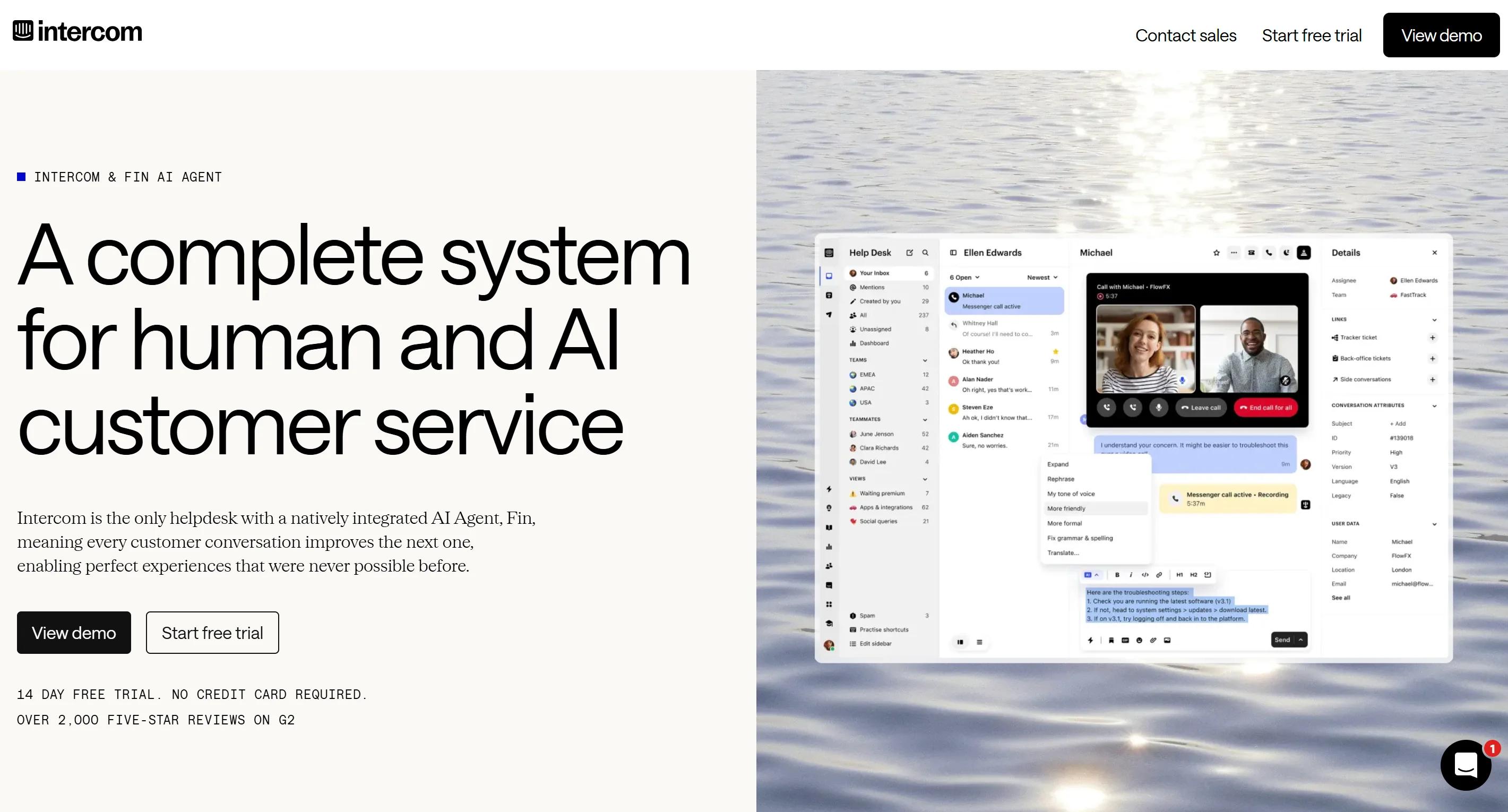
Best for: Support teams that want to pay only when a question actually gets resolved.
Fin is the AI customer service platform that made per-resolution pricing a category-wide conversation. It handles customer requests end-to-end across chat, email, phone, SMS, and social, and it runs either inside Intercom or on top of a help desk you already have.
What separates Fin from a document-reading chatbot is action. Through data connectors, it pulls live CRM, billing, and order information from your enterprise systems, then works through complex workflows like refunds, account updates, and troubleshooting before handing over if it gets stuck.
Two things happened in 2026 that matter here. Intercom renamed the company to Fin, and in June, Salesforce signed an agreement to acquire it for roughly $3.6 billion. Pricing hasn't changed yet, but it's worth factoring into a multi-year commitment.
Key features
- Works with Intercom's help desk or with Salesforce, Zendesk, HubSpot, Freshworks, Zoho, Front, and others
- Data connectors that pull live customer data during a conversation
- Completes refunds, account changes, and other multi-step tasks rather than just replying
- Copilot for your human agents, sitting inside the same inbox
- Custom tone and answer length, so replies sound like your brand
- Large integration marketplace and a public resolution reporting dashboard
Pros
- You pay for outcomes, not attempts. This makes the business case easy to explain internally, because a finance team can compare cost per resolution against cost per human reply directly.
- It works without migrating your help desk. You can buy Fin on its own, keep your existing customer service platform, and swap only the AI layer.
- Setup is quick. Intercom advertises under an hour to get running on an existing help desk.
Cons
- The bill has three layers, and they compound. Seats, outcomes, and add-ons all stack. Businesses frequently find the total as high and the upselling as constant.
- "Outcome" is broader than "resolution". Fin charges $0.99 when it resolves a question, but also when a configured workflow ends in a handover, and when it disqualifies a prospect. A customer who simply goes quiet can count as resolved.
- Forecasting takes real work. There's no volume discount and no rollover, so a seasonal spike lands straight on the invoice.
- It struggles with nuance. Businesses regularly note that Fin handles common questions well and gets lost on complex or very specific ones.
Pricing
Seat plans on annual billing: Essential $29 per seat per month, Advanced $85, Expert $132. Fin outcomes are $0.99 each on every plan. Copilot for your team is a $29 per agent per month add-on. The Pro add-on starts at $99 a month, and Proactive Support Plus is $99 a month.
Using Fin on a non-Intercom help desk means no seat charges from Fin, but there's a 50-outcome monthly minimum, so the floor is around $49.50 a month.
Our take
Fin is one of the strongest all-round AI support agents for an established support team, as long as you build the spreadsheet before you sign. Model your bill at your real volume, because the per-unit price is the smallest part of the story.
3. Gorgias
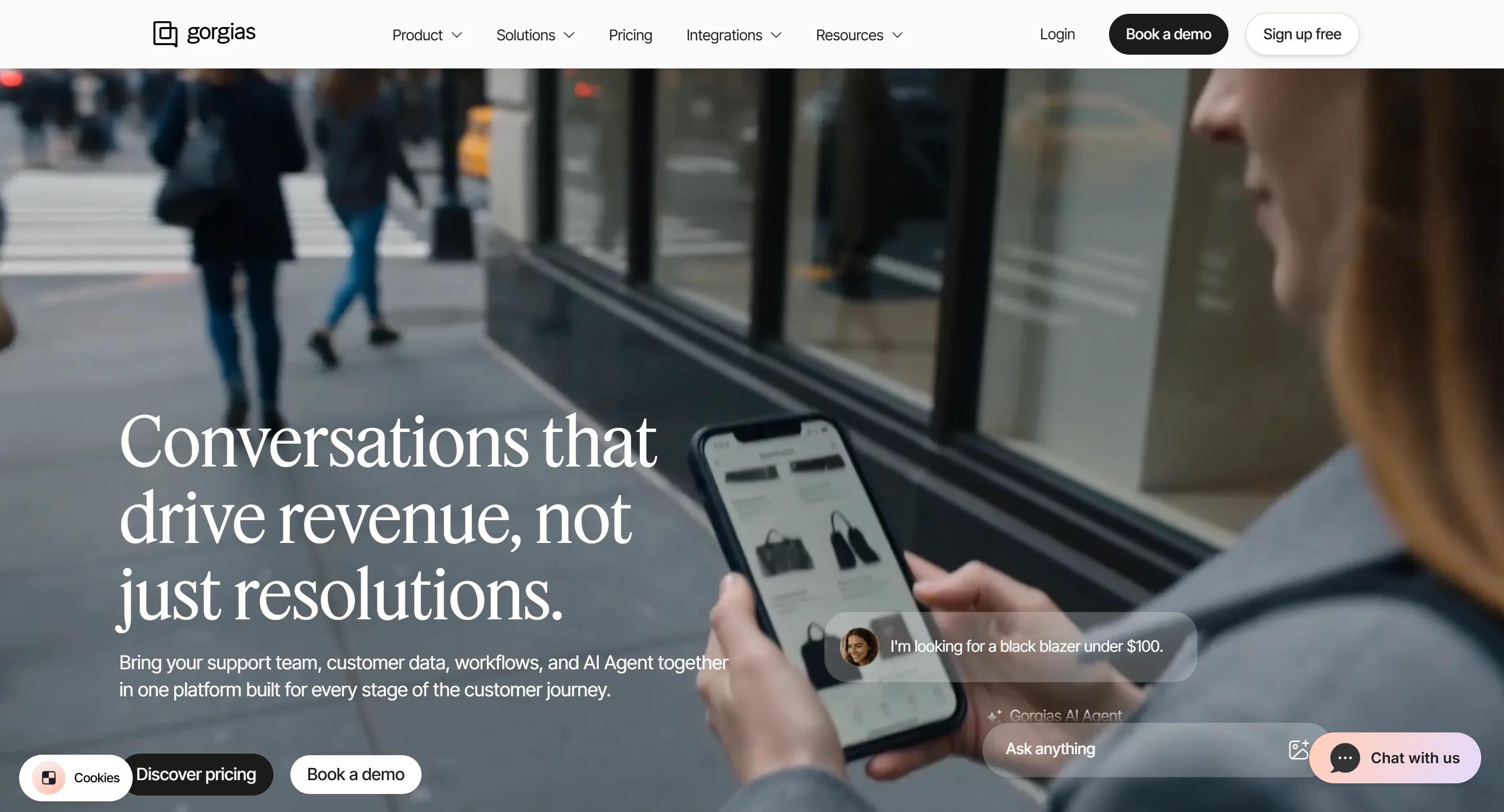
Best for: Online stores doing real ticket volume where most questions need a Shopify lookup.
Gorgias is a help desk built specifically for ecommerce. It connects natively to Shopify, Magento, and WooCommerce, pulling order history, product data, and customer records into the inbox so your team can edit orders, process returns, and issue refunds without switching tabs.
Its AI Agent automates support for the repetitive end of retail on its own: shipping updates, returns, sizing questions, and order changes.
Key features
- Native storefront connections with live order data and the ability to act on it
- AI Agent trained on your brand voice and store data, running on email, chat, and SMS
- Actions that let the agent complete tasks, plus tone controls and multi-language support
- Unlimited agent seats on every plan above Starter
- Revenue attribution that links support conversations to sales
- Chat, email, SMS and social in one workspace
Pros
- It understands retail workflows without configuration. Returns, exchanges, order edits and tracking are built in rather than assembled from generic building blocks.
- Unlimited seats change the maths for seasonal teams. If you triple your support headcount for Black Friday, your base plan doesn't move.
- Revenue attribution is genuinely rare. Very few support platforms let you show which support interactions produced sales, which makes support easier to defend at budget time.
Cons
- A fully automated resolution can bill twice. One conversation counts as a help desk ticket and as an AI resolution, so you're billed for both. If a person steps in within 72 hours, you only pay the ticket. The cleaner the automation, the more it costs you.
- Overage rates are steep. Tickets beyond your allowance run $0.32 to $0.40, and AI interactions beyond your allowance jump to $1.50 each.
- Bills spike with your season, not your team. Because pricing follows conversation volume, a busy month can double or triple your invoice with no change in headcount.
- It only makes sense if you sell products online. There's no version of Gorgias that suits a service business or a SaaS company. If you do run a store, our guide to ecommerce chatbots goes deeper on what to automate first.
Pricing
Ticket-based plans from $10 a month (Starter, 50 tickets, capped at 3 seats) up to $750 to $900 a month (Advanced), with Enterprise on request. The AI Agent is a separate charge at $0.90 per resolved conversation on annual billing, or $1.00 on Starter monthly. Plans include roughly 90 to 2,500 automated interactions, and anything beyond that is $1.50 each.
Our take
Gorgias is one of the best Shopify-native help desks on the market, and worth the premium when a large share of your tickets need real store actions. If your volume is mostly conversational, the per-resolution maths gets hard to justify.
4. Zendesk
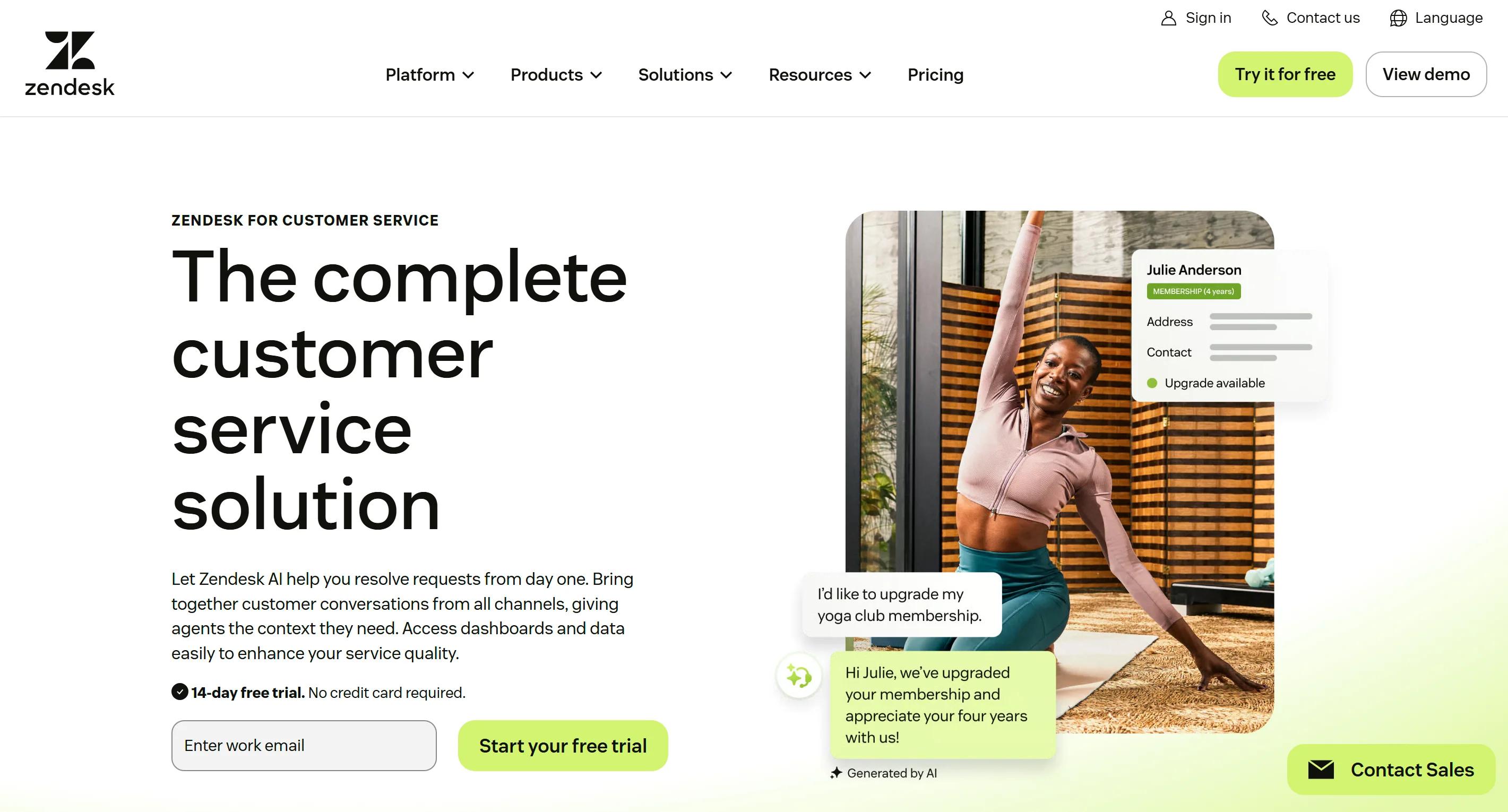
Best for: Large support operations that need governance, reporting and channel breadth above all else.
Zendesk is the default for large customer service operations, and its AI sits on top of workflows you already run. It sorts tickets by customer intent, urgency, and sentiment, routes them, answers routine customer inquiries before they reach the queue, and prompts your agents during live conversations.
Key features
- AI agents for chat and messaging, included on every plan since May 2026
- Intelligent triage that sorts tickets by intent, language, urgency and sentiment
- Copilot that drafts replies, summarises long threads and surfaces knowledge articles
- Advanced routing, skills-based assignment, IVR and call routing on higher tiers
- Around 2,000 apps and integrations
- Audit logs, custom roles, sandbox environments and multi-brand support for enterprise governance
Pros
- Nothing here breaks at scale. If you're running several service departments across many regions, this is the platform least likely to be the reason something fails.
- Admin visibility is excellent. Custom roles, granular permissions, and a sandbox for testing configuration changes before they go live are all genuinely useful at scale.
- The integration library is the largest in the category. Whatever you already use, there's probably a connector.
- AI agents are now included rather than sold as a separate unlock. The old Advanced AI add-on was scrapped in May 2026.
Cons
- The included AI allowance is tiny. Roughly 5-15 automated resolutions per agent per month depending on tier. Past that, the meter runs.
- You can't work out your AI bill from the pricing page. Zendesk publishes the seat price and not the resolution rate, which lands somewhere around $1.50 to $2.00 for most teams and falls at high volume. Get your rate in writing before you sign.
- Overages are billed automatically with no grace period since a January 2026 billing change, and the meter is uncapped. Set usage alerts before your peak season.
- Add-ons roughly double the seat price. Copilot is $50 per agent per month, workforce engagement another $50, advanced data privacy another $50.
- New teams find it overwhelming. There are a lot of settings, and new teams feel it. Expect someone to spend real time learning the admin side before the platform runs the way you want it to.
Pricing
Annual per agent per month: Support Team $19 (email and ticketing only), Suite Team $55, Suite Professional $115, Suite Enterprise plus Copilot on request.
Monthly billing runs roughly 15% to 25% higher. Copilot is $50 per agent per month. AI resolutions beyond your small included allowance are billed separately.
Our take
Zendesk is a safe institutional choice above roughly twenty agents, and overkill below it. Budget two to three times the sticker price once add-ons and AI usage are real.
5. Freshdesk
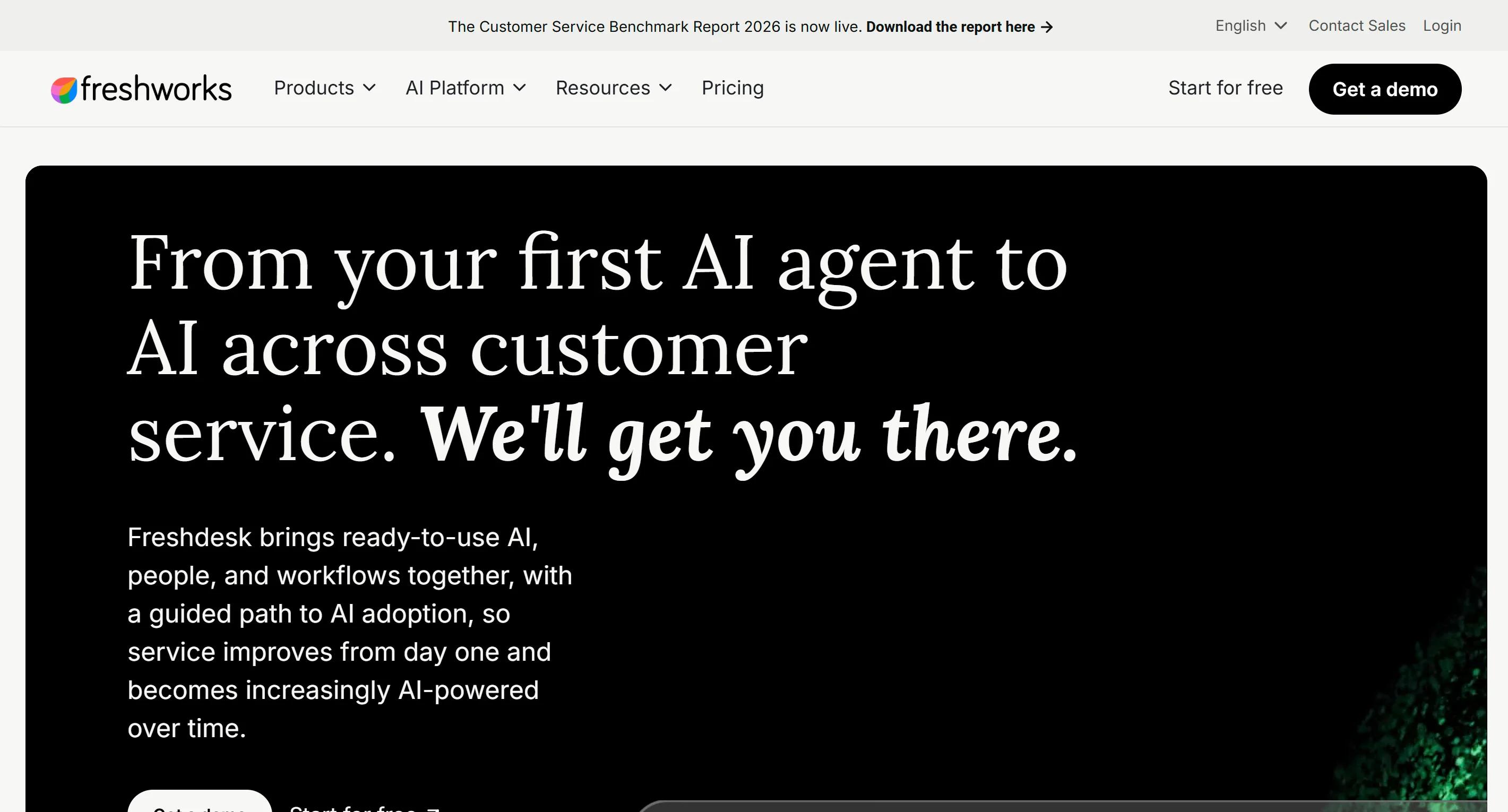
Best for: Teams that want a capable help desk at a sensible price and will add AI deliberately.
Freshdesk is the value-conscious rival to Zendesk, and Freddy AI covers both sides of the job. Freddy AI Agent faces your customers and handles routine questions. Freddy Copilot faces your service teams, drafting replies, summarising threads, and surfacing help articles inside the agent workspace.
It's a reasonable middle ground. You get proper ticketing, workflow automation and reporting without enterprise pricing, and the free trial period is the most generous in the category.
Key features
- Freddy AI Agent for customer-facing conversations across email and chat
- Freddy Copilot for reply drafts, thread summaries and knowledge suggestions
- Ticket tagging, routing, prioritisation and field prediction, plus workflow automation tools you can set up without code
- Sentiment detection and anomaly alerts for unusual ticket volume
- Around 1,000 integrations including Slack, Shopify and Salesforce
- Reporting on response time, resolution rate, service quality and agent performance
Pros
- The free program is a real evaluation. You get up to two agents for six months, with live ticket data.
- The entry price undercuts Zendesk substantially. Growth at $19 per agent against Suite Team at $55 is a meaningful gap for a small team.
- Support staff already know it. Hiring an experienced agent who has used Freshdesk before is easy, which shortens onboarding.
- You can buy Copilot for some agents and not others. Useful when only part of your team handles complex tickets.
Cons
- AI is not included in your plan. Copilot is a separate $29 per agent per month add-on, and it only unlocks on Pro or Enterprise.
- AI Agent sessions expire monthly with no rollover. You get 500 included once per account, then $49 per 100 sessions. A team running 2,000 sessions a month pays around $735 in AI alone.
- The channel trap catches people out. Standard Freshdesk plans cover email and ticketing. Live chat, messaging, social, and SMS need Freshdesk Omni, which starts at $29 per agent instead of $19.
- Prices rose across the board in 2026, the first increase in five years. Growth went from $15 to $19, Pro from $49 to $55, Enterprise from $79 to $89.
Pricing
Annual per agent per month on the Support Desk line: Growth $19, Pro $55, Enterprise $89. Freshdesk Omni runs $29 to $119. The free program covers one to two agents for six months.
Freddy Copilot is $29 per agent per month ($35 monthly). Freddy AI Agent includes the first 500 sessions on Pro and Enterprise, then $49 per 100 sessions.
Our take
Good value if you buy the right module first. Work out your channel mix before you compare prices, because the $19 figure only applies to email and ticketing.
6. Tidio
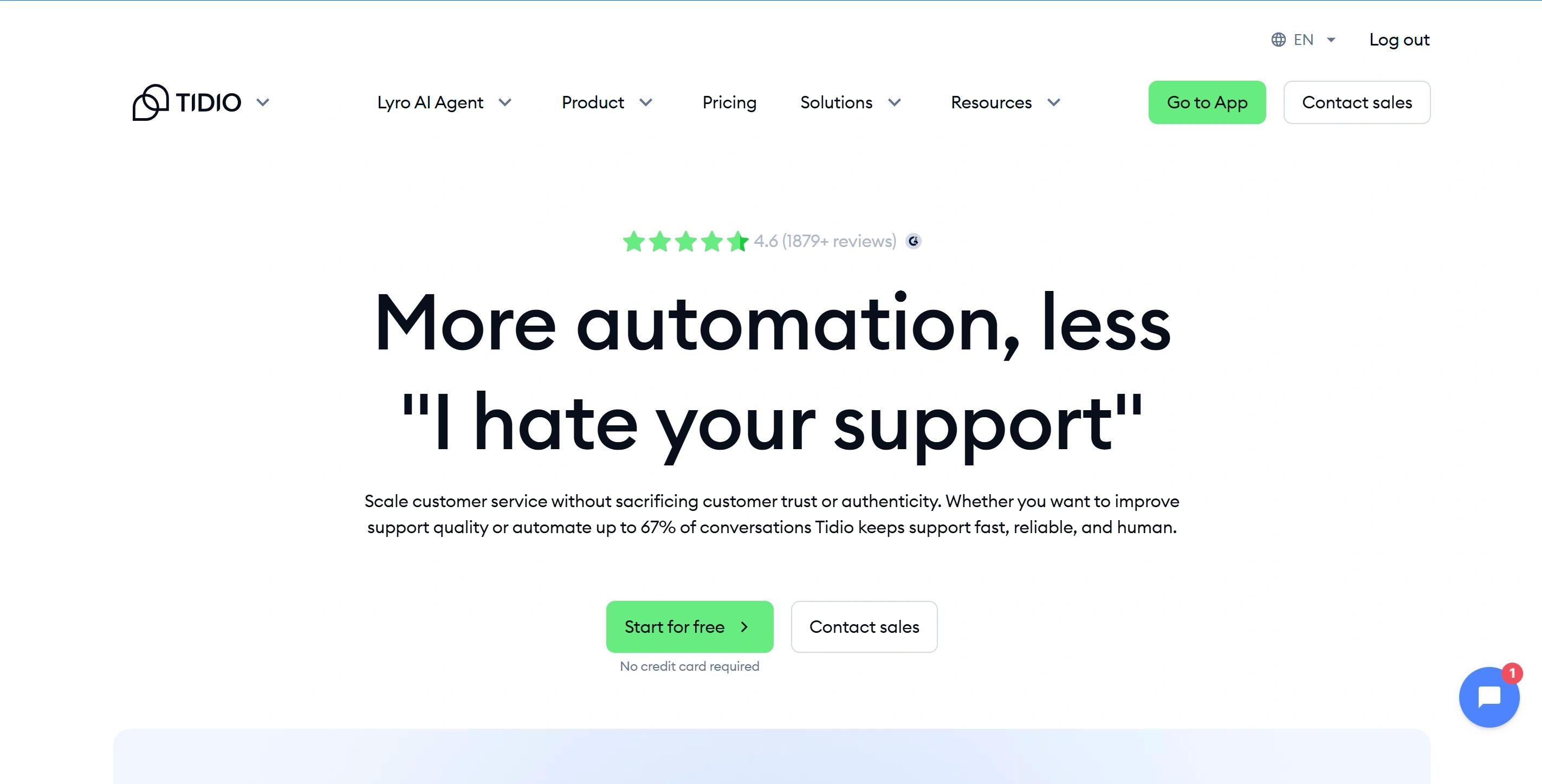
Best for: Small businesses that want live chat first and AI second.
Tidio started as a live chat tool and added Lyro, an AI agent trained on your help content. After Steps AI, it's the easiest platform in this category to get live, and the drag-and-drop flow builder is usable by someone with no technical background at all.
For a small store or service business handling a few hundred customer requests a month, it does the job without fuss.
Key features
- Lyro AI agent answering from your website and help centre content, using natural language processing to work out what the customer is asking, with multilingual support
- Visual Flows builder for custom conversation paths without code
- The platform supports chat, email, Instagram, Facebook Messenger, and WhatsApp in one shared inbox
- Product recommendations pulled from store data
- Human takeover from the same inbox, with basic analytics
- Works alongside another help desk if you already have one
Pros
- The free plan is usable for testing. Fifty conversations a month and a one-time pool of 50 Lyro conversations is enough to judge whether it works for you.
- Lyro resolves a genuine share of common questions. Tidio advertises up to 67%, which is a marketing number, but it also guarantees 50% on its top tier and refunds you if it misses.
- You keep your existing ticketing. Lyro can run for AI support while Zendesk or another system handles tickets.
Cons
- You're juggling three separate meters. Billable conversations, Lyro AI conversations, and Flow triggers all bill independently, which makes the real cost hard to predict.
- AI is an add-on on every plan. Lyro starts at around $39 a month for 50 conversations and climbs steeply from there.
- When the Lyro quota runs out, the AI simply stops replying until you buy more. During a peak, that's exactly when you need it.
- There's a cliff in the middle of the plan ladder. Growth is $59 a month, and the next tier is $749. For a mid-sized team, there's nothing in between.
- Seats are capped at 10 on all self-serve plans.
Pricing
Monthly list: Free $0 (50 conversations), Starter $29, Growth $59, Plus from $749, Premium from around $2,999. Annual billing saves roughly 17%. Lyro is a separate add-on from about $39 a month for 50 AI conversations, scaling up with volume.
Our take
Tidio is a sensible first AI support agent for a small team, provided you stay well inside the Growth plan. The jump to the next tier is the reason most businesses eventually leave.
7. Help Scout
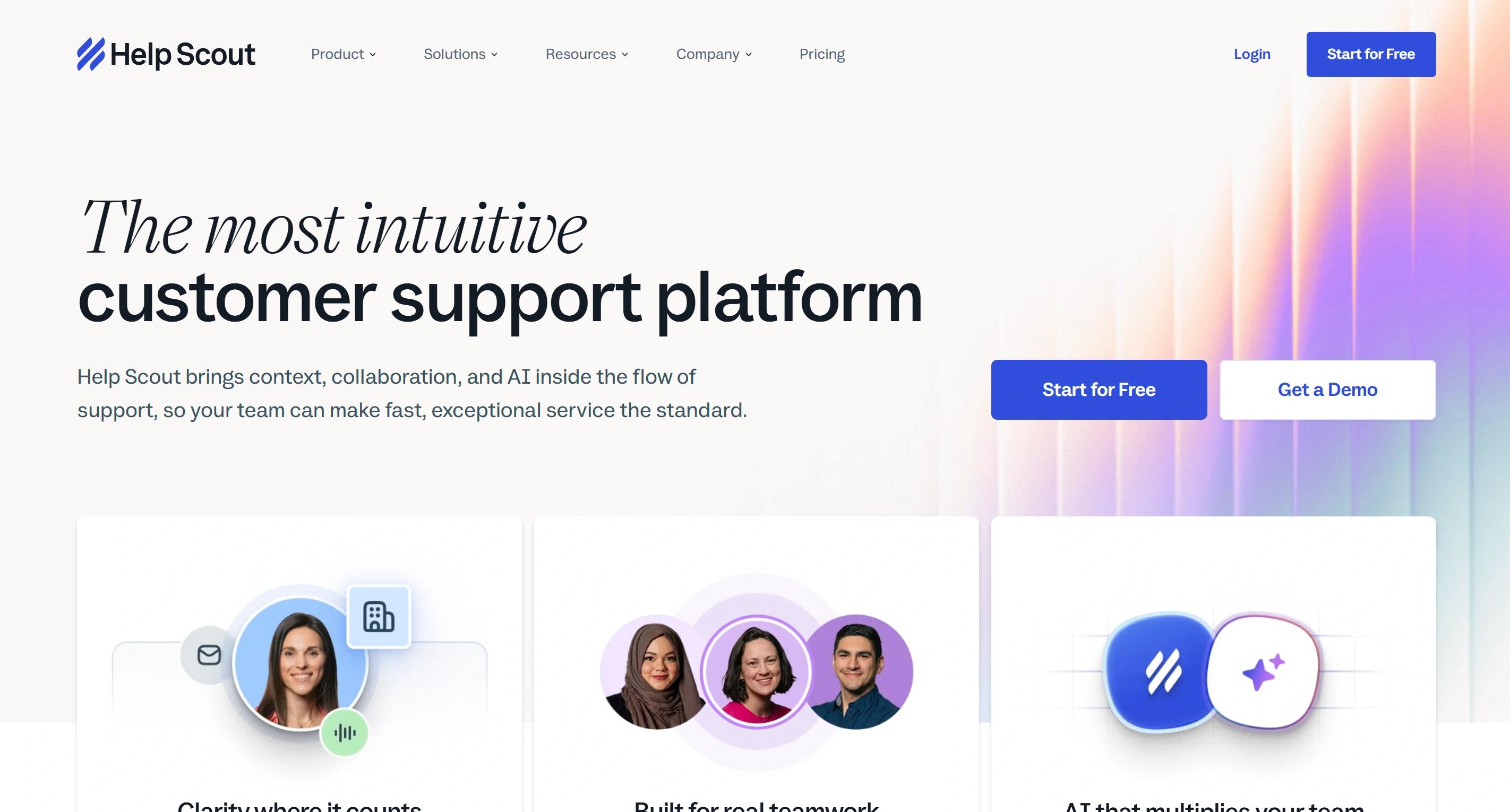
Best for: Lean teams that want to add AI carefully rather than all at once.
Help Scout has always been the calm, human-feeling help desk, and its AI follows the same philosophy. AI Drafts writes suggested replies, AI Summarize condenses long threads, AI Assist adjusts tone and translates, and AI Answers handles straightforward customer questions from your documentation.
Two small things set it apart. You can test AI Answers privately before a single customer sees it, and you can cap what it spends each month.
Key features
- Inbox assistant with drafts, summaries, tone adjustment and translation
- AI Answers as a customer-facing agent trained on your help centre
- Private testing before launch, plus a spending cap that disables the AI when hit
- Shared inboxes, Docs knowledge base and the Beacon chat widget
- SOC 2 Type 2 and HIPAA compliance, and no training on your data
- Unlimited customer contacts on all paid plans
Pros
- The billing is unusually fair. You're charged once per conversation even if the agent answers several questions, and only when the customer doesn't come back for more help.
- The spending cap is a real safety net. Set it before launch, and a runaway month becomes impossible.
- Reported resolution performance is strong. Help Scout reports an average AI Answers resolution rate above 73%, which improves as your documentation grows.
Cons
- AI costs scale fast and independently of seats. At 1,000 resolutions a month, AI Answers adds $750, which can exceed the cost of your seats entirely.
- It's a documentation bot, not a doer. AI Answers reads your help centre. It doesn't look up orders or complete multi-step workflows, so it can't help with the questions that need real data.
- Crossing team-size thresholds forces upgrades. Adding a 26th agent pushes you from Standard to Plus, an 80% jump in per-seat cost.
- WhatsApp and key integrations sit on Plus. Salesforce, Jira, and HubSpot connections all require the middle tier.
Pricing
Annual per user per month: Standard $25, Plus $45, Pro $75. Monthly billing is $30, $54, and $90. A free plan covers up to 5 users, 1 inbox, and 100 contacts a month. AI Answers is $0.75 per resolution after a three month free trial, billed in arrears, with an optional monthly cap.
Our take
Help Scout is the gentlest way to introduce AI to a team that's nervous about it. Just be clear that you're buying a very good answering agent, not one that can act on your systems.
8. Ada
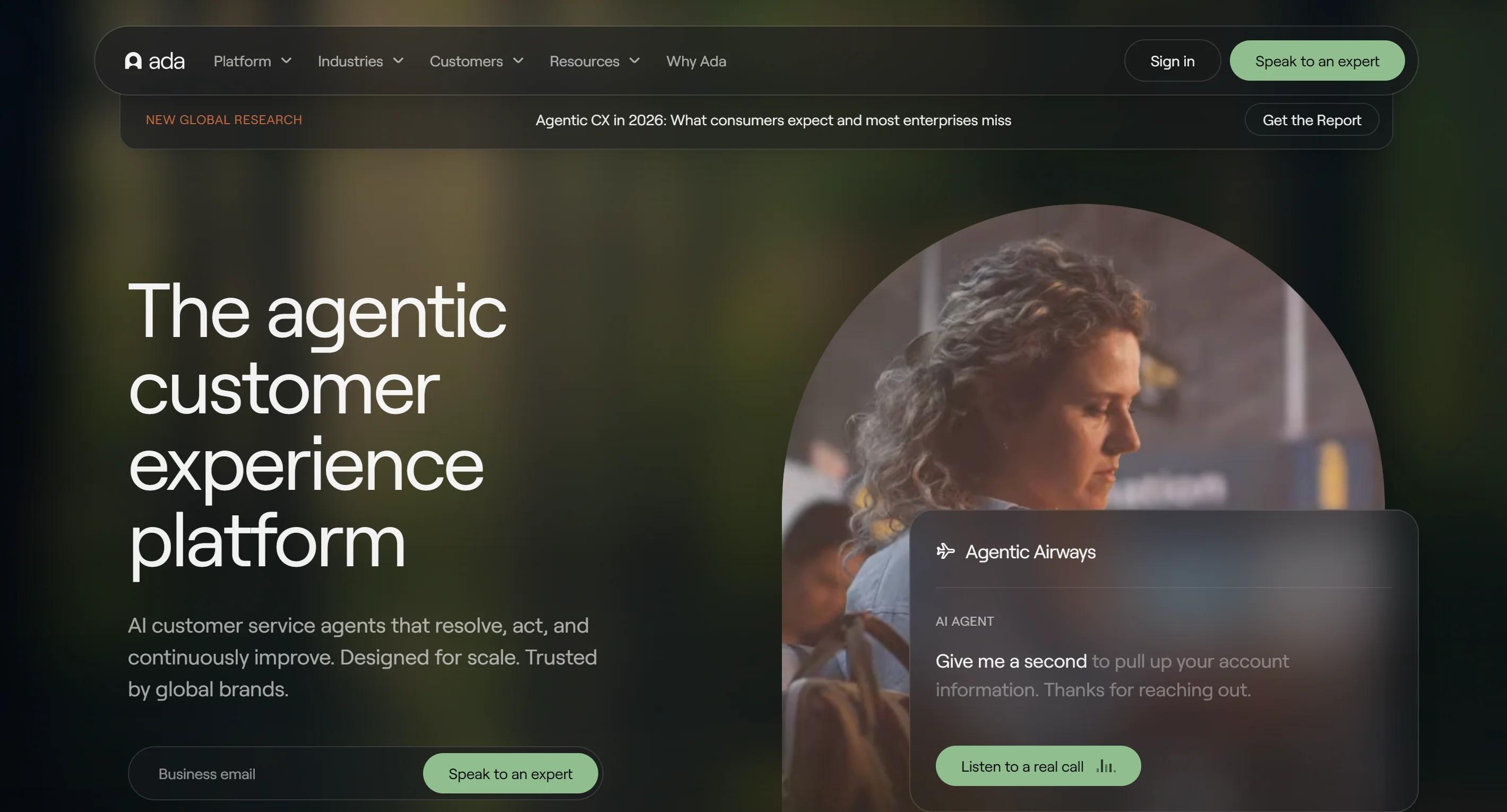
Best for: Large enterprises running high volume across many channels and languages.
Ada is an enterprise AI platform that can manage multiple customer interactions at once across web, mobile, chat, voice, SMS, and social. Its reasoning engine decides whether to answer, take an action, or pass the conversation to a person, and it connects AI agents to CRM, billing, and commerce systems to work through multi-step customer issues.
Key features
- Reasoning engine that chooses between answering, acting and handing over
- Connections to CRM, billing and commerce platforms including Zendesk, Salesforce and Shopify
- Coverage across chat, email, voice, SMS and social from one platform
- Multilingual support across 50 or more languages
- No-code processes so the agent follows your exact rules for things like refunds
- Conversation review and coaching tools to optimize customer interactions and improve agent performance over time
Pros
- Language coverage is a genuine strength. If you serve several markets from one team, this removes the need for separate agents per region.
- It handles complexity that trips up simpler tools. Multi-step workflows and voice in the same platform are a short list.
- Coaching tools are built in. You can review transcripts, correct behaviour, and measure whether the customer experience is actually improving.
- The pricing model favours predictability. Ada moved from charging per resolution to charging per conversation, because enterprise buyers preferred costs tied to volume rather than to a contested definition of "resolved".
Cons
- There's no self-serve path at all. No public pricing, no free trial, no low-cost way to validate performance before committing budget.
- The entry point is high. Third-party procurement data puts the median annual contract around $72,000, with tracked deals ranging from roughly $36,000 to $314,000.
- You pay per conversation regardless of outcome, including ones where the customer gives up. That shifts the risk onto you.
- Your knowledge has to be reshaped first. Ada can't natively take in past support tickets, PDFs, internal wikis, or Notion pages, so expect content work before launch.
- Rollout is a project, not a setup. Plan for a guided multi-week deployment.
Pricing
There's no public price. Ada quotes you, and the usual model is a fee per conversation, though some enterprise customers pay per resolution instead. Contracts run yearly, and the commitment is real, so get a quote before you plan around it.
Our take
Ada is a serious platform for a serious budget. If you can't name a six-figure line item for customer service automation, this isn't your tool.
9. Chatbase
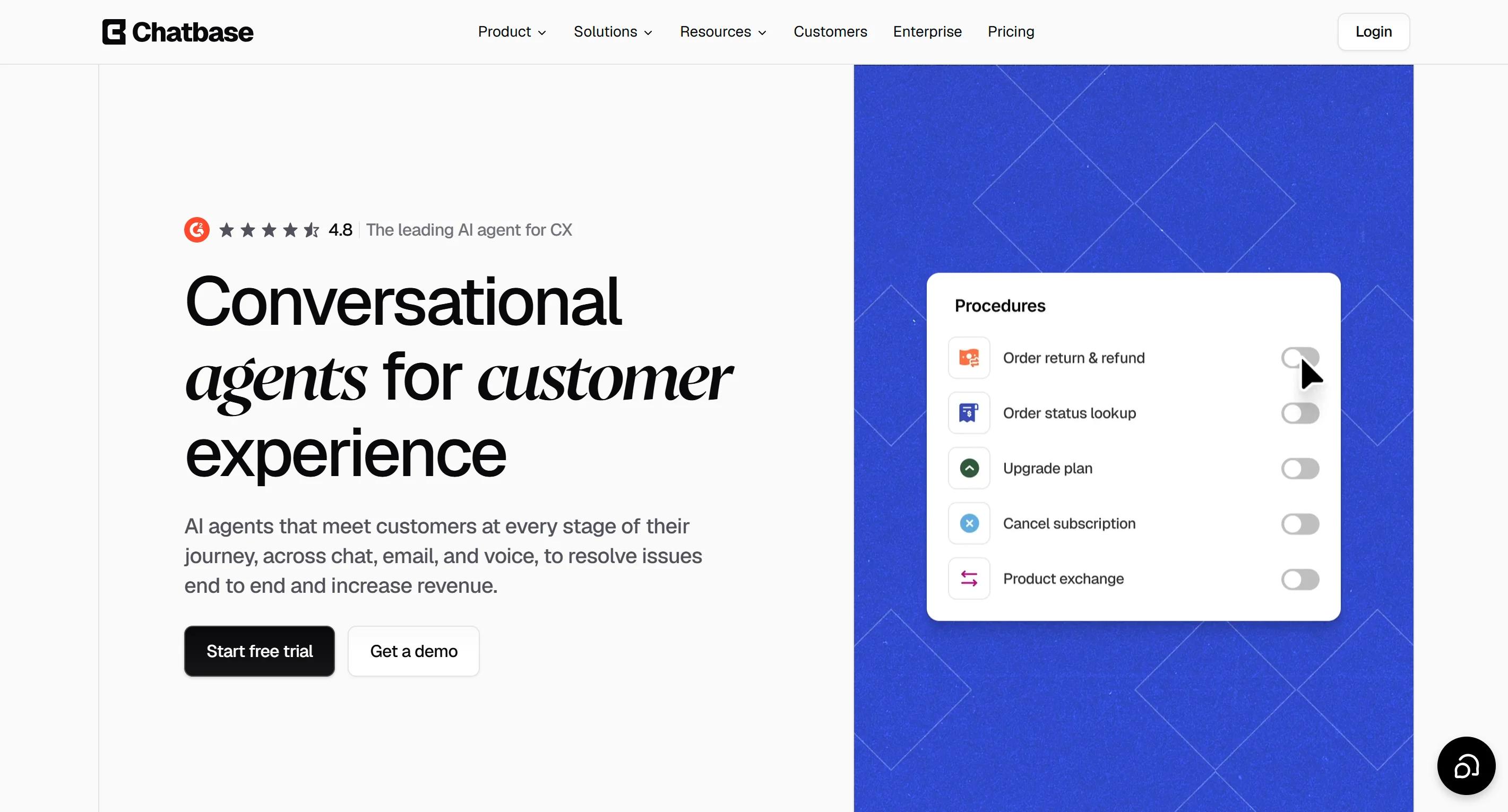
Best for: Building your own support agent without hiring a developer.
Chatbase sits between a simple chatbot builder and a full customer service platform. You train your own support AI agents on your website, help centre, and uploaded documents. Then you decide what actions they're allowed to take, and where they go live. That can be chat, email, WhatsApp, Messenger, Instagram, Slack, or phone.
It ships changes quickly. The trade-off is that you do the thinking.
Key features
- Trains on websites, help centres, and uploaded files, with no code required
- Custom actions and defined procedures, so you control exactly how your AI agents operate
- Choice of more than 35 underlying AI models from seven providers, selectable per agent
- Built-in help desk for assigning, tracking, and taking over conversations, from the Standard plan
- Voice and telephony included from Standard
- Enterprise controls including SSO, role-based access and audit logs
Pros
- Model choice is genuinely useful. You can test a cheap, fast model against an expensive, careful one on your own questions and see which handles your customer communications better.
- You can get an agent live in under ten minutes and refine it from there, which suits people who'd rather tinker than book a demo.
- Channel coverage is wide for the price. WhatsApp, Instagram, Messenger, Slack and voice from a $150 plan is hard to match.
- No per-seat fee. Seats are capped by plan rather than billed individually.
Cons
- A credit is not a message. One reply can burn anywhere from 1 to 6 credits depending on which model you picked. Premium models drain your allowance several times faster.
- When credits run out, the agent stops. Auto-recharge at $40 per 1,000 credits prevents the outage but makes your bill unpredictable.
- The free plan deletes your agent after 14 days of inactivity, so it's a sandbox rather than a starting tier.
- Human handover needs the $150 plan. The built-in help desk isn't available on Hobby.
- Branding removal is expensive. $99 a month to take "Powered by Chatbase" off your widget.
Pricing
Monthly: Free $0 (50 credits), Hobby $40 (around 500 to 700 credits), Standard $150 (4,000 credits), Pro $500 (15,000 credits), Enterprise custom. Annual billing saves 20%. Extra credits auto-recharge at $40 per 1,000. Extra agents are around $25 per agent per month.
Our take
Chatbase offers good value and a lot of control if you enjoy configuring things. Work out your credit burn on the model you actually plan to use, not the cheapest one. We've broken that maths down properly in our Chatbase alternatives comparison.
10. Zoho Desk
Best for: Teams already using Zoho, and anyone who needs a real help desk on a tight budget.
Zoho Desk is an inexpensive, capable help desk with an AI assistant called Zia that reads incoming service requests in natural language, suggests answers, tags tickets, and flags sentiment. Its real advantage is context: if your customer relationship management already runs on Zoho CRM, your agents see everything in one place.
Zoho widened AI availability across its paid editions in July 2026, so the lower tiers are more capable than older comparison articles suggest.
Key features
- Answer Bot replying to customers from your knowledge base, available from the Standard plan
- Zia for reply suggestions, auto-tagging, sentiment analysis and anomaly detection, from Professional
- AI agents with a monthly token allowance on every paid plan, plus bring-your-own AI key
- Multi-department ticketing with workflow rules, SLAs and Blueprint process automation
- Tight connection to Zoho CRM and the rest of the Zoho product line
- Self-service portal with contextual article suggestions
Pros
- The cheapest real help desk on this list. Standard at $14 per agent removes the seat cap and adds proper automation, which is remarkable value.
- AI is included rather than metered per resolution. Paid plans ship with a monthly token allowance instead of a per-resolution charge, so there's no meter running against you.
- The free plan has no time limit. Three agents, email ticketing, a help centre, and basic reporting, indefinitely.
- It's strong in India and other price-sensitive markets, where the total cost of a Zendesk or Intercom stack is often the deciding factor.
Cons
- Zia trails the dedicated customer service AI agents here. It's useful assistance for your team, not a customer-facing agent that resolves complex customer issues on its own.
- The good AI is stacked up the ladder. Answer Bot needs Standard, the full Zia assistant needs Professional, and Zia Actions need Enterprise.
- Express caps you at 5 agents, so most growing teams skip it entirely.
- Live chat arrives late. It comes through Zoho SalesIQ on Enterprise, which is a long way up from $7.
- Monthly billing is punishing. Paying monthly instead of annually costs up to around 56% more on some plans.
- Light agents cost extra below Enterprise, at roughly $6 each, which adds up once managers want visibility.
Pricing
Annual per agent per month: Free $0 (up to 3 agents), Express $7, Standard $14, Professional $23, Enterprise $40. A 15-day free trial on any plan with no card, and the account downgrades to Free rather than charging you. EU and Australia data centres cost around 20% more.
Our take
Zoho Desk is excellent value if your needs are ticketing-first and AI-second. If you want an agent that resolves customer requests without a person, buy that separately and keep Zoho for the desk.
Frequently asked questions
What is an AI agent for customer support?
It's software that reads a customer's message, uses natural language understanding to interpret user intent, and either answers the question or completes the task. Unlike a basic chatbot, it can check real records in your business systems, hold a proper back-and-forth conversation, and hand over to a person with full context when it can't help.
What is the best AI agent for customer support?
It depends on how much you want the agent to handle on its own. Most tools answer questions. Steps AI finishes the job: it checks the record, books the appointment, raises the ticket, and passes anything it can't close to a person. Fin by Intercom is the strongest choice for an established support team comfortable paying per outcome. Zendesk and Ada are the enterprise picks. Gorgias suits online stores with high ticket volume, and Zoho Desk is the cheapest real help desk.
How much do AI customer support agents cost?
Entry plans generally start somewhere between $25 and $40 a month for small teams, but the model matters more than the price. Per-resolution pricing commonly runs around $0.75 to $1.00 per resolved question, and seat-based help desks typically charge $15 to $150 per agent per month with AI as an add-on. Work out your own volume before comparing.
Can AI agents actually resolve customer issues, or just answer questions?
The better ones resolve. Agents connected to your core business systems can look up orders, check shipments, confirm refund status, update account details, and book appointments. Agents trained only on documents can explain your policies but cannot act on anything. That gap is the single biggest reason one tool delivers better customer service than another.
Do I need a developer to set one up?
For most tools on this list, no. Several are live within an hour of pasting your website URL. Enterprise platforms like Ada and Zendesk AI are a different matter, and often involve paid implementation.
Will an AI agent replace my support team?
No, and treating it that way produces bad results. It removes the repetitive customer requests that fill your inbox, which lifts operational efficiency and frees your people for the conversations that need judgement. Gartner expects AI to resolve around 80% of common service issues by 2029, but the remaining share is the part that decides customer loyalty.
How do I stop my AI support agent from giving customers wrong answers?
Three things. Keep your documentation accurate, because the agent can only repeat what you've written. Connect it to real data so it looks things up rather than guessing. And set it to hand over early when it's unsure, rather than trying one more time.