 Messenger chatbot
Answer every message to your Facebook page.
Customers who message your Facebook page get an answer from your own information, any time of day. Your team sees every conversation in the shared inbox.
- One Meta connection
- The same agent as your other channels
- Your team can step in
What your agent does on Messenger.
The same answers and actions as on your website and WhatsApp. Select a capability to view an illustrative demonstration.
Answer common questions
Opening hours, prices, delivery and policies from your own information.
Why add Messenger.
Many customers still message the Facebook page first.
Cover your Facebook page.
Answer people who find you on Facebook without waiting for your team.
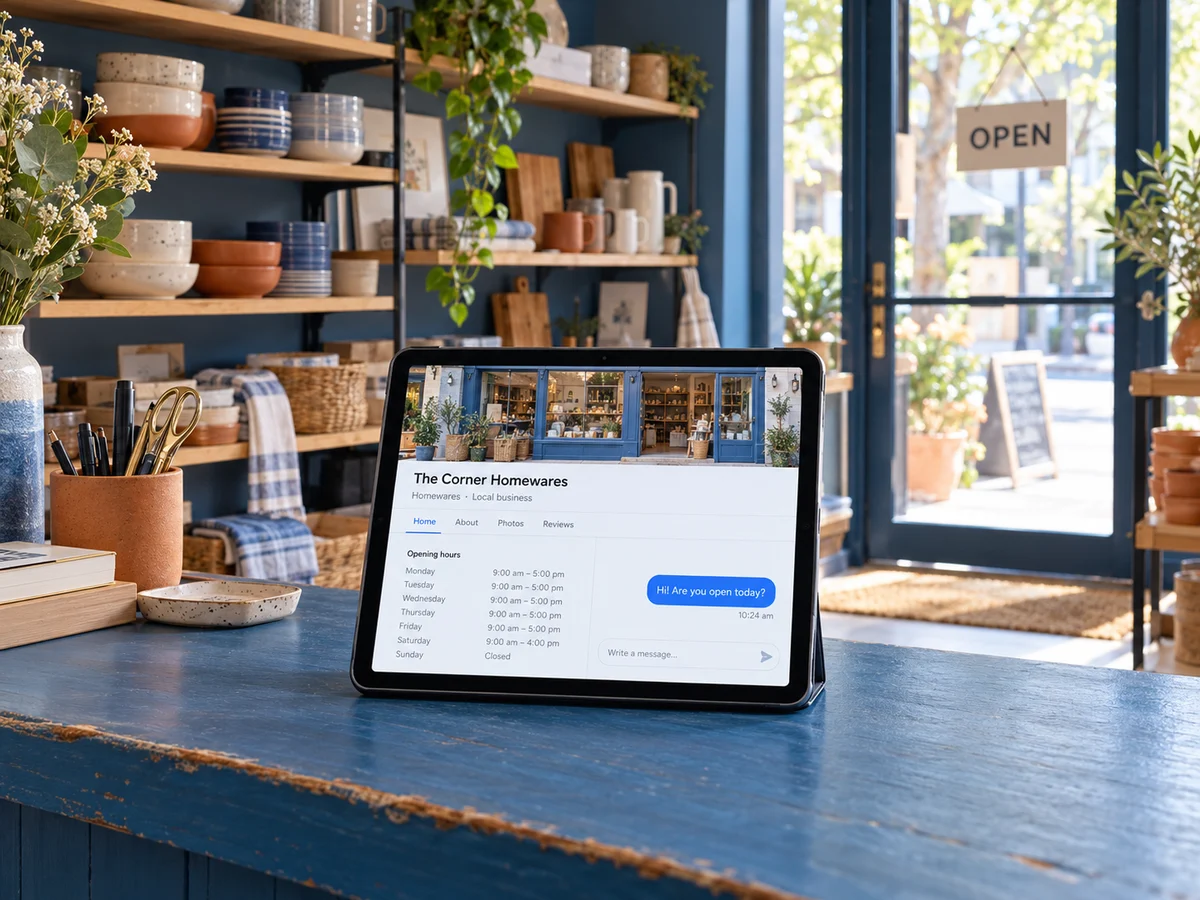
Hi, are you open today?

Yes, we are open until 8 tonight.
Many customers still message the Facebook page first. Here is what they get back.
MessengerLumen Home
An example conversation for an ecommerce business. Your agent answers from your own information and tools.
See Steps AI for ecommerceThe same Meta connection covers WhatsApp and Instagram.
- Connect through MetaSign in to Meta and choose your Facebook page.
- Choose the agentPick which agent answers your page messages.
- Test it, then go liveSend a test message and check the answer before customers do.
When a customer asks for a person, or the agent reaches something it should not handle, the chat moves to your unified inbox with the full history. Nobody has to repeat themselves.
- Set a wait time and a fallback message
- Email the right person when someone is needed
- On Instagram, replying from the app pauses the AI
Good to know
- You need admin access to the Facebook page to connect it.
- Messenger does not share state-level location for analytics.
Do I need a separate setup for Instagram and WhatsApp?
No. One Meta connection covers all three.
Can I pause the agent on Messenger?
Yes. A connected channel can be paused and resumed.
One agent, one inbox, every channel your customers use.


See the Messenger chatbot with your own business in mind.
Book a demo and we will walk through it using your own information and channels.