
Key takeaways
- Meta sorts every WhatsApp template message into three categories. Marketing is for promotions, utility is for updates about something the customer did, and authentication is for one-time login codes.
- Meta decides the final category by reading your message, not by the box you tick. A single discount code is enough to turn an order update into a marketing message.
- Some helpful-sounding messages still count as marketing. Abandoned cart reminders, back-in-stock alerts, renewal nudges, and birthday wishes all fall under marketing.
- Marketing messages cost the most. Utility and authentication messages cost much less, and you're charged for each template message that gets delivered.
- Service messages are the unofficial fourth category. These are your free-form replies within 24 hours of a customer messaging you. Since 1 October 2026, Meta charges for them after the first 1,000 each month per phone number.
- You can push back if Meta gets it wrong. If your template lands in the wrong category, you can request a review in WhatsApp Manager within 60 days.
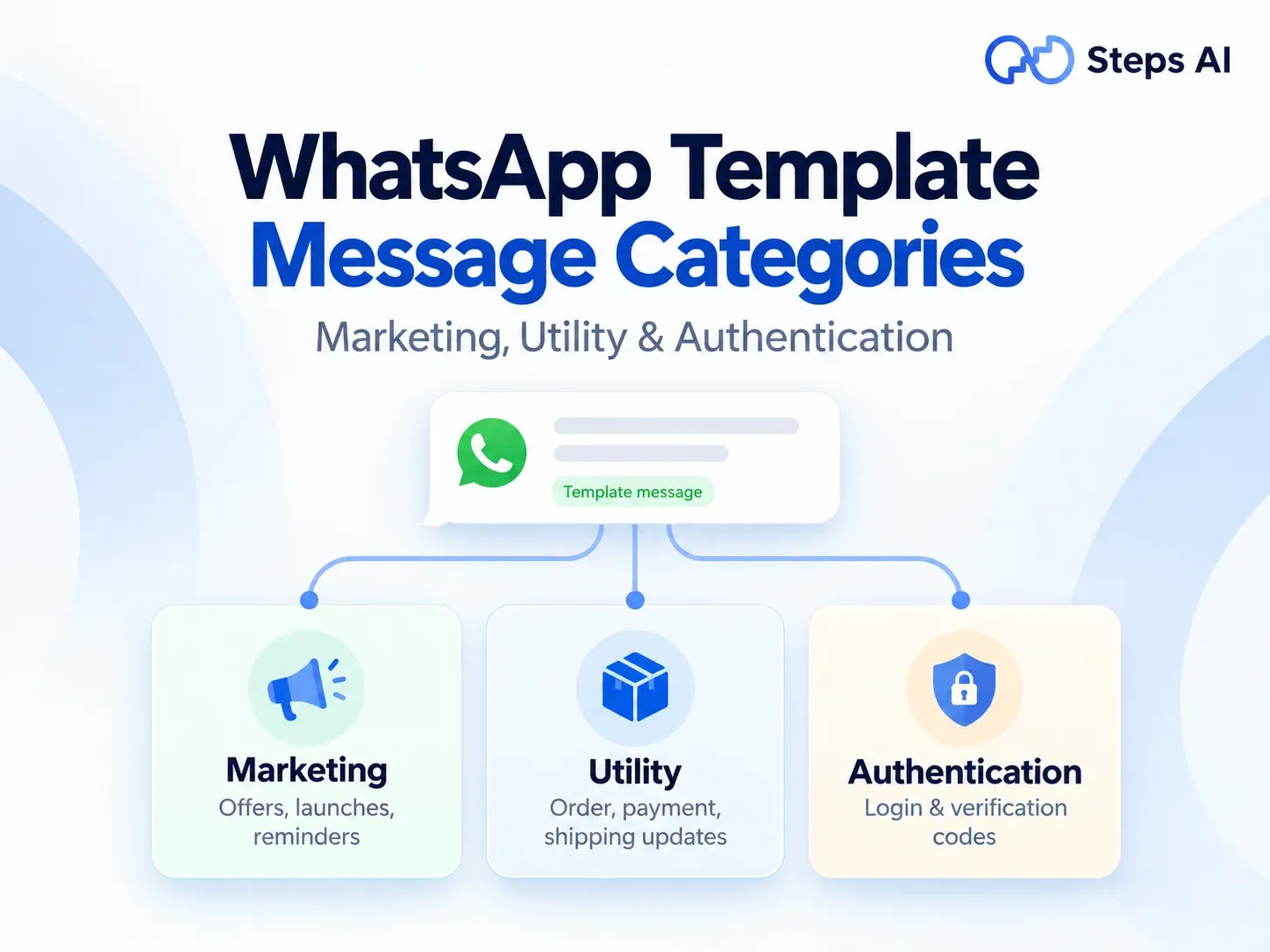
Every WhatsApp template you create belongs to one of three categories: marketing, utility, or authentication. That one label decides two big things: whether Meta approves your template, and how much you pay every time you send it.
You'll meet this choice the moment you create your first template in WhatsApp Manager, usually before anyone has explained what the options mean. Below, we've laid out each category with real examples from online stores, so you can make that choice with confidence.
What are WhatsApp template message categories?
WhatsApp template message categories are the three labels Meta uses to sort business template messages: marketing, utility, and authentication.
Every template needs one. The label tells Meta what your message is for, which decides how closely it's checked and what it costs to send.
What a WhatsApp template message is
A template message is a pre-approved message you write once and reuse. You submit it through WhatsApp Manager, or through a tool connected to your WhatsApp Business account. Meta reviews it, and once it's approved, you can send it to any customer who has agreed to hear from you on WhatsApp.
Most templates mix fixed text with a few blanks, called variables, that fill in automatically for each person. For example:
Hi {{1}}, your order {{2}} has shipped. You can track it here: {{3}}
Every customer gets the same message, with their own name, order number, and tracking link dropped in.
When you need a template and when you don't
Whether you need a template depends on who messaged last, and when.
- The customer messaged you in the last 24 hours. This opens what Meta calls the customer service window. Inside it, you can reply with normal free-form messages: text, photos, voice notes, whatever helps. No template is needed.
- The customer hasn't messaged you in 24 hours, or ever. You can only reach them with an approved template.
So templates are how your business starts a conversation, or picks one back up after it's gone quiet. Because templates let you message people first, Meta requires opt-in. Before you send any template, the customer must have clearly agreed to get WhatsApp messages from you.
Template categories vs template formats (text, media and buttons)
When some people talk about WhatsApp template message types, they mean the format rather than the category. A template can be plain text, carry an image, video, or document, or include interactive buttons like "Track order" or "Copy code".
Format is how the message looks. Category is what the message is for. A shipping update with a "Track order" button and a sale announcement with a product video both use media and buttons, but the first is utility and the second is marketing. In this blog, we're talking about categories.
The three WhatsApp template categories at a glance
Here's how the three template categories compare side by side. If you only read one part of this blog, make it this table.
| Marketing | Utility | Authentication | |
|---|---|---|---|
| What it's for | Promoting products, offers and your brand | Updates about an order, account, or booking the customer already has | One-time codes that confirm a person's identity |
| Who triggers it | You, whenever you choose | Usually the customer, through something they did or asked for | The customer, when they try to log in or verify |
| Offers or discount codes allowed? | Yes | No | No |
| Media and buttons | Images, videos, documents, links, and buttons | Allowed, as long as nothing is promotional | Only a copy code or one-tap button. No links, media, or emojis |
| How strict Meta is | Most flexible | Strict | Most restrictive |
| Cost per message | Highest | Lower | Lower |
| Everyday examples | Festive sale, new product launch, abandoned cart reminder | Order confirmation, shipping update, payment reminder | Login code, account recovery code |
Now let’s look at each category properly, starting with marketing, the one with the most surprises.
Marketing templates: for messages that promote, sell or re-engage
Marketing templates are the most flexible category. If a message is trying to get someone to buy, come back, or think about your brand, Meta treats it as marketing.
What counts as a marketing message
Meta's guidelines group marketing messages by what they're trying to achieve:
- Awareness: telling customers about your business, a new store or an upcoming event
- Sales: offers, coupons, discount codes, and product launches
- Retargeting: nudging people who visited your site, browsed a product, or left something behind
- App promotion: asking customers to download or use your app
- Customer relationships: birthday wishes, festive greetings like Diwali wishes for your customers, thank-you notes, and “we’re here if you need us” introductions
Marketing templates can include images, videos, links, and buttons, which makes them the natural choice for marketing campaigns and customer engagement.
Messages that are marketing even when they feel like updates
This is where most surprises come from. Meta classifies all of these as marketing, even though they can feel like customer service:
- Abandoned cart reminders: "You left 2 items in your cart" is retargeting. Meta says it counts as marketing even if the customer asked for reminders.
- Back-in-stock and saved-search alerts: telling someone a product they wanted is available again is a nudge to buy, so it's marketing too.
- Renewal nudges: "Your subscription expires on Friday. Renew today and save 10%" is marketing.
- Apologies that come with a credit: "Sorry your order arrived late. We've added ₹100 credit to your account" sounds like customer service, but Meta lists it under marketing.
- Vague templates: a template that only says "Congratulations!" or is just a variable like {{1}} is treated as marketing, because Meta can't tell what it's for.
- Mixed messages: any template that combines a useful update with promotional content, like an order update plus a promo code, becomes marketing as a whole.
It's also worth knowing that Meta can limit how many marketing messages one person receives from businesses over a period of time. So a marketing message may not reach every person you send it to, even when their number is valid.
Marketing template examples
- "Our Diwali sale is live! Get 20% off everything until Sunday with code DIWALI20. Tap below to shop."
- "Our new monsoon collection just dropped. See the full range below."
- "Hi {{1}}, you left {{2}} in your cart. It's saved for you whenever you're ready."
Utility templates: for updates about something the customer already did
Utility templates are for practical updates tied to one customer's order, account, payment, or booking. They're usually triggered by user actions, like placing an order or making a payment, and they're the messages your customers are often waiting for.
The two tests every utility template must pass
Meta checks every WhatsApp utility template against two rules, and it has to pass both:
- It must be non-promotional. No offers, no upsells, no "you might also like", and no persuasive language.
- It must be specific to the customer, or essential to them. It should clearly relate to their order, account, booking, or payment. Or it should be critical information, like a safety alert, a service outage, or a product recall.
If a template fails either test, it moves to the marketing category.
Utility template examples for online stores
Meta's guidelines list these message objectives as utility, and between them they cover most of what a store sends day to day:
- Order confirmations: "Your order #4521 is confirmed. We'll message you as soon as it ships."
- Cash on delivery confirmations: "Please confirm your cash on delivery order #4521 by tapping Yes or No below."
- Shipping updates: "Your order #4521 is on its way. Tracking ID: DL88213. Expected delivery: 18 October."
- Payment notifications: "We've received your payment of ₹1,499 for order #4521."
- Payment reminders: "Reminder: your payment of ₹2,000 for invoice #882 is due on 20 October."
- Account alerts: "Your password was changed on 14 October. If this wasn't you, tap below to contact us."
- Appointment reminders: "Reminder: your fitting at our Indiranagar store is tomorrow at 4 PM."
- Feedback requests tied to an order: "Your order #4521 was delivered. Was everything okay? Tap below to let us know."
- Opt-in confirmations: "Thanks for opting in. You'll now get order updates on WhatsApp."
Notice the pattern? Every example is about something specific the customer did, like placing an order, making a payment, booking a visit, or opting in. A general "Rate us!" survey with no order attached won't qualify as a utility message.
What turns a utility template into marketing
It takes surprisingly little to tip a utility template over the line. Watch out for:
- A discount code or offer, like "...and here's 10% off your next order"
- Product recommendations or upsells
- Asking the customer to renew, upgrade, or buy again
- Generic wording with no order, account, or booking details
- Promotional language that sounds more like an ad than an update
The fix is easy: send two separate messages. Keep your utility template purely about the update, and put the offer in its own marketing template. You keep the lower utility price for the update, and the offer still reaches the customer.
Authentication templates: only for one-time verification codes
Authentication templates have exactly one job: sending a one-time passcode (OTP) that confirms a user's identity. You'd use them for login verification, new account sign-ups, account recovery, or confirming a transaction.
What authentication templates can and can't include
This is the most restrictive category, and that's on purpose.
To qualify, Meta requires you to:
- Start from one of Meta's preset authentication templates in its template library
- Add a one-time password button, either a copy code button or a one-tap autofill button
- Leave out links, media, and emojis, and keep the code to 15 characters or fewer
You can switch on a couple of optional extras Meta provides, like a security note ("For your security, don't share this code") or a line saying when the code expires.
The rule works in reverse too. Only authentication templates can send login codes. If a marketing or utility template is used to send OTPs, Meta will reject it.
Authentication template example
482913 is your verification code. For your security, do not share this code. This code expires in 10 minutes. [Copy code]
That's the whole message. It feels bare, but that's exactly why customers can trust it.
Service messages: the fourth WhatsApp Business API message category
When people talk about WhatsApp message categories, or WhatsApp Business API message categories, they often add a fourth one: service.
Service messages aren't templates. They're the free-form replies you send inside the 24-hour customer service window, after a customer messages you first. They don't need approval, so you can write whatever genuinely helps the customer.
Here's how it plays out in a typical chat:
- A customer messages you: "Do you have this kurta in medium?"
- That opens the 24-hour customer service window.
- You reply: "Yes, medium is in stock. Here's a photo of it." That reply is a service message.
- Every new message from the customer restarts the 24-hour clock.
Since November 2024, these replies had been completely free. That changed on 1 October 2026, which brings us to the question everyone asks next: what does all of this cost?
How much each WhatsApp message category costs
WhatsApp uses per-message pricing. You're charged each time a message is delivered, and the price depends on two things:
- Message category
- Country code of the customer's phone number
Here's how the categories compare right now:
| Message category | Meta’s price in India (before GST) | When it's free |
|---|---|---|
| Marketing | ₹0.8631 | Only inside a free entry point window |
| Utility | ₹0.115 | Only inside a free entry point window |
| Authentication | ₹0.115 | Only inside a free entry point window |
| Service | ₹0.115 (the utility rate) | First 1,000 each month per business phone number, and inside a free entry point window |
These rates apply to messages sent to Indian (+91) numbers, and 18% GST is added on top. That works out to about ₹1.02 for a marketing message and about ₹0.14 for a utility message. In other words, a marketing message costs roughly 7.5 times as much as a utility message. If you use a WhatsApp platform, it may add its own fee per message as well. Customers in other countries are charged different rates. That’s why getting the category right has such a big effect on your messaging costs.
The biggest recent change came on 1 October 2026. Before that date, service replies were free, and so were utility templates sent inside an open customer service window. Now, service messages are free only for the first 1,000 each month on each business phone number, and then they're charged at the utility rate. Utility templates are charged even when you send them during an open chat.
One thing that stayed free is the free entry point window. When a customer reaches you through a Click-to-WhatsApp ad or a Facebook Page call-to-action button, and you reply within 24 hours, everything you send them for the next 72 hours is free, templates included.
Two more things are worth keeping in mind:
- You pay for whatever category a template has at the moment you send it, so if Meta moves a template from utility to marketing, the higher price applies straight away.
- Meta can update prices at the start of each quarter: 1 January, 1 April, 1 July and 1 October. Before you plan a big campaign, check the latest rates in WhatsApp Manager or on Meta's pricing page.
Which category should you choose? A quick decision guide
Picking the correct category gets much easier once you ask the right questions. Go through these in order and stop at the first yes:
- Is it only a one-time code to verify someone? Choose authentication.
- Is it about a specific order, payment, booking or account the customer already has, with no promotion at all? Choose utility.
- Is it trying to sell, promote, remind someone to buy, or keep them engaged? Choose marketing.
- Does it mix an update with an offer? Split it into two templates: one utility, one marketing.
If you’re still torn between utility and marketing, here’s a handy test we use: ask yourself whether this message would still make sense if the customer had never ordered, booked, or signed up for anything with you. If the answer is yes, it’s almost certainly marketing.
Common ecommerce messages and their correct category
| Message | Category | Why |
|---|---|---|
| Order confirmation | Utility | It's about a specific order the customer placed |
| Cash on delivery confirmation | Utility | It confirms the details of a specific order |
| Shipping or delivery update | Utility | It tracks the customer's own order |
| Payment received or payment reminder | Utility | It's about the customer's own payment |
| Return or refund update | Utility | It updates an existing transaction |
| Delivery feedback request for a specific order | Utility | It's tied to one order and has no promotion |
| Delivery feedback request with a discount on the next order | Marketing | The offer makes the whole message promotional |
| Abandoned cart reminder | Marketing | Meta treats it as retargeting |
| Back-in-stock alert | Marketing | It encourages a new purchase |
| Festive sale or new collection launch | Marketing | It promotes products |
| Birthday or anniversary wish | Marketing | It builds the relationship, not a transaction |
| Login or checkout OTP | Authentication | It verifies the customer's identity |
How Meta reviews and assigns your template category
When you create a new template, you choose a category. Meta then reads your message content and checks it against its template categorization guidelines.
Think of your choice as a suggestion: Meta's reading is what counts. Template approval typically takes up to 24 hours, and it's often much quicker.
Template status: approved, pending, paused, and rejected
Every template has a template status that tells you where it stands:
- Approved: your template is ready to send. Do check which category it was approved under, because it might not be the one you picked.
- Pending: Meta is still reviewing it.
- Paused: Meta has temporarily stopped the template, usually because too many customers blocked or reported it. You can’t send it until it’s active again.
- Rejected: Meta disagreed with your category or found a problem with the content. You can edit it and resubmit, create a new template, or request a review.
Since 9 April 2025, if you choose utility and Meta decides the message is marketing, Meta approves it as marketing instead of rejecting it. That saves time, but it's easy to miss, so make checking the category a habit.
Approval isn't the last check, either. Meta keeps an eye on how customers react to approved templates. If lots of people block or report a template, its quality rating drops, and Meta can pause it.
Why Meta can change your category after approval
Meta regularly reviews approved templates to catch ones in the wrong category. If it finds a utility template that should be marketing, it gives you one day's notice by email and in WhatsApp Manager, then switches it. The template stays approved and keeps working. It just costs the marketing rate from then on.
If Meta finds a marketing or utility template that's really sending login codes, it doesn't recategorise it. It rejects it, and you'll need to create a proper authentication template instead.
You'll spot these template category updates in WhatsApp Manager, where affected templates show a small information icon, and in Business Support under Template Category Updates.
How to request a category review in WhatsApp Manager
If you believe Meta got your category wrong, you can ask for a category review:
- Open WhatsApp Manager and go to Message Templates.
- Click Go to Business Support on the banner, or open Business Support Home directly.
- Select Template Category Updates.
- Choose the templates you'd like reviewed, then click Request Review.
- Track progress in the In Review tab. If Meta agrees with you, the template moves to Reversed. If not, it moves to Unchanged.
You can request a review for approved marketing templates, or for rejected utility or marketing templates. You have 60 days from the template's creation date, or from the date Meta changed its category.
A quick tip from experience: reviews work best when the template genuinely follows the utility rules. If there's any promotional wording in it, rewriting and resubmitting is usually faster than appealing.
What happens if you keep miscategorising templates
Meta has escalating steps for businesses that consistently label marketing templates as utility to pay less:
- Warning: after this, utility-to-marketing changes happen instantly, with no advance notice.
- Rate limiting: Meta caps how many utility messages you can send in 24 hours, for at least 7 days.
- Utility restriction: all your approved utility templates become marketing, and you can't create new utility templates for 7 days, or 30 days for repeat cases.
- Portfolio restriction: if it continues across several WhatsApp Business accounts, the same restriction applies to all of them for 30 days.
These steps are aimed at repeated misuse. If you're choosing categories honestly and fixing the occasional mix-up, you're in good shape.
WhatsApp template guidelines: mistakes that get templates rejected or recategorised
Most template rejections come down to a handful of small, easy-to-miss details. Before you submit a new template, run through this quick checklist:
- Pick the category by purpose, not price. It's tempting to choose utility because it's cheaper, but Meta judges the message content, so the lower price only sticks if the message really is utility.
- Keep promotional language out of utility templates. Even a friendly "Don't miss our sale!" at the end turns an order update into marketing.
- Avoid vague templates. A message like "Hi {{1}}, {{2}}" doesn't tell Meta what it's for. Write real sentences and add clear sample values for every variable.
- Use authentication templates for every OTP. Codes sent through marketing or utility templates get rejected.
- Keep authentication templates bare. Links, emojis, images, and extra branding aren't allowed.
- Tie feedback requests to a specific order. "How was your order #4521?" can be utility. "Tell us what you think of our brand!" can't.
- Only message people who've opted in. Messages to people who didn't ask for them lead to blocks and reports, which hurt your quality rating and can get templates paused.
- Give templates clear names. A template name like order_shipped_v2 makes template management much easier when your library grows, and your team needs to find the right one quickly.
What this means if an AI agent answers your customers on WhatsApp
If you use an AI agent on WhatsApp, like the one we build at Steps AI, message categories affect you in two places.
The agent's replies are service messages. When a customer messages your store and the agent answers within 24 hours, those answers are free-form service messages, not templates. They don't need approval. The first 1,000 each month on your number are free, and after that Meta charges per reply at the utility rate. Because you connect your own WhatsApp Business account to Steps AI, these Meta charges apply to your WhatsApp account and are separate from your Steps AI plan.
Anything the agent sends first needs a template. WhatsApp broadcasts, cart recovery messages, and restock alerts all start conversations, so each one needs an approved template in the correct category.
In Steps AI, you pick an approved WhatsApp template when you set up a campaign, or create a new one right there and submit it for review. Then you choose who receives it, and the agent handles the replies that come back. Most of these sends, including cart recovery and back-in-stock alerts, fall under marketing, so it helps to plan your budget with that in mind.
The good news is that one template can lead to a whole conversation. Say a customer replies to your sales broadcast with a question. That opens the customer service window, and the agent can answer, suggest products, and help them reach checkout using service messages, without you needing to send more templates.
FAQs
Are WhatsApp message categories and template categories the same thing?
Almost. WhatsApp template categories are the three Meta assigns to templates: marketing, utility, and authentication. WhatsApp message categories usually mean those three plus service, the free-form replies you send within 24 hours of a customer messaging you. Service isn't a template, but Meta prices it as its own category.
Is an abandoned cart reminder a marketing or utility template?
It's marketing. Meta lists "You left items in your cart" as a retargeting example in its guidelines, and says these messages count as marketing even when customers ask for them.
Why was my utility template approved as marketing?
Usually, something in it reads as promotional or isn't specific enough. Common causes are an offer, a product suggestion, salesy wording, or missing order or account details. Remove those, create a new template with the cleaned-up wording under utility, or request a review within 60 days.
Can I use a utility template to send an OTP?
No. Only authentication templates can send one-time passcodes. Meta rejects marketing and utility templates that are used to send login codes.
Can I change a template's category after it's approved?
Not directly. Meta doesn’t let you change the category of an approved template. You can edit its content, but if it needs a different category, you’ll need to create a new template under that category. If you think Meta assigned the wrong category, you can also request a review through Business Support.
Do I need a template to reply to a customer on WhatsApp?
Not if they messaged you in the last 24 hours. Inside that customer service window, you can send free-form messages. Once 24 hours pass without a message from them, you'll need an approved template to reach them again.
Are WhatsApp service messages still free?
Partly. Since 1 October 2026, each business phone number gets 1,000 free service messages a month, and Meta charges for each one after that at the utility rate. Everything you send inside a free entry point window, which opens when a customer reaches you through a Click-to-WhatsApp ad, stays free for 72 hours.
How long does WhatsApp template approval take?
Usually anywhere from a few minutes to 24 hours. You’ll see the template status change from pending to approved or rejected in WhatsApp Manager.