
Key takeaways
- Steps AI is the strongest overall pick. It answers support questions, recommends products, adds items to carts, and tracks orders across your site, WhatsApp, Instagram, and Messenger. You pay per AI reply, not per ticket or per person on your team.
- Richpanel, Intercom Fin, and eDesk also bill for AI work, not ticket count. Richpanel is built for self-service returns and order tracking. Intercom and eDesk suit bigger or marketplace-heavy stores.
- Help Scout, Re:amaze, and Freshdesk charge per person on your team. Good when your team answers most messages themselves. Your bill stays flat as ticket volume climbs.
- DelightChat, Tidio, and Willdesk are the channel and size picks. WhatsApp and Instagram brands, live-chat-first stores, and very small teams on a tight budget.
Most stores start looking at Gorgias alternatives when the bill stops making sense. You had a good month, more people bought things, more of them wrote in, and support suddenly costs a lot more than it did in the spring.
That happens because Gorgias uses a ticket-based pricing model. Other customer support tools don't. Some charge for each person on your team, some for each reply the AI sends, some only when the AI actually sorts the problem out. Two stores with identical inboxes can end up paying very different amounts.
Price is the usual trigger, but it is rarely the only one. Merchants also report that the Gorgias AI gives inaccurate or off-brand answers, that team collaboration features are thin once more than a couple of people share the inbox, and that waiting on Gorgias's own support takes longer than they would like. Any of those can matter more than the monthly figure.
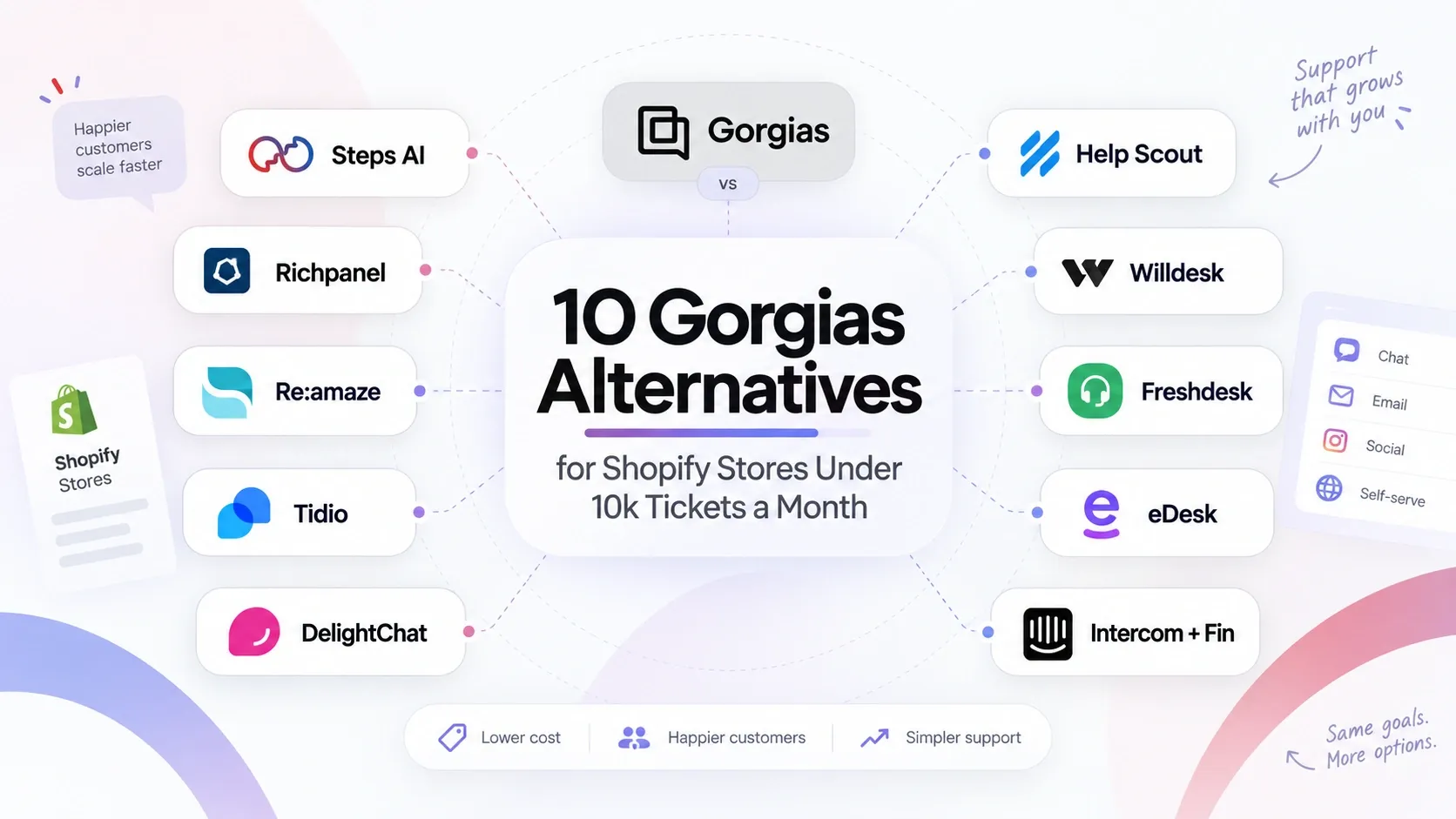
So here are ten alternatives worth looking at if you handle under 10,000 tickets a month.
How the 10 Gorgias Alternatives Compare for Shopify Stores
Here's the short version of all ten, with Gorgias at the top so you can see what you're comparing against.
| Platform | Best for | Shopify depth | Main channels | What you pay for | Main limitation |
|---|---|---|---|---|---|
| Gorgias (benchmark) | Shopify stores wanting deep native actions | Deepest | Email, chat, social, SMS, voice | Tickets, plus AI resolutions on top | Price climbs with volume alone, and AI answers can be inconsistent |
| Steps AI | AI that handles support and selling | Deep | Website, WhatsApp, Instagram, Messenger | AI replies | One credit is one reply, not one solved case |
| Richpanel | Self-service and order support | Deep | Email, chat, social, SMS, WhatsApp | Seats plus AI conversations | Seat cost is high for small teams |
| Re:amaze | A familiar ecommerce inbox | Good | Email, chat, social, FAQ | Users, or a flat conversation cap | Small AI allowance |
| Tidio | Live chat on your website | Light | Website chat, email | Separate quotas for humans, AI, flows | Runs out of road above a few thousand tickets |
| DelightChat | WhatsApp and Instagram brands | Good | WhatsApp, Instagram, Messenger, email, chat | Tickets a human replied to | Meta's WhatsApp fees sit on top |
| Help Scout | Small teams answering personally | Moderate | Email, chat, social, SMS | Users, plus AI resolutions | Few native Shopify actions |
| Willdesk | Very small stores on a budget | Good for the price | Email, chat, Instagram, Messenger, WhatsApp | Conversations and tracked orders | Low included allowances |
| Freshdesk | Structured queues and SLAs | Light | Email, chat, phone, social | Agents, plus AI sessions | Check it can do Shopify actions, not just show data |
| eDesk | Also selling on marketplaces | Good, plus Amazon and eBay | Marketplaces, email, chat, WhatsApp, social | Users, plus AI outcomes | You pay for marketplace features you may not use |
| Intercom + Fin | Growing into a bigger support team | Light | Chat, email, in-app, social | Seats, plus Fin outcomes | Heavy setup for a store answering order questions |
A ticket, a seat, an AI reply, an AI session, and a solved problem are five different things. Two platforms can advertise $29 and land hundreds of dollars apart on your actual bill. Each review below shows what happens to the price as your ticket volume grows.
What a Gorgias Alternative Needs to Offer a Shopify Store at This Size
Before comparing prices, work out what the customer support platform has to do. Seven key features matter at this size.
Deep Shopify integration
When a customer writes in, your team should already see who they are, what they bought, whether it shipped, and if they're on a subscription. All of it, next to the message.
If someone on your team has to open Shopify in another tab to answer "where is my order," the tool is making the job slower. A deep integration removes that step. A basic one just adds a logo to the integrations page.
Showing customer data vs taking action on it
Plenty of customer support software displays the order. Fewer can act on it.
Ask whether the tool can track a shipment, start a return, change an address, or recommend a product without anyone leaving the chat. That gap decides how much work actually comes off your team.
Multichannel support that matches where your tickets come from
Email, website live chat, WhatsApp, Instagram DMs and comments, Facebook Messenger, SMS, and marketplaces if you sell there.
Count last month's support tickets by channel. Pay for those, not the full list.
Three kinds of automation, sold under one name
- Automation rules: Tagging, routing, macros, automated responses. Cheap and fast, but it only does what you told it to.
- Team-assist AI: Writes a draft reply, but a person has to read it, fix it, and hit send. It makes your team faster. It does not mean you need fewer people.
- AI agents: Answer customer inquiries directly and finish the task. This is the only one that lightens the load at high ticket volumes.
Human handoff that carries the full context
When AI passes a customer to a person, the team member should get the entire conversation history, the customer details, the order, and the reason it escalated.
If your team has to ask the customer to explain again, you've made things worse than having no AI at all. Nothing damages customer satisfaction faster than repeating yourself to a company that already has the answer.
Self-service that stops repetitive tickets
Look at your inbox. Most of it is the same handful of questions: where's my order, can I return this, can I cancel, when will it arrive, what size am I, is it back in stock.
Customers would rather find those answers themselves than wait for a reply. A self-service portal and a good knowledge base let them, so those questions never turn into support tickets at all.
Pricing checked at your real ticket volume
Not the starting plan. Run the numbers at 1,000, 5,000, and 10,000 tickets.
Then check what counts as one unit, because every platform differs: a ticket, a conversation, a single AI reply, an AI session, or one solved problem. This is where ticket-based pricing and AI pricing pull apart.
Last, if they apply to you: multiple stores, permissions for multiple team members, SLA management, reporting, a mobile app, peak-season overages, and the work involved in migrating old tickets and rules.
The 10 Best Gorgias Alternatives, Reviewed
Start with whichever one sounds like your store. Each review covers the strengths, the catch, and how the price moves as you grow.
1. Steps AI: Best Overall for Automating Shopify Support and Sales
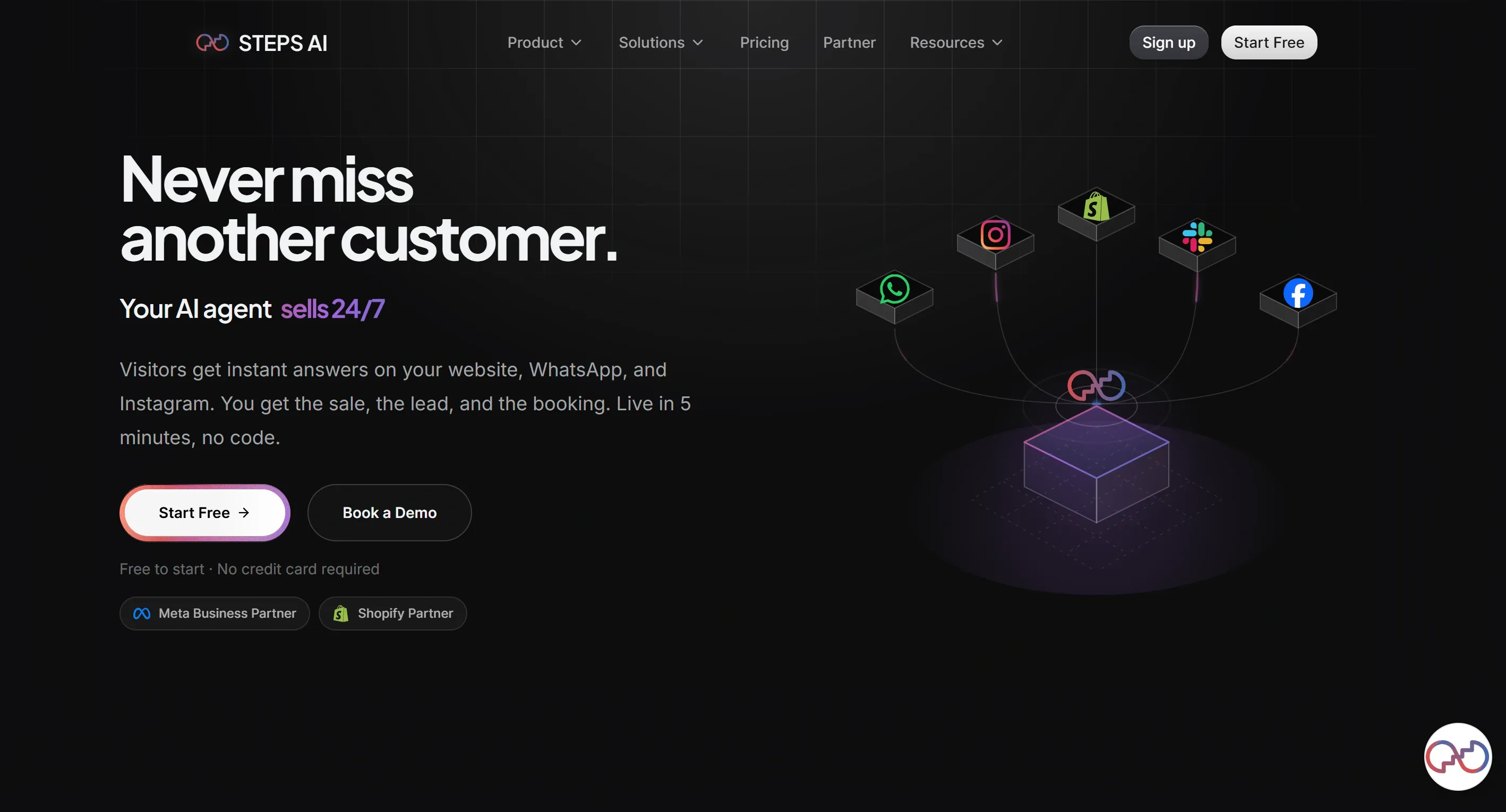
Steps AI is the only alternative to Gorgias here that treats a pre-purchase question as a chance to make a sale, not just another ticket to close. Someone asks whether a jacket is back in stock in their size. Steps AI checks your live inventory, tells them yes, shows the product, and adds it to their cart. All in the same chat that started as a support question.
The pricing works the same way. You pay for AI replies, and that is the only thing on the bill. No seat fees, no channel add-ons.
Best for
- Shopify and WooCommerce stores that want one AI agent doing the everyday work: answering questions, suggesting products, and capturing leads. Anything tricky goes to your team.
- E-commerce brands whose customer conversations arrive on multiple channels like website, WhatsApp, Instagram, and Messenger
Pros
- Deep integration with Shopify and WooCommerce. Connect your store in one click, and it pulls in your catalog, orders, and live stock, so every answer comes from real data.
- It acts inside the conversation, 24/7. Recommends products, adds items to carts, checks stock, gives delivery dates, tracks orders, books appointments, qualifies leads, and updates your CRM
- Every channel is included, even on the free plan. Website, WhatsApp, Instagram, Messenger, and a shareable agent page. You get omnichannel support from day one, with nothing sitting behind a higher tier
- Built-in CRM and ticket management. If you don't have a CRM, you don't need one, and if you do, it connects
- Unified inbox, workflow automation, knowledge base, and analytics in one place, so repetitive tasks get automated, and you can see what's working
- WhatsApp broadcasts included, reaching 1,000 customers at once for launches, restocks, or cart recovery. Proactive engagement and support run from the same platform
- Speaks 95+ languages, so customers get answers in their own language
- It says when it doesn't know, handing over the full conversation, customer details, order, and what it already tried
- Customer messages cost nothing. You only pay when the AI replies
- Five-minute setup and a two-week trial, long enough to watch it handle a real week of customer inquiries
Cons
- One credit is one AI reply, so a back-and-forth conversation uses several
- It handles tracking, stock, recommendations, and lead capture. Refunds, cancellations, and subscription pauses stay with your team, which many merchants prefer for anything touching money
- AI voice calling is coming, but not live yet
What Steps AI pricing looks like as your store grows
Build as many AI agents as you like, on any plan. There is no charge per agent and no charge per person on your team. Only AI replies affect your bill, so hiring someone new does not change what you pay.
| Plan | Price | AI replies |
|---|---|---|
| Free | $0 | 50 credits |
| Starter | $27 | 500 |
| Growth | $76 | 2,000 |
| Scale | $207 | 7,500 |
| Enterprise | Custom | 25,000+ |
Extra packs run $12 for 500 credits, $22 for 1,000, $49 for 2,500, and $85 for 5,000. Unused top-up credits roll over to the next cycle, so buying near month-end never wastes money.
One thing to get right before you compare: 7,500 credits is not 7,500 tickets.
Take the share of tickets you want AI handling, then multiply by how many replies a typical conversation takes. Three replies per chat means 7,500 credits cover roughly 2,500 conversations. Run that calculation before you pick a plan, and you will not be surprised in month two.
2. Richpanel: Best for Ecommerce Self-Service and Order Support
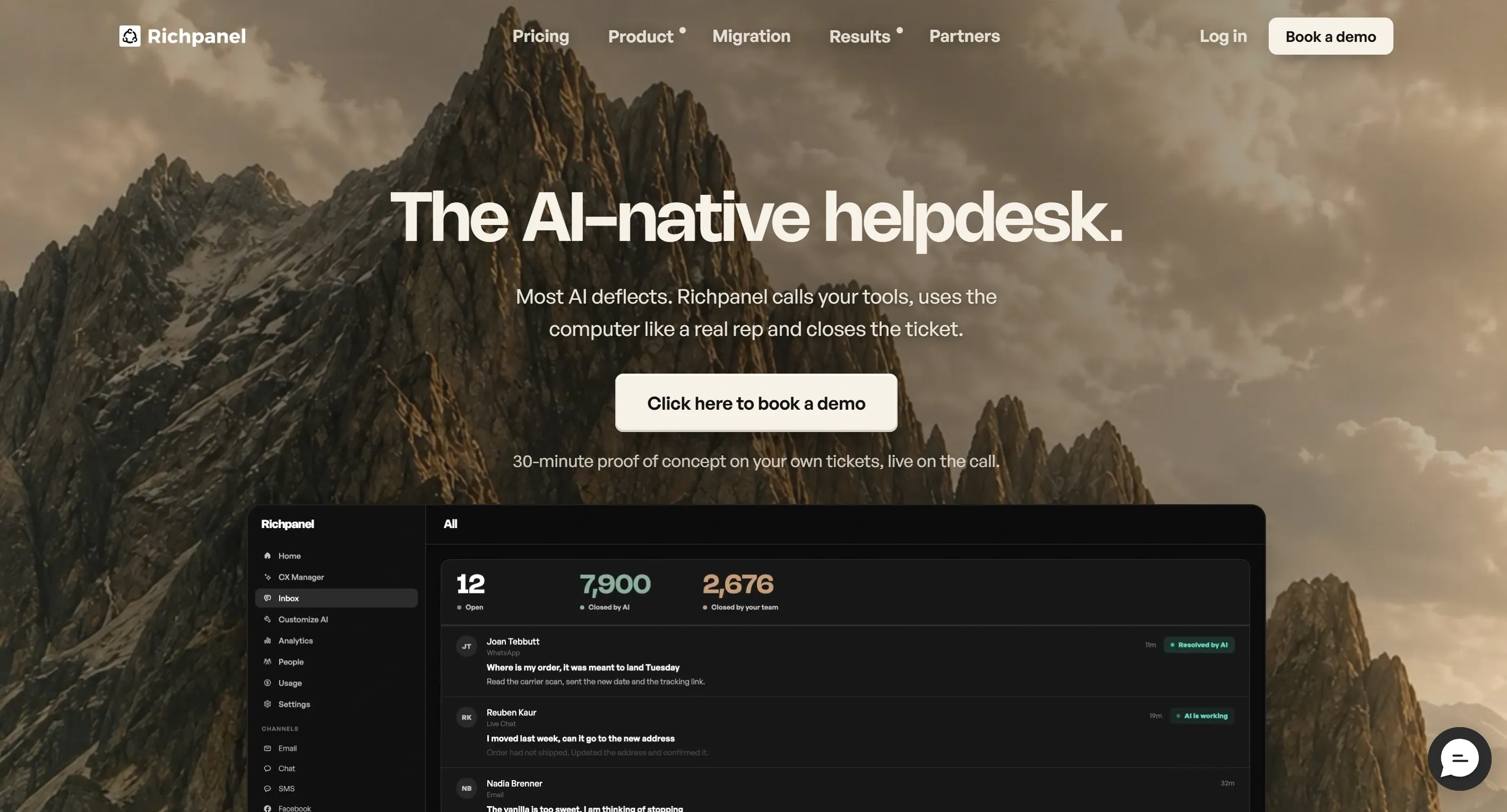
Richpanel's big idea is that the best ticket is the one nobody files.
It gives your customers a self-service portal where they can track an order, cancel it, start a return, or swap a size on their own. Those never reach your inbox, and they don't count against either pricing meter. That's the part worth paying attention to.
Best for
- Established stores where most customer inquiries are order tracking, cancellations, returns, exchanges, refunds, or subscription changes
- Teams happy to pay more per seat in exchange for a proper ecommerce inbox and cheap per-conversation AI
Pros
- Customer data, orders, subscriptions, and the entire conversation history sit in one place for your team
- The self-service portal is free, and anything it handles costs you nothing
- AI agents work across email, live chat, social, SMS, and WhatsApp at the same price on every channel
- Includes AI support quality checks, a Copilot for your team, routing, multi-brand queues, CSAT, and revenue reporting
Cons
- $99 per seat adds up fast if you have a few people and not many tickets
- Returns and Exchanges is a separate add-on, starting at another $99 a month
- Buying tends to run through a sales conversation rather than a quick signup
What Richpanel pricing looks like as your store grows
Two meters, and they move independently.
| What you're paying for | Cost |
|---|---|
| Each person on your team | $99 per seat monthly, no ticket fees |
| Each conversation the AI handles | $0.20 per conversation, however many messages it takes |
| Returns and Exchanges add-on | From $99 monthly |
The AI side is genuinely cheap. 2,000 automated conversations is $400, and a long back-and-forth costs the same as a one-line answer.
The seat side is what to watch. Three people are $297 before any AI, which is hard to justify on a quiet inbox. Richpanel makes the most sense when you have real volume and want the portal soaking up the repetitive tasks first.
3. Re:amaze: Best for a Traditional Ecommerce Helpdesk Experience
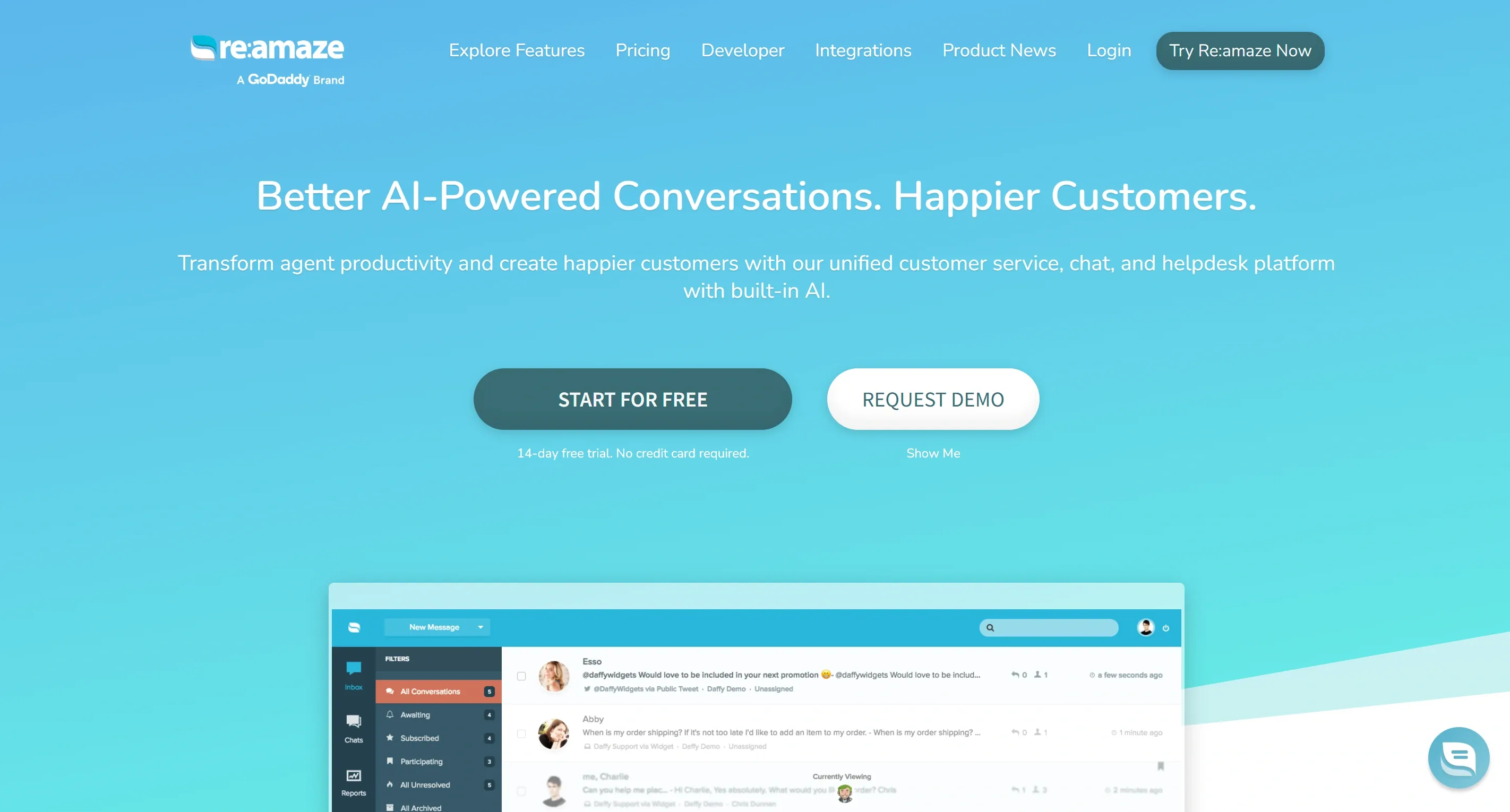
Re:amaze is the safe, familiar option. You get a shared inbox, live chat, social messages, an FAQ page, and a few chatbots, all laid out the way you would expect.
The predictable pricing helps too. You pay for each person on your team, so a busy month costs the same as a quiet one.
Best for
- Shopify stores that want a normal help desk covering email, live chat, social, FAQs, and proactive customer interaction
- Small teams who'd rather pay per person than get moved up a tier every time ticket volume jumps
Pros
- The cheapest plan already includes unlimited inboxes, live chat, social channels, FAQs, automation rules, chatbots, and the Re:amaze AI Agent
- Integrates cleanly with both Shopify and WooCommerce, putting customer orders and order history right beside the conversation
- Pro adds multiple brands, SMS, voice, visitor tracking, and better reports
- Plus adds screen sharing, video calls, staff roles, shift management, and CSAT
Cons
- The AI allowance is small next to AI-first tools. Five resolutions per user on Basic
- Multiple brands, voice, SMS, CSAT, and staff management all sit on higher plans
- Every new person on your team raises the bill
- The AI helps your team work faster. It won't run support and sales on its own
What Re:amaze pricing looks like as your store grows
| Plan | Monthly | Yearly | AI resolutions per user |
|---|---|---|---|
| Basic | $29 per user | $26.10 | 5 |
| Pro | $49 per user | $44.10 | 10 |
| Plus | $69 per user | $62.10 | 20 |
Extra AI resolutions are $0.85 each.
There's also a flat $59 Starter plan. Unlimited users, but capped at 500 answered conversations a month. Good for a small store with a big team, useless once you pass that cap.
Once you are above 500, work out the cost by team size rather than ticket count. Four people on Basic comes to $116 a month whether you handle 600 tickets or 6,000. That is the real reason to choose Re:amaze.
4. Tidio: Best for Smaller Stores Centered on Live Chat and AI
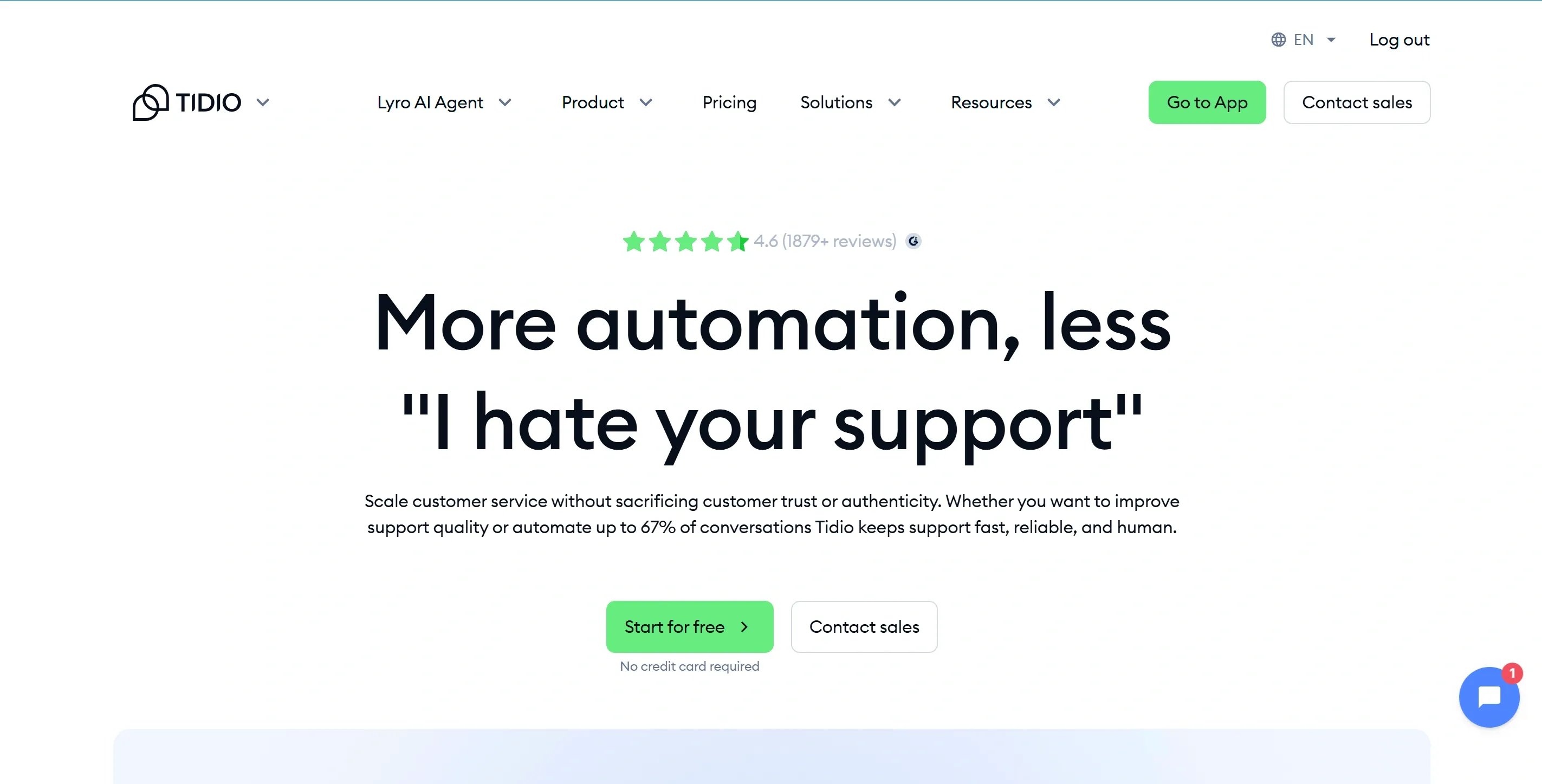
Tidio started as a chat widget, and that is still what it does best. The window looks good on your site straight away, and the intuitive interface means nobody on your team needs training to use it. Basic ticketing sits behind it.
Two parts are sold together here, so it helps to know the difference. Lyro is the AI agent that reads your help content and holds a real conversation. Flows are rule-based automations that follow a script you set up, like recovering an abandoned cart.
You can buy either one, both, or neither.
Best for
- Smaller Shopify stores where website live chat and quick answers matter more than routing rules and SLAs
- Teams who want Lyro on its own, bolted onto a help desk they already use
Pros
- There is a free plan with live chat and the basics, so you can try it on real customers before paying
- Starter covers live chat, ticketing, opening hours, visitor tracking, and basic analytics
- Lyro answers customer questions, recommends products, completes the actions you set up, and passes the rest to a person
- Ten seats come included on Free, Starter, and Growth, so adding team members costs nothing at first
- Flows handles lead capture and sales automation separately from the AI
Cons
- There are three separate meters: human conversations, Lyro conversations, and visitors reached through Flows
- The pricing calculator stops at 2,000 human conversations and 1,000 Lyro conversations. Past that, you need a quote
- Shopify actions are lighter than what Steps AI, Gorgias, Richpanel, or eDesk offer
- Admin controls, mobile SDK, and managed AI sit on higher plans
What Tidio pricing looks like as your store grows
| Plan | Price | What you get |
|---|---|---|
| Starter | $24.17 monthly, billed yearly | 100 billable conversations |
| Growth | From $49.17 | 250 conversations |
| Lyro standalone | From $32.50 | 50 AI conversations |
| Plus | From $300 plus usage | Higher allowances |
Your first 50 Lyro conversations are free, but only once for the life of the account. It does not reset each month.
The low starting prices are real, and they do not stretch far. A store heading toward several thousand tickets a month will land on Plus or a custom quote, so ask for that number before you migrate rather than after. We break those three meters down properly in our Tidio alternatives comparison.
5. DelightChat: Best for Shopify Brands Heavy on WhatsApp and Instagram
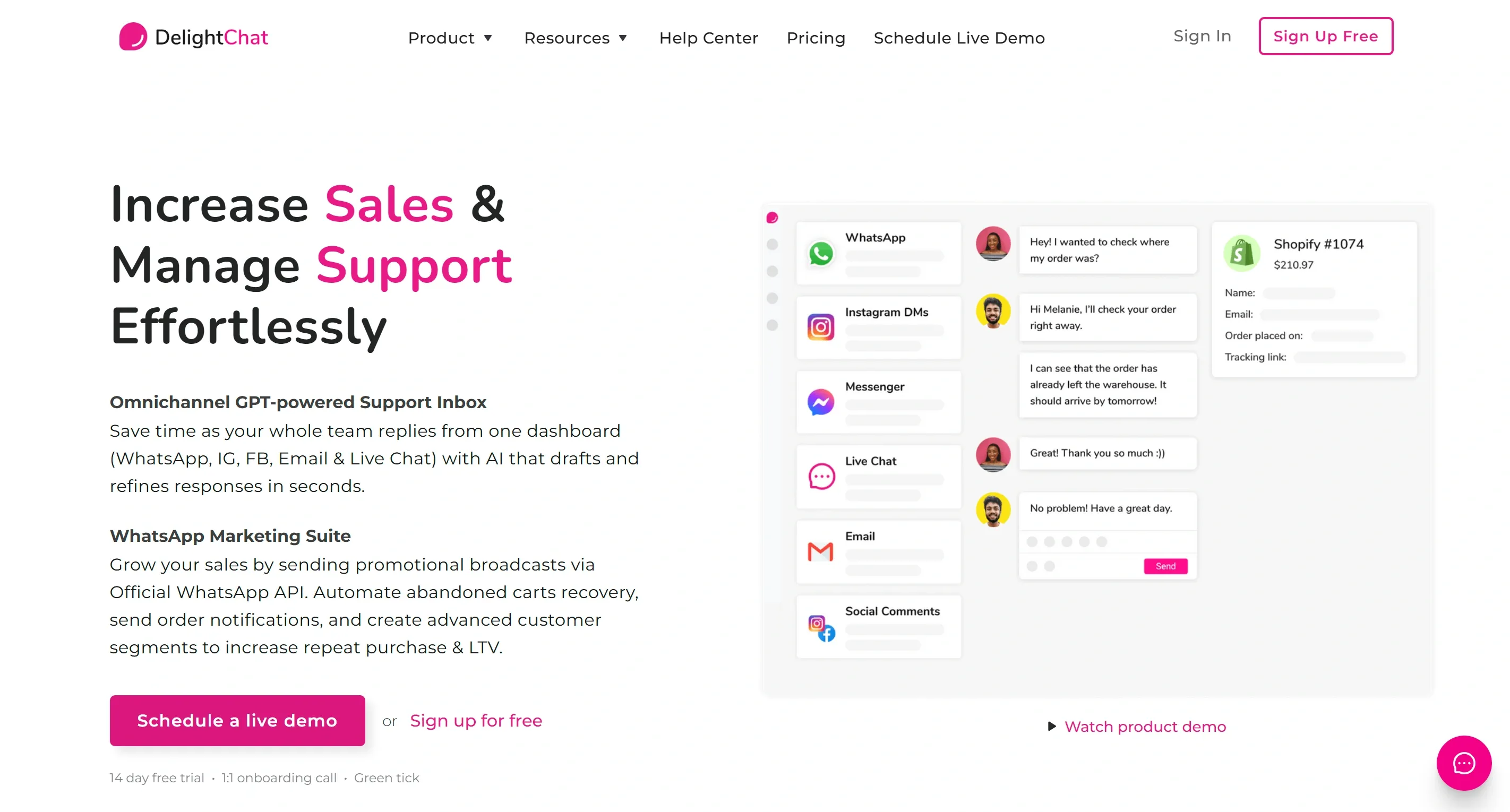
If most of your customer conversations happen on WhatsApp and Instagram rather than email, DelightChat is built for exactly that.
WhatsApp is the center of the product, not one channel among several. That shows up on the marketing side: broadcasts, abandoned cart reminders, COD verification, order confirmations, win-back campaigns, and WhatsApp catalogs all come as standard.
Best for
- Shopify brands where WhatsApp, Instagram, and Facebook bring in most support and sales messages
- Stores that want customer support and WhatsApp marketing on a single platform instead of paying for two
Pros
- Streamlines communication by bringing WhatsApp Business API, Instagram DMs and comments, Facebook Messenger and comments, email, and live chat into one inbox
- Shopify customer and order details sit right inside that inbox
- Handles WhatsApp catalogs, broadcasts, cart recovery, COD verification, order confirmations, and Shopify Flow triggers
- Has a self-service widget for order status and problem reports, plus iOS and Android apps
- Automated replies are free. A ticket is only billed once a person answers
Cons
- The AI mostly writes and polishes replies for your team. It does not run support and sales on its own like Steps AI or Richpanel
- Meta charges for WhatsApp messages on top of your subscription
- Plans cap marketing contacts, support channels, team members, and connected stores
- Routing, SLAs, and reporting are thin compared with a full help desk
What DelightChat pricing looks like as your store grows
| Plan | Price | Tickets | Extra tickets |
|---|---|---|---|
| Startup | $29 | 500 | $10 per 100 |
| Scale | $99 | 2,000 | $8 per 100 |
| Growth | $299 | 6,000 | $5 per 100 |
The billing rule here is generous. A ticket only counts when a human replies, and however many messages go back and forth inside it, you still pay for one.
At 10,000 tickets, you are looking at roughly $499 a month: $299 for Growth plus $200 for the extra 4,000. That is before Meta's WhatsApp fees, which you need to add yourself. Compare that with $900 on Gorgias at half the volume, and you can see why WhatsApp-led brands make the switch.
6. Help Scout: Best for Small Teams That Prefer Human-Led Support
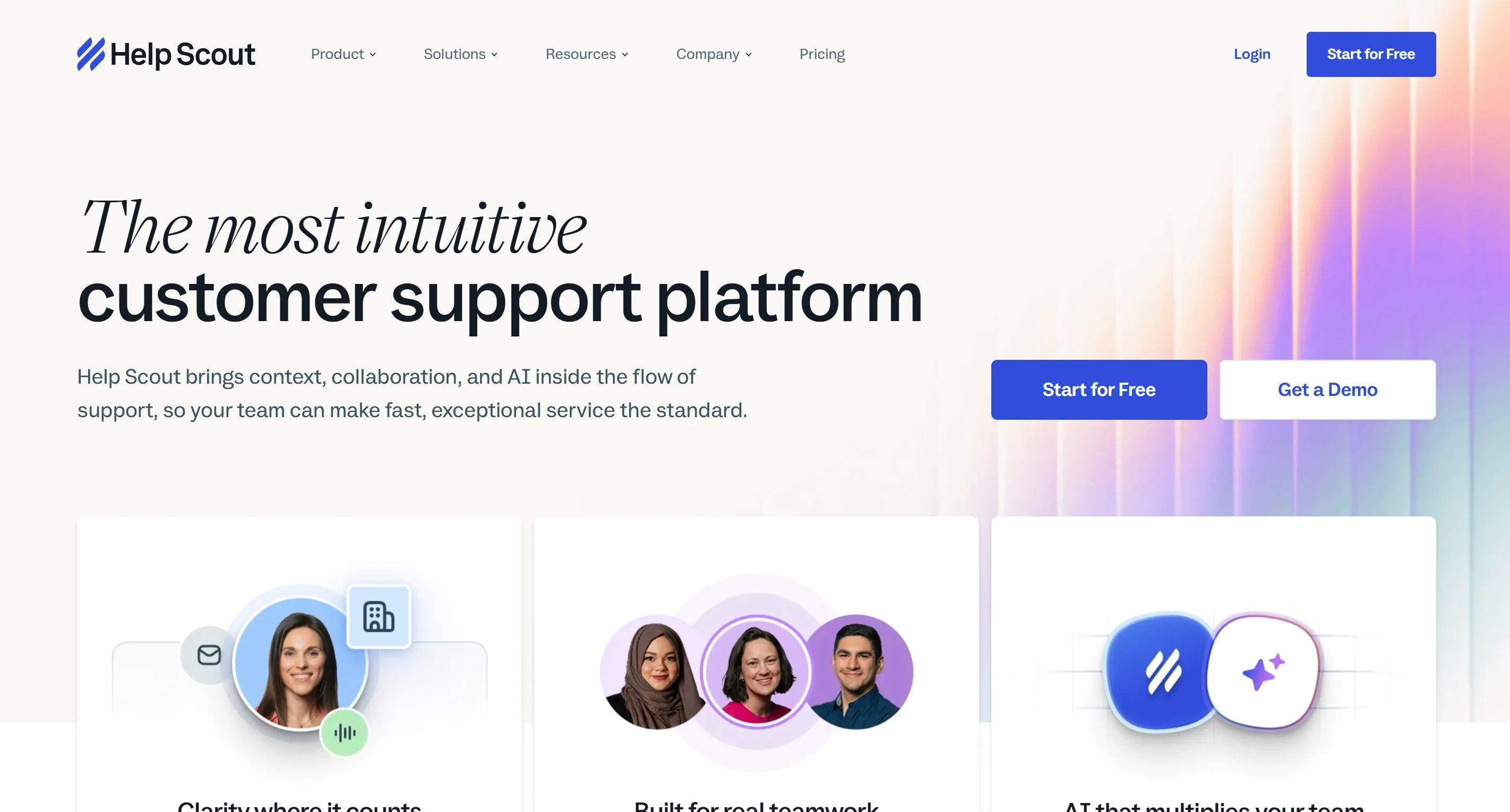
Help Scout is a help desk that does not feel like one, at least not to your customers. Replies land in their inbox as a normal email. No ticket number, no portal login, no "Case #4471" in the subject line.
That style of customer communication is the whole point. If you are building long-term customer relationships rather than closing tickets, it matters how the reply reads.
Behind the scenes, your team gets the proper tools: a shared inbox, internal notes on a conversation, saved replies, and customer context sitting beside every message.
Best for
- Small teams who want replies to read like a person wrote them, not a system
- Shopify stores where your team answers most customer inquiries themselves and only wants AI for the repetitive ones
Pros
- Clean shared inbox, Beacon chat widget, knowledge base, saved replies, workflows, customer profiles, and reporting
- Internal notes and collision detection keep team collaboration tidy, so two people never answer the same email
- Standard covers live chat, SMS, WhatsApp, Instagram, Messenger, and a basic SLA
- AI Assist tidies and translates replies. AI Drafts writes them from your past conversations and help articles
- You pay per person, so ticket volume never moves your bill
Cons
- Nowhere near Gorgias for native Shopify order actions or revenue reporting
- Round-robin routing, advanced workflows, and stronger SLAs need the Plus plan
- Phone and SMS depend on integrations rather than being built in
- At $0.75 a resolution, AI Answers gets expensive fast on thousands of repetitive questions
What Help Scout pricing looks like as your store grows
| Plan | Price | Notes |
|---|---|---|
| Free | $0 | 5 users, 1 inbox, 100 contacts monthly |
| Standard | $25 per user | Most small teams start here |
| Plus | $45 per user | Routing, advanced workflows, better SLAs |
| Pro | $75 per user | Larger teams |
AI Answers is $0.75 per resolution on top, though you can prepay for a discount and set a spending cap so it never surprises you.
The free plan is unusually generous. Five users with no time limit is enough to run a small store properly.
The math only breaks if you lean on the AI. Three people on Standard is $75 a month, which is fine. Add 2,000 AI resolutions, and you are at $1,575. Help Scout is priced for teams who answer their own messages, and it stops making sense the moment you want AI doing the bulk of the work.
7. Willdesk: Best for Very Small Shopify Support Teams
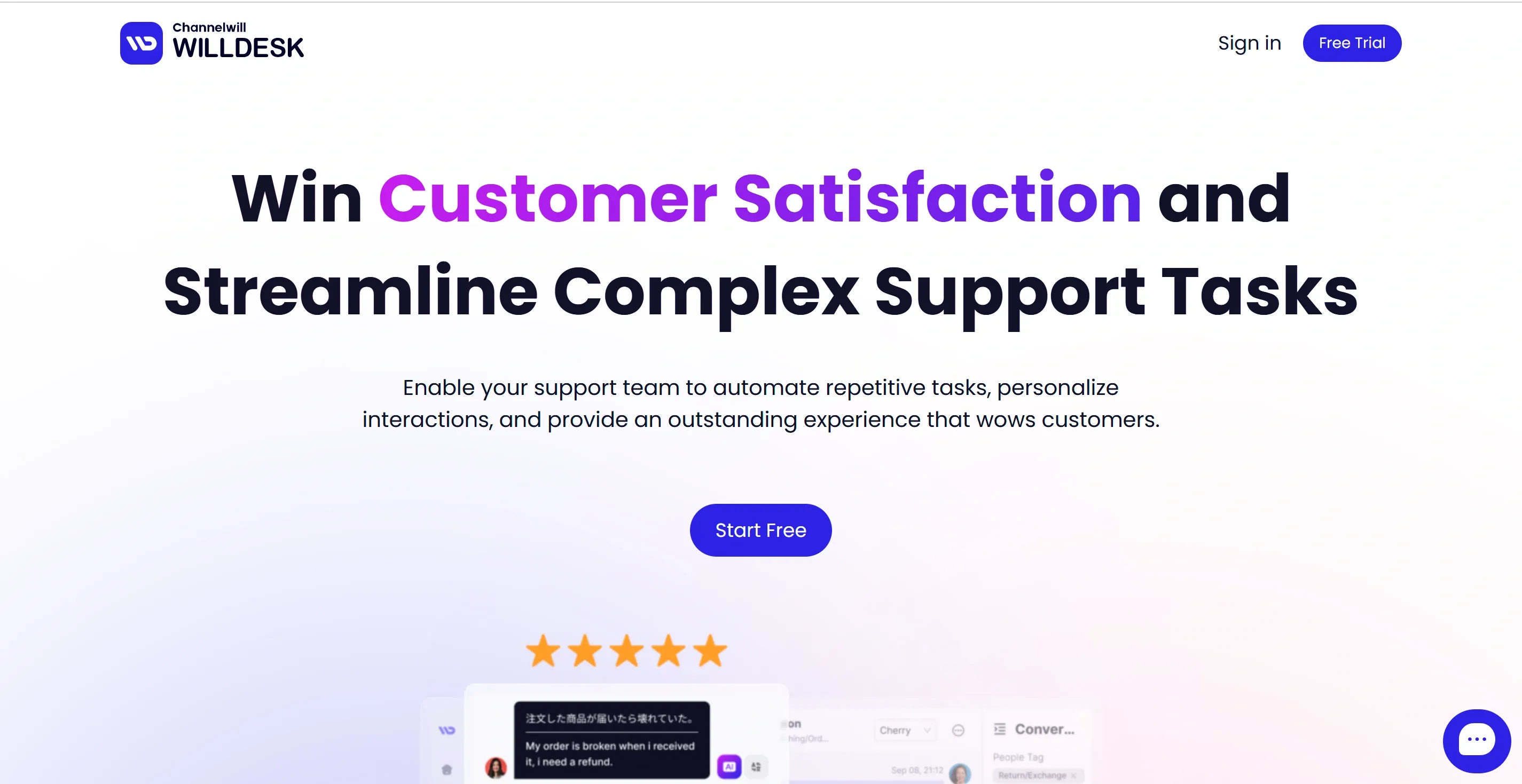
Willdesk is the budget pick. You get a working Shopify help desk for less than $20 a month, with as many people on your team as you like.
That last part matters more than it sounds. Most tools here charge per person. Willdesk charges by conversation, so a store with four support agents pays the same as one with a single owner answering everything.
Best for
- New or very small online stores that want a cheap help desk with unlimited seats
- Merchants who need live chat, email, social messages, order tracking, FAQs, and basic AI without a big setup
Pros
- There is a free plan covering 20 conversations, so you can try it before spending anything
- Pulls Shopify orders, products, coupons, and customer data into the inbox
- Covers email, live chat, Instagram, Messenger, WhatsApp, macros, and a customizable knowledge base your customers can search themselves
- The AI handles order tracking, returns, cancellations, address changes, product recommendations, and questions in other languages
- Basic connects three stores. Pro connects more and comes with a customer success manager
- The interface is simple enough that a new hire can start answering tickets the same day
Cons
- The included allowances are small, so overage charges start sooner than you would expect
- AI usage is billed separately and is not spelled out as clearly as the base plans
- Reporting, SLAs, and workflow depth are thin next to established help desks
- The pricing selector on their site is confusing. Use the Shopify App Store figures below instead
What Willdesk pricing looks like as your store grows
| Plan | Price | Included | Extra conversations | Extra tracked orders |
|---|---|---|---|---|
| Free | $0 | 20 conversations, 20 tracked orders, 1 store | n/a | n/a |
| Basic | $16.90 | 100 conversations, 3 stores | $12 per 100 | $4 per 100 |
| Pro | $89.90 | 1,000 conversations | $10 per 100 | $4 per 100 |
Read those overage rates carefully, because they are where the cheap plan stops being cheap. Basic gives you 100 conversations. The next 100 cost $12, which is nearly as much as the plan itself.
A store doing 500 conversations a month is paying $16.90 plus $48 in overages. At that point, Pro is the better buy.
And if you are heading toward several thousand tickets, get a quote rather than doing the math yourself. AI charges, WhatsApp, and order tracking all stack on top, and the published numbers stop being a useful guide.
8. Freshdesk: Best for Teams That Need More Structured Ticket Management
Freshdesk is not built around Shopify. It is general customer service software, and what it gives you instead is structure.
You get proper ticket queues, rules about who handles what, response time targets, and a record of every change. If your inbox has turned into a mess and nobody can tell you which tickets are running late, that is the problem Freshdesk solves.
Best for
- Stores that need ticket queues, multiple SLAs, routing rules, permissions, escalations, and real reporting
- Support teams who have outgrown a simple ecommerce inbox and want clearer control over how work gets handled
Pros
- Growth covers ticketing, a shared inbox, customer portal, knowledge base, roles, permissions, and standard reports
- Freddy AI sorts incoming tickets automatically and suggests replies, so your team spends less time deciding who handles what
- Pro adds multiple languages, several SLA policies, data-driven routing, custom dashboards, and outside collaborators, so you can actually measure support performance rather than guess at it
- Enterprise adds skill-based routing, audit logs, sandboxing, IP controls, and deeper AI insights
- You pay per agent, so a busy month never bumps you into a higher tier
Cons
- Freshdesk is not a Shopify-native help desk. Ecommerce is something it connects to, not something it was designed for
- Check whether its Shopify integration can actually act on orders or just display them. This is the thing to test
- The $19 plan is email-focused. Comprehensive multichannel support usually means Freshdesk Omni, which is priced separately
- There is a real learning curve, and AI packs, Copilot seats, and extra channels all add to the published price
What Freshdesk pricing looks like as your store grows
| Plan | Price per agent | Billed |
|---|---|---|
| Growth | $19 | Yearly |
| Pro | $55 | Yearly |
| Enterprise | $89 | Yearly |
Freddy AI Copilot is an additional $29 per agent for whoever needs it.
The AI side works differently from everything else in this list. Your first 500 Freddy sessions are a one-time gift, not a monthly allowance, and after that it is $49 per 100 sessions.
But a session is not a chat. For email, one session covers 72 hours from the customer's first message, no matter how many times the AI replies in that window. A three-day back-and-forth costs the same as a single answer, which makes Freshdesk cheaper on AI than the per-reply and per-outcome tools once conversations get long.
The trade-off is what you give up. Seat pricing stays predictable as your business scales, and you get operational control no ecommerce inbox can match. You just lose the deep Shopify integration that made you look at Gorgias in the first place.
9. eDesk: Best for Shopify Stores Also Selling on Marketplaces
If you sell on Shopify and Amazon and eBay, you already know the problem. Three places to check, three sets of messages, three sets of rules about how fast you have to reply.
eDesk pulls all of it into one inbox. Your Shopify orders and your marketplace orders sit side by side, with the same customer context attached to each.
Best for
- Shopify stores also selling through Amazon, eBay, Walmart, TikTok Shop, Mirakl, or regional marketplaces
- Teams who need marketplace messages, order details, and SLA deadlines handled in one place
Pros
- More than 300 integrations across marketplaces, e-commerce platforms, social channels, inventory, CRM, shipping, and tracking
- Builds a unified customer timeline, so Shopify, marketplace, order, and tracking data all appear in one workspace
- Covers live chat, WhatsApp, social messaging, an AI agent, reporting, and automation that understands marketplace rules
- Flags pre-sales questions, so your team answers the buyers first
- No cap on how many tickets your team handles
Cons
- A Shopify-only store pays for marketplace features it will never touch
- Seats and AI are billed separately, so there are two numbers to track
- Multiple stores, performance reports, CSAT, and guided onboarding all sit on higher plans
- AI drafting, translation, and review collection may cost extra again
What eDesk pricing looks like as your store grows
| Plan | Price per user | Stores or marketplaces |
|---|---|---|
| Essential | $39 | 1 |
| Growth | $89 | 5 |
| Professional | $119 | 10 |
The AI agent is $0.99 for each outcome, meaning each time it answers the customer or finishes a task. One ticket is charged once, regardless of how many messages the AI sends inside it.
So your bill moves with two things: how many people you employ and how much the AI does. Ticket volume itself changes nothing.
Worth being honest about the fit. If Shopify is your only sales channel, most of what you are paying for here goes unused, and something like Steps AI or Richpanel will serve you better. eDesk earns its price the moment a second marketplace enters the picture.
10. Intercom + Fin: Best for Stores Moving Toward a More Complex Support Operation
Intercom is the biggest platform here, and it is not really a Shopify tool. It is built for companies that have grown past support into onboarding, product tours, in-app messages, and proactive customer engagement across the whole customer lifecycle.
Fin is the AI agent inside it. Fin also runs on top of other help desks, so if you like your current inbox and only want better AI, you can replace just the AI layer.
Best for
- Shopify businesses turning into wider customer service operations with several teams, products, and customer journeys
- Companies wanting support, in-app messaging, onboarding, help center content, and AI on a single platform
Pros
- A genuinely unified platform, bringing together a shared inbox, ticketing, Messenger, email, in-app chat, knowledge base, workflows, banners, and tooltips
- The Fin AI agent answers questions, follows your policies, completes set-up actions, and hands over the full customer context when a person takes over
- Stronger AI capabilities, permissions, reporting, and workflow depth than any lightweight Shopify help desk
- Fin works alongside another help desk, so you can swap only the AI layer
Cons
- Not ecommerce-native. Check every Shopify action you need for orders, returns, stock, and subscriptions before committing
- The bill stacks up: seats, Fin outcomes, Copilot, proactive add-ons, phone, SMS, WhatsApp, and email usage
- Heavy to set up and run if your store mostly answers "where is my order" and product questions
- At high volume, the per-outcome charges can cost more than the subscription itself
What Intercom + Fin pricing looks like as your store grows
| Plan | Price per seat |
|---|---|
| Essential | $29 |
| Advanced | $85 |
| Expert | $132 |
Fin starts at $0.99 per outcome, which covers a resolved answer or a completed workflow. Copilot is bought per agent on top, and phone and outbound channels carry their own usage charges.
That $29 figure gets quoted a lot, and it is not the price of anything real. Work out your bill as seats plus Fin outcomes plus the channels you actually need.
Three people on Essential with 2,000 Fin outcomes comes to roughly $2,067 a month. The same store on Advanced is closer to $2,235. Intercom makes sense when you need everything it does, and looks expensive the moment you only need part of it.
Which of These Alternatives Actually Makes Sense at Your Ticket Volume?
Before you compare anything, get your own number right.
Count tickets your team actually responded to, not every message that arrived. Vendors all measure differently, so this is the only figure that travels between them.
Take a three-month average, then add your busiest month from last year as a separate scenario. Peak season is where pricing surprises happen.
Then split those tickets into two piles: the repetitive ones AI or self-service could close, and the complex issues that will always need a person. That split decides everything below.
Below 1,000 tickets: keep it light
- Steps AI if you want AI handling support and sales without paying for every human ticket
- Willdesk is the cheapest conventional Shopify help desk, from $16.90
- Tidio if most conversations start in the chat widget on your site
- DelightChat if WhatsApp and Instagram bring in most of your messages
- Help Scout or Re:amaze if your small team plans to answer nearly everything personally
Skip anything charging $99 per seat at this volume. You are paying for workflows you will not touch for another year.
1,000 to 5,000 tickets: automation starts to pay
Work out how many of your tickets are the same handful of questions: where is my order, can I return this, what is your policy, which size, is it in stock. In most Shopify inboxes, that is the majority, and it is the part AI or a self-service portal can take off your team.
- Steps AI Growth or Scale Plan when you want AI working on support and pre-purchase questions
- Richpanel once its portal can stop a real share of tickets before they arrive
- Re:amaze, Help Scout, or Freshdesk stay predictable with a small team, because your bill follows headcount rather than ticket volume
One comparison worth running: DelightChat is $99 for 2,000 tickets and $299 for 6,000. Gorgias is $360 for 2,000 and $900 for 5,000. The gap is large, though you are also getting different products, so check the features you actually use.
5,000 to 10,000 tickets: watch what your bill is made of
This is where the billing unit stops being a detail.
| Tool | Roughly what you pay |
|---|---|
| Gorgias | $900 at 5,000 tickets, custom pricing toward 10,000 |
| Steps AI | $207 for 7,500 AI replies, plus credit packs |
| DelightChat | About $499 at 10,000 tickets, before WhatsApp fees |
| Tidio | Custom quote above 2,000 human or 1,000 Lyro conversations |
| Richpanel, Help Scout, Freshdesk, eDesk, Intercom | No ticket cap, but seats and AI usage add up |
The Steps AI number needs care. 7,500 credits are for AI replies, not tickets. If a typical conversation takes three replies and you automate 60% of a 10,000-ticket month, that is 18,000 credits, not 7,500.
Run three scenarios on your shortlist before deciding: a normal month, a month 25% bigger, and your peak. A tool that looks cheap at your average can be the most expensive one in November.
Try Steps AI on Your Own Questions
None of the numbers above tells you how a tool handles your customers. Only your own questions do that.
Connect your Shopify store to Steps AI, give it a few minutes to read your catalog and help pages, then throw your ten hardest customer questions at it.
Watch two things while you do it. Whether the answer is right, and whether the AI finishes the job or just talks about it.
The free plan includes 50 AI replies, so you can run that test before spending anything.
Frequently Asked Questions
Is price the only reason stores leave Gorgias?
No. Cost is the most common trigger, but three other complaints come up regularly. The AI can give answers that are wrong or do not sound like your brand. Collaboration tools are limited once several people work the same inbox. And Gorgias's own support can be slow to come back to you. Work out which of these is your actual problem before shortlisting, because the fix is different for each one.
Is there a free Gorgias alternative?
Yes, a few. Willdesk gives you 20 conversations free with unlimited seats, Help Scout covers 5 users with no time limit, and Steps AI includes 50 AI replies on its free plan. Tidio also has one. Free plans are enough to test a tool properly, not to run a busy store on.
Why does Gorgias get expensive so quickly?
Because it charges by ticket volume, and the tiers jump rather than climb. You pay $60 for 300 tickets, $360 for 2,000, and $900 for 5,000. A store that goes slightly past a limit pays for the next tier straight away, even without needing any of the extra features. AI resolutions and Voice are billed separately on top.
Which Gorgias alternative is cheapest?
Willdesk at $16.90 and Freshdesk at $19 have the lowest entry prices, but neither includes much AI at that level. The honest answer is that the cheapest depends on your ticket volume and how much you automate. A $99 plan that handles 2,000 tickets beats a $17 plan plus $200 in overage charges.
Can I move my Gorgias tickets and macros to a new platform?
Usually yes for conversations, contacts, help articles, and tags. Macros, automation rules, and reporting history are the ones that often stay behind. Ask each vendor exactly what transfers before you sign, and expect to rebuild your e-commerce automation rules by hand.
Do these alternatives connect to Shopify as deeply as Gorgias?
It varies more than the integration pages suggest. Steps AI and Richpanel offer seamless integration with Shopify, reading live order data and acting on it. Help Scout, Freshdesk, and Intercom mostly show the order rather than change it. Test the specific action you need, whether that is issuing a refund, canceling an order, or editing an address.
What is the difference between a ticket, a conversation, and an AI resolution?
They are different meters, and this is where bills diverge. A ticket is usually one customer request. A conversation can hold many messages for one charge. An AI reply is a single response, so a back-and-forth chat uses several. An AI resolution or outcome only charges when the problem is closed. Same work, very different totals.
How long does switching take?
Plan for two to four weeks for a straightforward move: connecting Shopify, importing help content, rebuilding your rules, and training your team. AI-first tools set up faster, often in an afternoon. Run both platforms side by side for a week before you cancel anything.