
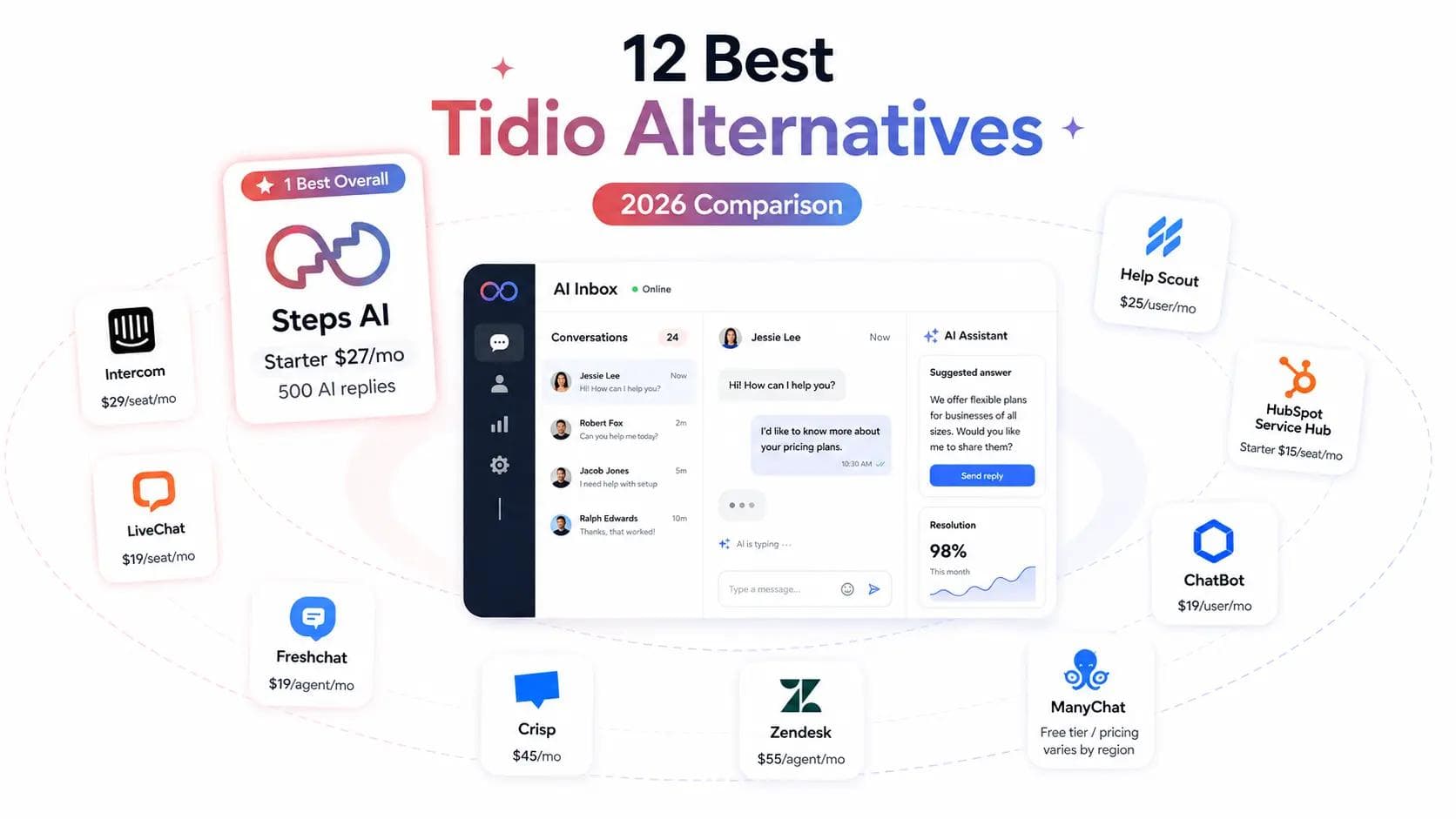
Key takeaways
- Steps AI is the best overall pick when you want one AI agent handling support and sales across your website, WhatsApp, Instagram, and Messenger. It answers questions, looks things up in your own systems, and books meetings, all on one bill instead of Tidio's three separate meters for chat, Lyro, and Flows.
- Intercom and Zendesk run deeper support operations than Tidio. Seat fees, AI charges, and setup work make them a better fit for teams that already have a real support function.
- Gorgias is a strong choice if you sell on Shopify. HubSpot Service Hub earns its price when support has to share one customer record with sales and marketing.
- Crisp and Help Scout are simpler and easier to budget for when people, not bots, answer most chats. LiveChat is still the best tool for heavy human website chat.
- ManyChat replaces Tidio's social automation well, but not its website help desk. ChatBot suits teams that want to control exactly what the bot says at every step, instead of letting the AI work it out.
No single tool is the best Tidio alternative for everyone. The right one comes down to two things: which part of Tidio you're actually replacing, and what the new tool charges you for.
Tidio isn't one product. It combines live chat, an AI agent, and a chatbot builder, and each part has its own bill. There's live chat, where your team answers people. There's Lyro, the AI agent that replies on its own. And there's Flows, the chatbot you build by dragging boxes around. Replacing Flows and replacing Lyro are different jobs, and they point to different tools.
Take a customer asking where their order is. One tool will find the answer on your shipping page. Another will open the order and tell them it's out for delivery. Same question, and the gap between those two is most of what this comparison is about.
We looked at 12 Tidio competitors: what each one costs once you're busy, which channels it covers, whether the AI can actually do things or only talk about them, and how much work it is to move. Prices were checked in August 2026 and change with billing term, usage, and region.
Tidio alternatives compared side by side
Here's the short version of all 12 live chat tools, with Tidio at the top so you can see what you're comparing against. The column that matters most is the one nobody reads first: what you're actually billed for.
| Platform | Best for | Which part of Tidio it replaces | Main channels | What you're billed for | Watch out for |
|---|---|---|---|---|---|
| Tidio (baseline) | Small stores wanting live chat, a chatbot builder, and AI in one | The baseline | Website chat, email, WhatsApp, Instagram, Facebook Messenger, video chat | Three meters at once: human conversations, Lyro AI conversations, and visitors reached by Flows | Every self-serve plan stops at 10 seats |
| Steps AI | Small to mid-size teams selling online, where most questions are about an order, a product, or a bookingSmall to mid-size teams selling online, where most questions are about an order, a product, or a booking | Lyro and Flows, plus ticketing and the unified inbox | Website chat, WhatsApp, Instagram, Messenger, dedicated agent page, Gmail | Credits. One credit is one AI reply, and customer messages are free | No voice calls yet. |
| Intercom | Software companies helping users inside the product | All three, at a higher standard | In-app messaging, website chat, email, WhatsApp, Instagram, Messenger, SMS | A seat fee per person, plus a charge each time Fin AI agent resolves something | The bill moves in two directions at once |
| Zendesk | Large support teams with queues, rules, and phone | All three, plus a lot you didn't have | Website chat, email, WhatsApp, Instagram, Messenger, SMS, voice | Per agent, plus charges for AI resolutions | Real setup time and ongoing admin |
| Gorgias | Shopify stores whose team edits and refunds orders daily | Live chat, ticketing, and AI answers | Website chat, email, Instagram, Messenger, WhatsApp, SMS, voice | Tickets, plus a fee per AI resolution | One resolved request can hit both meters |
| Freshchat | Teams that need social messaging with proper chat routing | Live chat and Lyro | Website and in-app messaging, email, WhatsApp, Instagram, Messenger, SMS | Per agent, plus Freddy AI sessions | A Freddy session and a Lyro conversation count differently |
| Crisp | Small teams that want a shared inbox without watching a counter | Live chat and ticketing | Website chat, email, WhatsApp, Instagram, Messenger, and more | One price per workspace, seats included | Human chat is unlimited. The AI credits aren't |
| Help Scout | Small teams who'd rather answer well than automate | Live chat and ticketing | Email, website chat, help pages | Per user, plus a fee for each AI answer that resolves | Cost climbs with every hire |
| LiveChat | Busy website chat with people doing the answering | Live chat only | Website chat, plus messaging add-ons | Per user, with unlimited chats | Proper AI means buying its sister product too |
| Front | B2B teams where several people share one customer | Live chat, ticketing, and email workflow | Email, website chat, SMS, WhatsApp, social | Per seat, plus an AI add-on charged per conversation | The entry plan covers one channel type only |
| HubSpot Service Hub | Teams already running on HubSpot CRM | Live chat and ticketing, tied to your customer dataLive chat and ticketing, tied to your customer data | Website chat, email, WhatsApp, Messenger, phone | Per seat, plus HubSpot Credits for the Customer Agent | Needs Professional plus a one-time onboarding fee |
| ManyChat | Instagram and WhatsApp campaigns | The social half of Flows, and nothing else | Instagram, Messenger, WhatsApp, SMS, email | Your contact list size | It isn't a website help desk |
| ChatBot | Teams that want to draw the conversation path themselves | Flows, with AI on top | Website chat, Messenger, WhatsApp, SMS | Per user, with a set number of AI resolutions included | Included resolutions run out quickly |
How we tested these Tidio alternatives
Six things decided the picks below. They're also a decent checklist for finding the right Tidio alternative yourself.
Does the AI resolve the question, or just answer it?
We ran real support questions at each AI agent. Vague ones, angry ones, policy exceptions, and a few that needed account data it didn't have. Then we counted three things:
- How often the customer's problem was actually fixed
- How often it guessed instead of admitting it didn't know
- How often it passed the chat to a person when it should have
Can it act on your systems, or only quote your help pages?
"Where's my order?" needs someone to open the order. A link to your shipping page won't do. So we separated the tools that only quote your help pages from the ones that can track an order, check stock, capture a lead, or start a refund.
We also checked whether those actions are built in or need Zapier and a developer, and whether anything sensitive asks a human first.
Which channels does it cover, and do they share one inbox?
We listed the multiple channels each one covers: website chat, email, WhatsApp, Instagram, Facebook Messenger, SMS, voice, Apple Business Chat, and mobile app messaging.
Then, two questions that matter more. Does the same knowledge work everywhere customer interactions happen, or do you build each channel separately? And when the AI hands over, does your team see the whole conversation or start cold?
Do the integrations read your live data?
We opened each integration and looked at what it could actually read and write. Reading today's stock and order status counts. Pushing a name into your CRM doesn't.
Appearing in the Shopify app store counts for nothing on its own, so we checked which connections are built by the vendor and which are listings with a form behind them.
What does it cost once chat volume grows?
We priced each tool twice: a three-person team on light traffic, then the same team at four times the chats. That's where the meter shows itself.
Some bills per seat, some per conversation, some per AI resolution or credit, and a few bills by contact list. We also added the things that don't appear on the pricing page: AI add-ons, WhatsApp fees, and onboarding charges.
How much work is it to leave Tidio?
We checked what each tool can take in from Tidio, and it's less than you'd hope. Contacts come out as a spreadsheet that every tool here accepts. Transcripts have to be saved one chat at a time. Flows are the real cost, since none of these can import them, so anything you built gets rebuilt by hand.
We counted that in, plus the hours nobody quotes: swapping the chat widget, reconnecting WhatsApp and Instagram, and running both tools side by side for a week.
The 12 Tidio alternatives, reviewed
These are the twelve tools, in the order we'd recommend looking at them. Skip to whichever one matches your situation.
1. Steps AI
Steps AI is an AI agent that handles support and sales. Ask where an order is, and it looks it up and tells you. Ask about a demo, and it checks your calendar and books one. It works the same way on your website, WhatsApp, Instagram, and Messenger.
Getting it running takes a URL. The agent reads your website and trains on your own data; from there, you can add documents or your own FAQs on top of that. The name and tone of voice are yours to set, so it sounds like your brand instead of a bot wearing your logo. WhatsApp broadcasts go out to 1,000 customers at a time.
Pros
- Reads live stock and order data from Shopify and WooCommerce, so the AI agent answers product questions with what's actually available
- Qualifies leads and books meetings straight into Calendly
- Build your own workflows from scratch, or edit a template, for anything that should run without you
- One unified inbox for all five channels, so nothing sits unread on any channel
- Analytics tell you how fast you're replying and which channel is busiest, and a small CRM keeps the tickets and customers behind it
- Connects to over 100 tools you already use, Shopify, HubSpot, and Klaviyo among them, and hooking one up takes a few clicks
- Live in minutes with no code, and every channel is on the cheapest paid plan
Cons
- Credits go on replies, so a long back-and-forth about a damaged order costs five or six
- No phone channel
- The chat widget says "Powered by Steps AI" until you reach Enterprise
Pricing
One credit is one AI reply. Whatever your customer types is free.
| Plan | Cost | AI replies |
|---|---|---|
| Free | $0 | 50 |
| Starter | $27/mo | 500 |
| Growth | $76/mo | 2,000 |
| Scale | $207/mo | 7,500 |
Every channel, plus ticketing, automations, and order tracking, sits on the $27 plan. Top-up packs start at $12, and even if its month end, the top-up credits get carried forward.
Versus Tidio
Tidio bills for AI twice: the base plan, then Lyro on top. The two agents also do different jobs, since Lyro is built to answer rather than act, so it won't qualify a lead and put a meeting in your calendar.
| Cost factor | Tidio | Steps AI |
|---|---|---|
| Entry cost with AI | ~$57/mo | $27/mo |
| What that buys | 50 AI conversations, 100 human ones | 500 AI replies |
| Meters to watch | 3 | 1 |
| Logins for your team | 10 | 1 |
Tidio counts conversations, and Steps AI counts replies, so check both against your own chat volume before deciding.
Best for
Budget-conscious teams who need the AI agent to act, not just reply. Strongest for online stores and for anyone whose customer conversations turn into leads worth chasing.
2. Intercom
Intercom is a full customer service platform built for software companies. You get in-app messaging, a shared inbox, ticketing, a help center, routing, reporting, and Fin, its AI agent. Fin answers from your content, follows procedures you set, uses your integrations to look things up, and passes the conversation to a person with the context attached.
Pros
- Fin can follow a multi-step procedure, not just quote a help page
- Strong routing, workload rules, and reporting for larger support teams
- The messenger sits inside your app, so users get help without leaving it
- Free lite seats on Advanced and Expert for colleagues who only need to read or comment
- You're charged per outcome, not per attempt, so an escalation costs nothing
Cons
- Three costs stacked: seats, AI outcomes, and add-ons like Copilot at $29 per agent
- A 50-outcome monthly minimum applies whether you use them or not
- No free plan, only a 14-day trial
- Far more setup than a small store needs for basic live chat
Pricing
Per seat, billed annually, plus Fin usage.
| Plan | Cost per seat |
|---|---|
| Essential | $29/mo |
| Advanced | $85/mo |
| Expert | $132/mo |
Fin costs $0.99 per outcome and bills once per conversation. Sales qualification outcomes cost $9.99. Run your own numbers through Intercom's calculator.
Versus Tidio
Deeper on almost everything: workflows, permissions, reporting, and how humans and AI share a conversation. It's also a different budget. Three people on Advanced is $255 a month before Fin touches a single chat.
Best for
SaaS companies with a real support function, where complex customer interactions need rules, routing, and an AI agent working inside all of it. Too much machinery if you mainly need a basic chat widget on a store.
3. Zendesk Chat
Zendesk chat is what support teams buy when a mistake needs a record of who did what. It handles tickets, email, live chat, messaging, phone calls, and your help pages, with rules for who gets what and how fast it has to be answered. Its AI agent goes further than quoting an article. Given the right setup, it can walk through a full return or an account change, step by step.
Pros
- Built for teams with several queues, shifts, and escalation rules
- Sends each chat to whoever can actually solve it, not just whoever's free
- Phone support is part of the product, not a bolt-on
- Reporting your finance team will accept
- You can test changes safely before customers see them
Cons
- The AI allowance on Suite Team is tiny: five automated answers per agent each month
- Copilot, which helps your human agents write replies, is another $50 per person
- Setting it up takes weeks, and somebody has to own it
- If two people answer chats on a website, this is the wrong tool
Pricing
Per agent, billed annually.
| Plan | Cost per agent | What it covers |
|---|---|---|
| Support Team | $19/mo | Email and tickets only |
| Suite Team | $55/mo | Live chat, messaging, help pages, AI agents |
| Suite Professional | $115/mo | Adds response-time targets, routing, deeper analytics |
Adds response-time targets, routing, deeper analytics
Compare Tidio to Suite Team, not the $19 plan. That one has no chat widget at all.
Versus Tidio
Deeper on everything operational, and priced like it. Five agents on Suite Team are $275 a month before the AI answers a single question, against Tidio's $57 with Lyro included.
Best for
Bigger organizations with several teams, strict response times, and a real need to see who changed what. Nothing here matches its scalability and customization options.
4. Gorgias
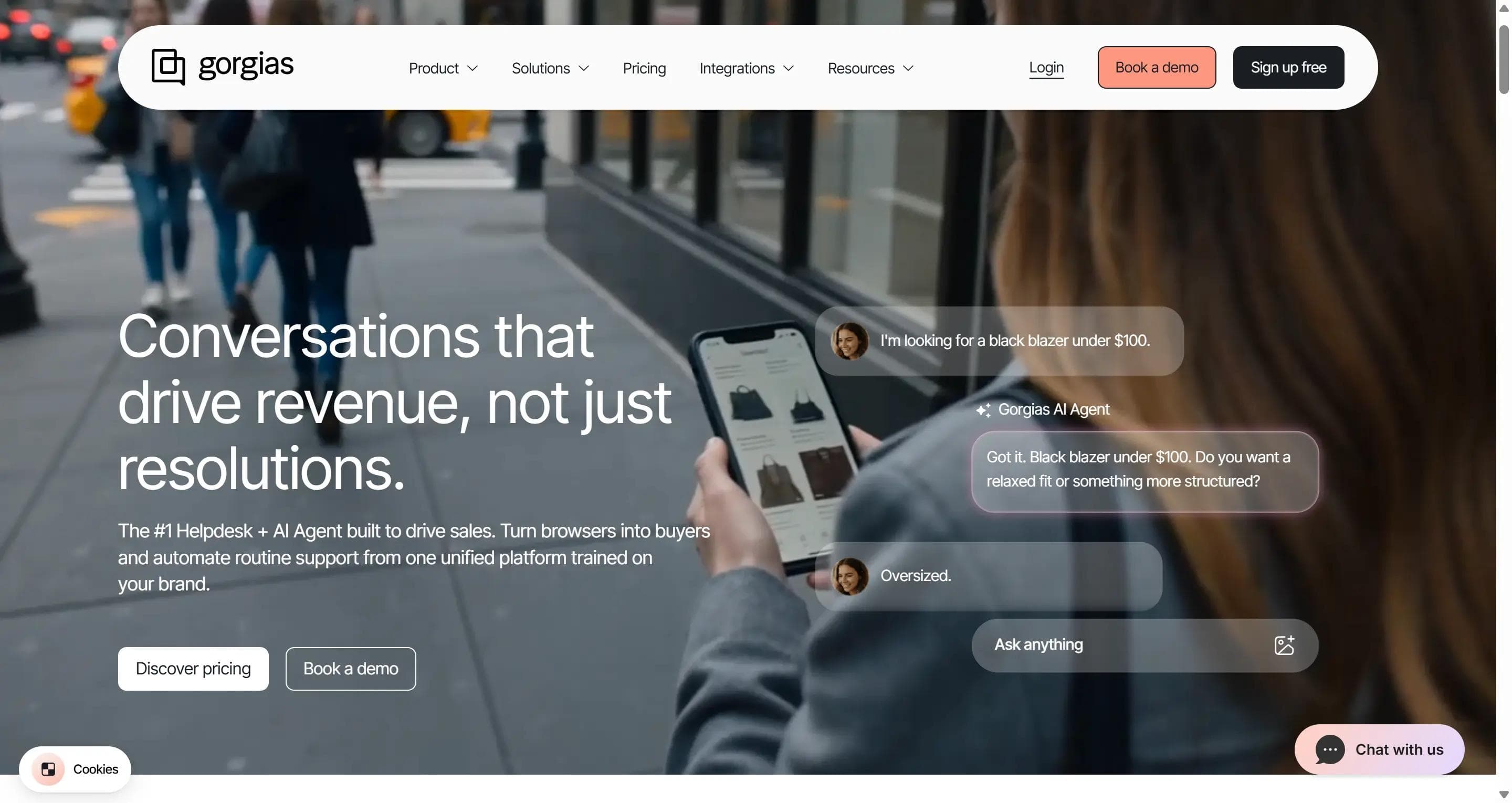
Gorgias exists because "where's my order" is most of ecommerce support. Email, chat, social, SMS, and phone all arrive in one inbox, and the customer's Shopify orders sit right next to the message. Your agent answers without opening another tab.
Pros
- Cancel an order, refund it, or change a subscription from inside the conversation
- Customer support automation that runs order-status questions from start to finish without anyone touching them
- Suggests products mid-chat, so support can sell a little
- Unlimited agent seats on every paid plan
Cons
- When the AI resolves a chat by itself, you're charged twice: once as a ticket, once as an AI resolution
- Go over your ticket allowance, and each extra one costs 36 to 40 cents
- A busy December costs more, even though your team hasn't grown
- If you don't sell products, there's little reason to be here
Pricing
Two meters, both based on how busy you are rather than how many people you employ.
| Plan | Help desk | AI Agent add-on |
|---|---|---|
| Starter | $10/mo | from $30/mo |
| Basic | $50/mo | from $27/mo |
| Pro | $300/mo | from $171/mo |
| Advanced | $750/mo | from $477/mo |
Each AI resolution runs about $0.90 on annual billing, $1.00 monthly, and $1.50 once you're past what your plan includes. Bundles change by tier, so check Gorgias pricing.
Versus Tidio
Better on Shopify by a distance, because it reads live order data and acts on it. Tidio has native Shopify actions too, but not this depth. If you're not shipping products, Tidio is cheaper and enough.
Best for
Shopify brands whose team edits orders, issues refunds, and handles returns every day.
5. Freshchat
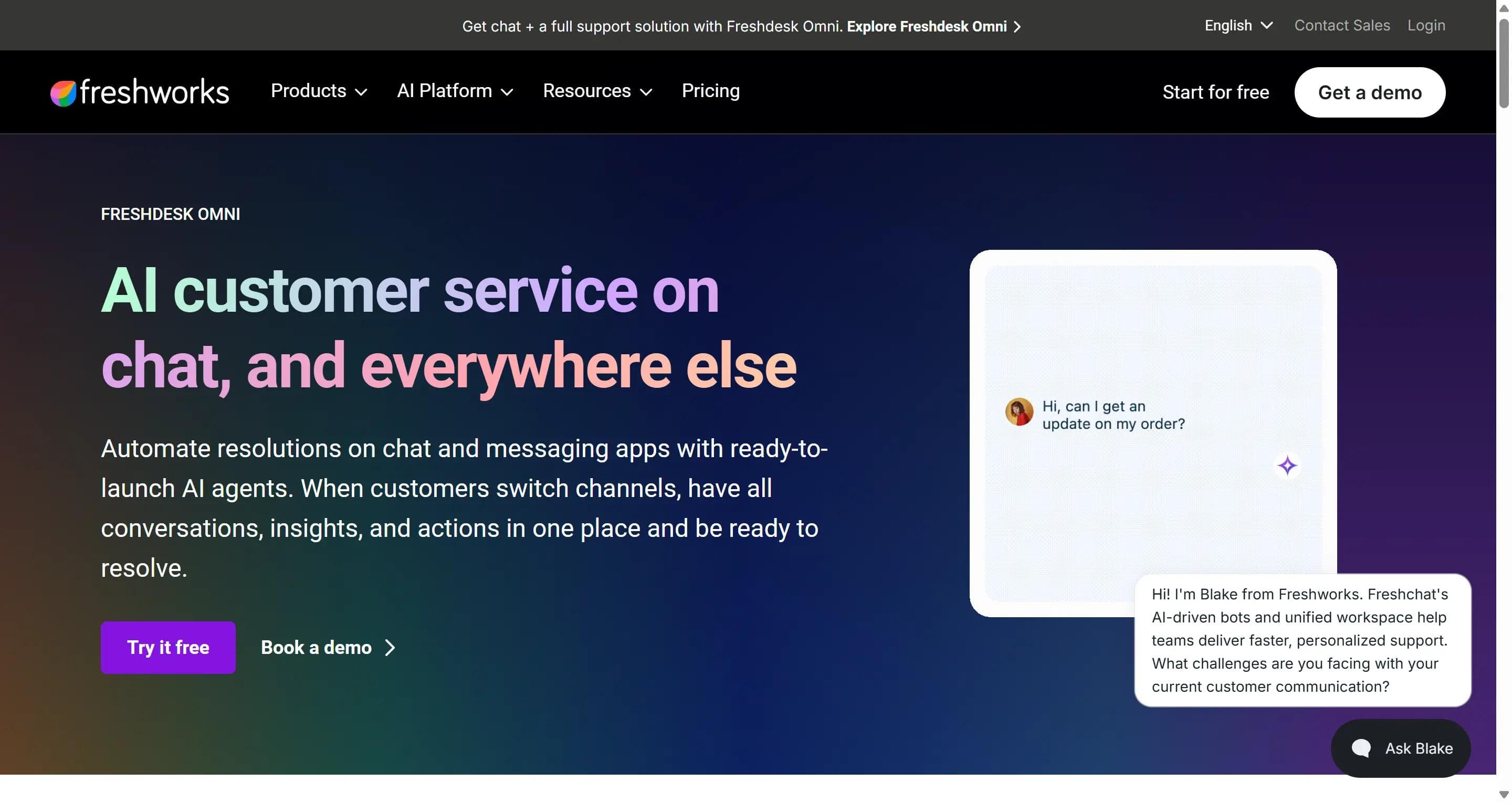
Freshchat is what you move to when messages arrive from five places, and nobody knows who's answering. Web chat, mobile app messaging, email, WhatsApp, Instagram, Facebook Messenger, and SMS all land in team inboxes, with rules deciding who picks up what. Freddy, the Freshchat AI agent, handles the repeat customer conversations underneath.
Pros
- Free for up to 10 agents, which is unusually generous for a live chat platform
- Assignment rules and team inboxes, so nothing sits unanswered because two people assumed the other had it
- Multilingual support across 30+ languages
- Fits neatly if you already run Freshdesk or Freshsales
- Every messaging channel is on the $19 plan
Cons
- Freddy sessions don't roll over. Buy 100, use 60, the rest disappear at month end
- Copilot, which helps your agents write replies, costs another $29 per person
- Freshworks sells four overlapping products, and working out which one you need takes an afternoon
- The total is genuinely hard to predict before you've run Freshchat for a month
Pricing
Per agent, billed annually, plus AI sessions.
| Plan | Cost per agent |
|---|---|
| Free | $0, up to 10 agents |
| Growth | $19/mo |
| Pro | $49/mo |
| Enterprise | $79/mo |
Freddy includes the first 500 sessions, then $49 per 100.
Versus Tidio
Freshchat gives you better chat routing and team structure, and its free plan covers 10 agents against Tidio's 10-seat cap on paid plans. On AI, the two units are not the same: a Freddy chat session counts everything a customer sends inside a 24-hour window as one, while a Tidio Lyro conversation counts as one customer thread, however long it runs. Compare them against your own chat volume, not side by side.
Best for
Growing customer support teams handling social messaging who need chats assigned properly, especially if Freshworks is already in the building.
6. Crisp
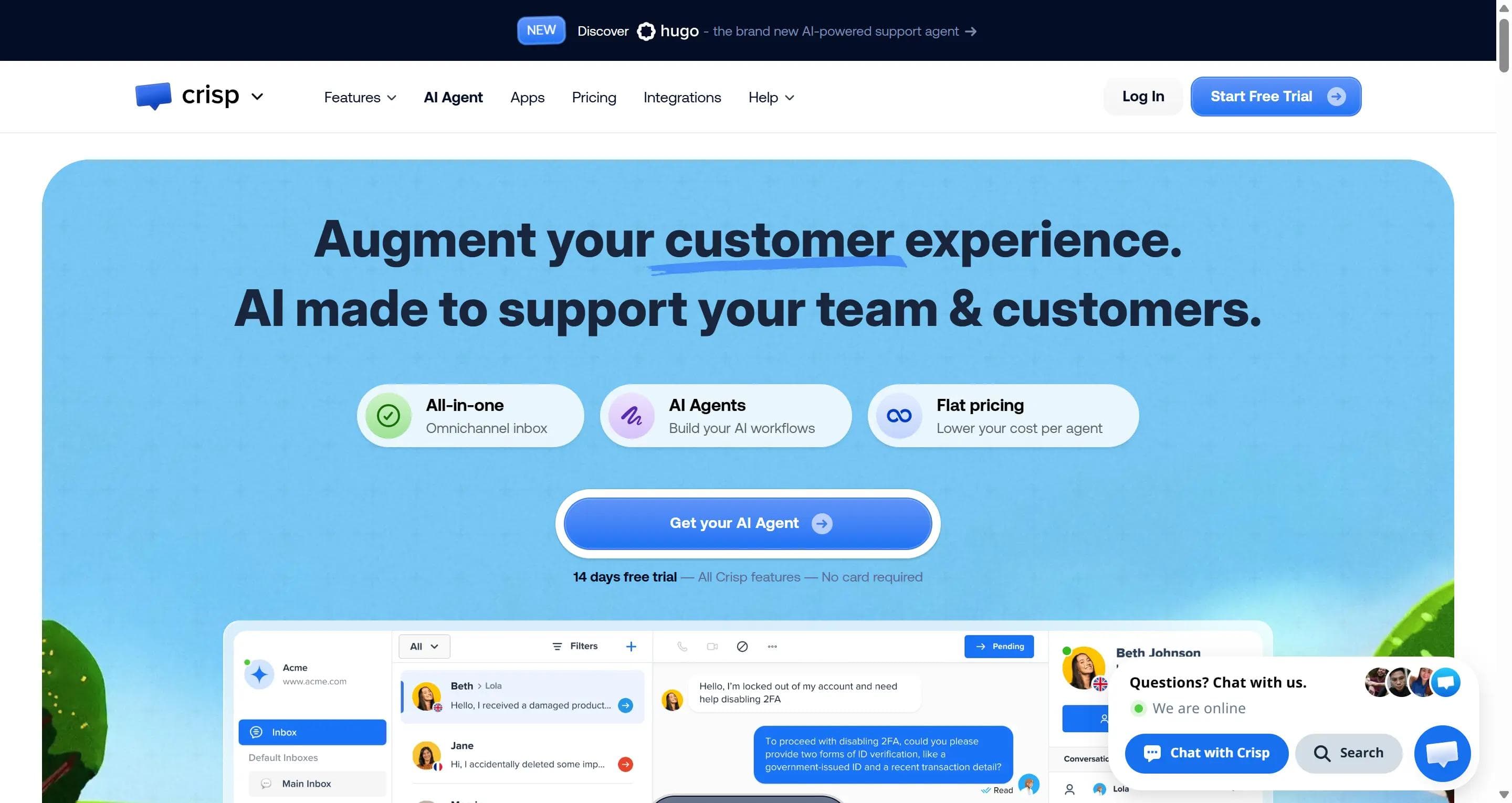
Crisp charges for the workspace, not the conversation, which is the main reason to look at it instead of Tidio. Your team answers as many chats as it likes without a counter ticking down.
Crisp gives you a shared inbox, a website chat widget, email, WhatsApp, Instagram, and other messaging channels, help pages, workflows, ticketing, and an AI chatbot called Hugo.
Pros
- Unlimited human conversations on every paid plan
- Seats come bundled: 4 on Mini, 10 on Essentials, 20 on Plus, with extras at $10 each
- One predictable bill, so budgeting takes a minute
- The free plan gives two seats and a working chat widget
- Clean, quick interface that small teams actually enjoy using
Cons
- WhatsApp and Instagram need Essentials at $95, not the $45 Mini plan
- Hugo runs on credits, so the unlimited part applies to your humans only
- Ticketing and the deeper automation sit behind the $295 Plus plan
- Nothing like Steps AI or Gorgias for ecommerce actions or Zendesk for oversight
Pricing
Per workspace, per month.
| Plan | Cost | Seats | AI credits |
|---|---|---|---|
| Free | $0 | 2 | None |
| Mini | $45/mo | 4 | $5, about 90 AI chats |
| Essentials | $95/mo | 10 | $25, about 450 AI chats |
| Plus | $295/mo | 20 | $75, about 1,350 AI chats |
When the credits run out, Hugo stops replying unless you switch on pay-as-you-go.
Versus Tidio
Crisp is far easier to forecast. Tidio meters three things separately: human conversations, Lyro AI conversations, and visitors reached by Flows. Crisp meters one, and only for the AI. Both tools cap your automation, so the real question is which ceiling you hit first.
Best for
Startups and small teams who want a chat widget, a shared inbox, messaging channels, and light AI-powered automation for one predictable price, with people doing most of the answering. Skip it if you need deep Shopify actions or the AI to carry the bulk of your volume.
7. Help Scout
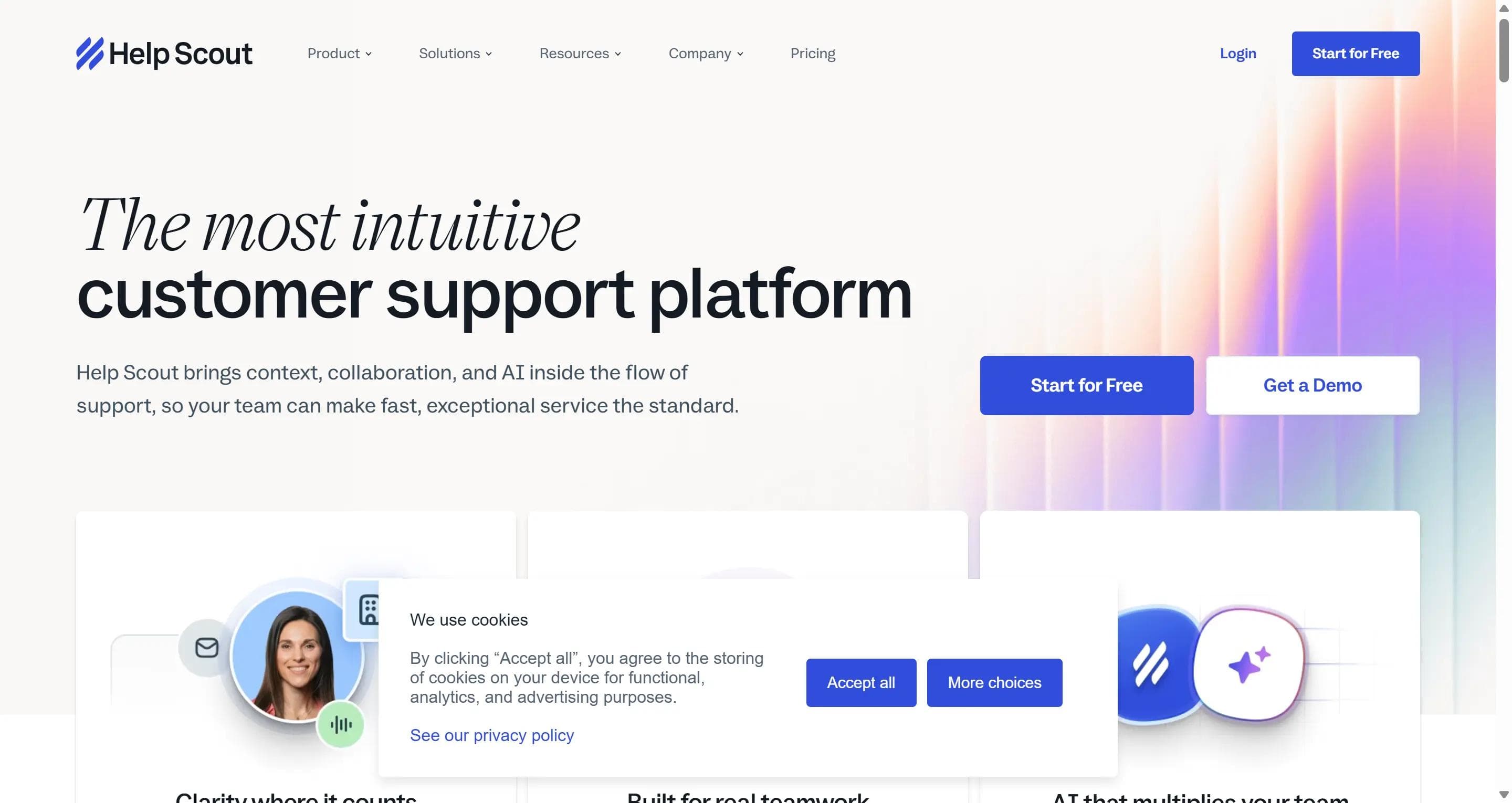
Help Scout is built around people answering email well, not bots deflecting it. Your team works from a shared inbox that looks like a normal email thread to the customer, with no ticket numbers or "Case #48213 has been updated." Beacon, the Help Scout widget, adds live chat and help articles to your site, and Docs holds your help pages.
Pros
- Customer communication stays personal, as replies read like an email from a person, not a support system
- Shared inbox, canned responses, and workflows are easy to learn, so a new hire is useful on day one
- Docs and Beacon mean answers sit in three places at once: help pages, widget, and inbox
- AI Answers costs $0.75 per resolution, the cheapest published per-resolution rate here
- Free plan for up to five users, and you only pay for AI when it finishes the job alone
Cons
- Per-user pricing, so the bill grows every time you hire
- Adding a 26th user pushes the whole team from Standard to Plus, taking every seat from $25 to $45
- WhatsApp needs the Plus plan
- Extra inboxes cost $10 each, and extra help centers cost $20
- No visual chatbot builder, so Tidio Flows have no equivalent here
Pricing
Per user, billed annually, plus AI usage.
| Plan | Cost per user |
|---|---|
| Free | $0, up to 5 users, 100 contacts a month |
| Standard | $25/mo |
| Plus | $45/mo |
| Pro | $75/mo, 10-user minimum |
AI Answers is $0.75 per resolved conversation after a three-month free trial, charged once per conversation.
Versus Tidio
Help Scout runs a cleaner human workflow and better knowledge management than Tidio. Tidio wins on automation: Flows lets you build proactive customer journey paths and lead capture, and Help Scout has nothing like that. Pick based on whether your goal is answering well or automating more.
Best for
Small support teams where the quality of reply matters more than volume are automated. Look elsewhere if you want a chatbot doing the heavy lifting or you're growing headcount fast.
8. LiveChat
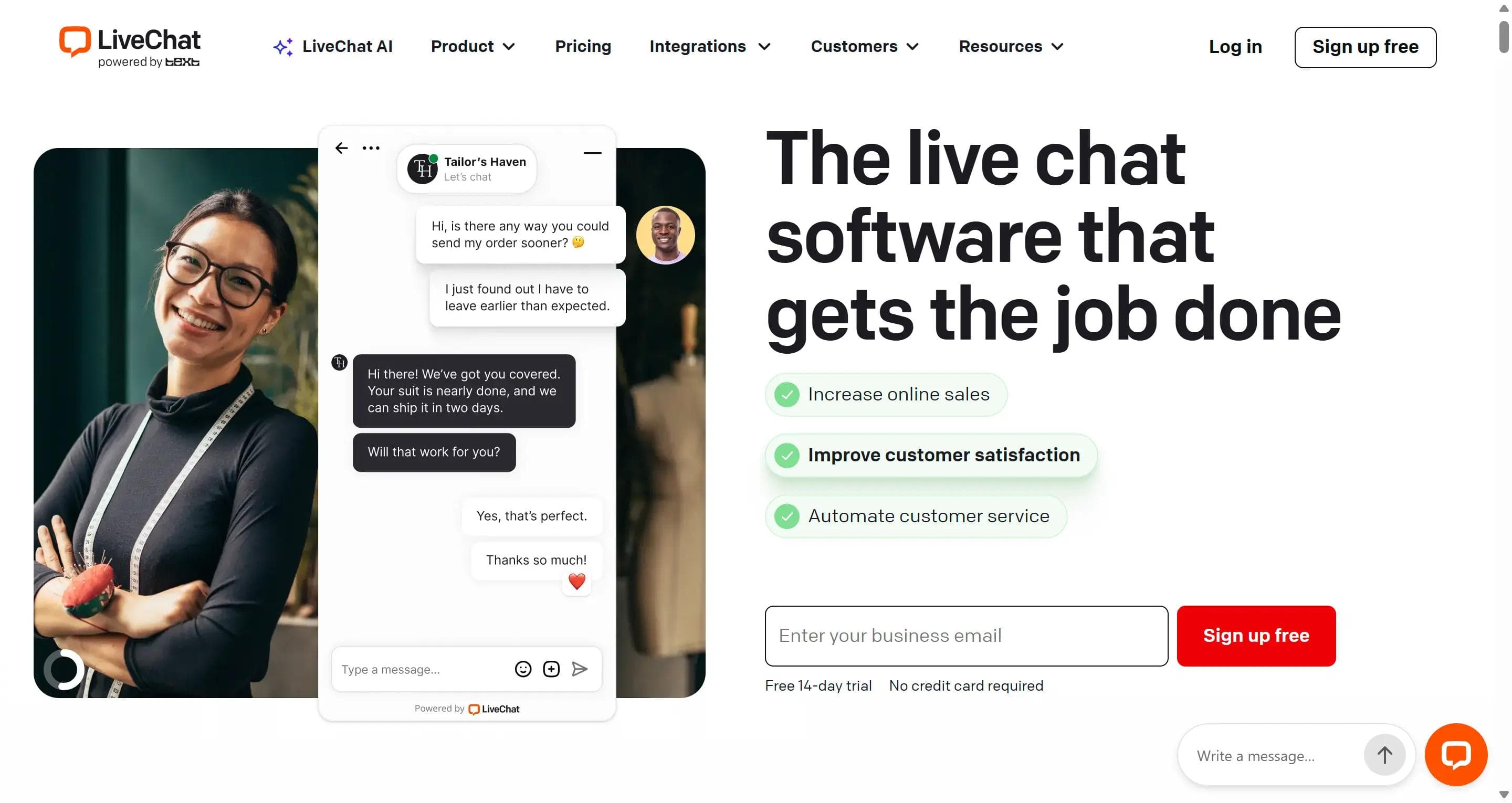
LiveChat has been doing one thing since 2002: staffed chat on a website. Routing, shift and staffing tools, chat transcripts, supervisor monitoring, proactive greetings, sales attribution, and an app marketplace with 200+ integrations. If chat is a channel you staff rather than automate, this is the specialist.
Pros
- Unlimited human chats on every plan, with no conversation counter
- Supervisors can watch a chat live and step in before it goes wrong
- Proactive greetings and sales tracking, so you can see which chats produced revenue
- Large integration marketplace included, not sold per connection
Cons
- Real automation needs ChatBot, a separate product from the same company, starting at $52 a month
- Per-agent pricing, so the cost rises with the team rather than with traffic
- Starter keeps only 60 days of chat history and tracks 100 website visitors a month
- Two subscriptions to manage if you want both people and AI answering
Pricing
Per person, billed annually.
| Plan | Cost per person |
|---|---|
| Starter | $19/mo |
| Team | $49/mo |
| Business | $79/mo |
ChatBot is billed separately at $52 a month.
Versus Tidio
LiveChat is the better tool for human website chat and the worst deal if you also want AI and automation. Tidio bundles live chat, Lyro AI, and Flows under one login, while LiveChat splits the same job across two products and two bills. Don't treat LiveChat on its own as a Lyro replacement, because its built-in AI helps your agents write rather than answer customers by itself.
Best for
Sales and support teams whose main channel is people answering website chat in real time. Skip it if you want most questions handled without a human.
9. Front
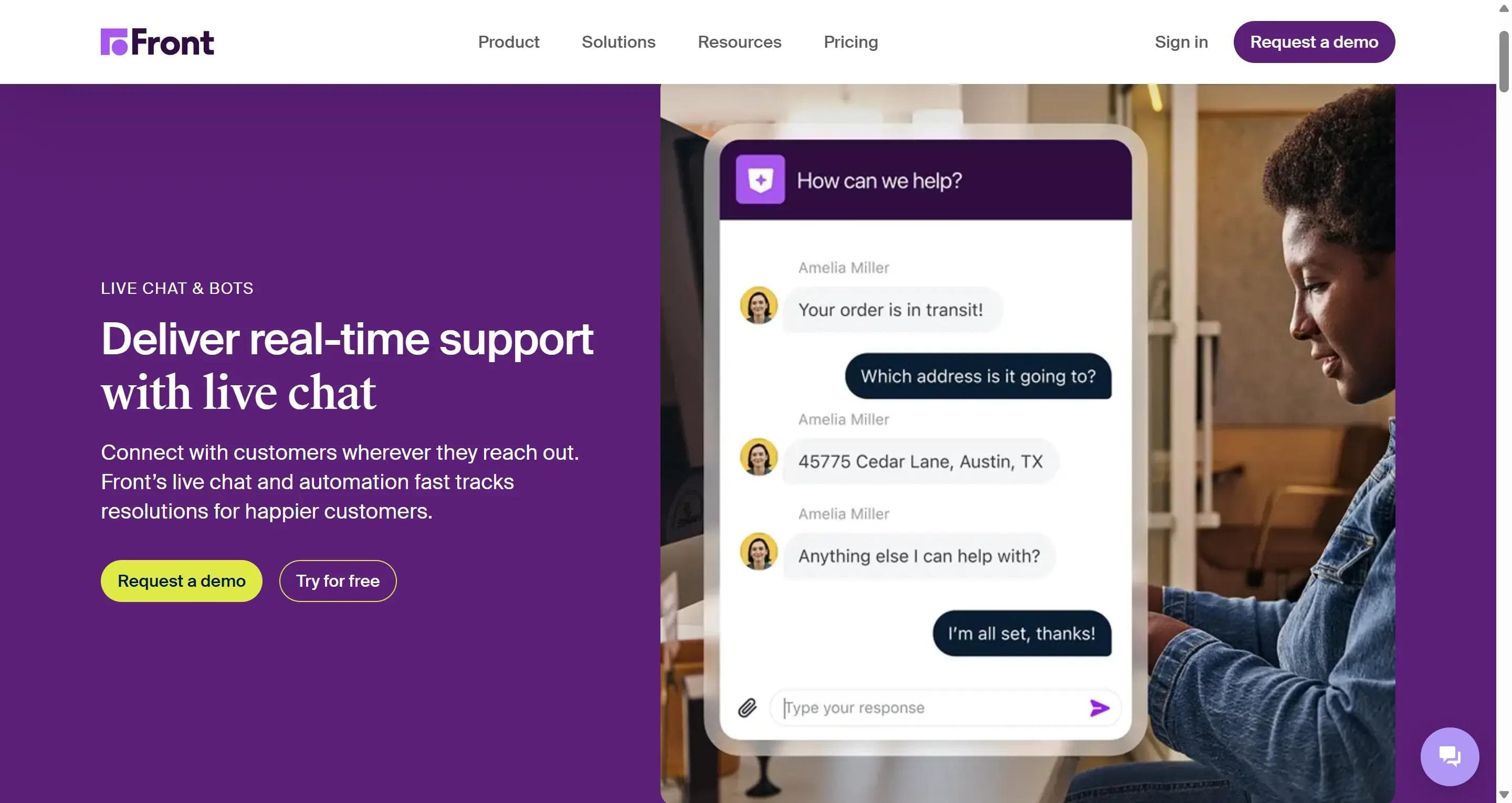
Front is a shared inbox for teams who share customers, not just tickets. Email, live chat, SMS, social, and WhatsApp arrive in one place, and your team works on them together: assigning owners, leaving internal comments nobody outside sees, drafting replies for a colleague to check, and tracking response-time targets. Every conversation carries the account behind it, so you see the whole relationship rather than one message.
Pros
- Internal comments and shared drafts, so two people can work on a reply without a forwarded email chain
- Clear ownership of every conversation, which is what stops things from falling between people
- Account-level context, useful when one company has five people emailing you
- Response-time targets and rules built in, not an upgrade
- Reads like an email to the customer, with no ticket numbers
Cons
- The $25 Starter plan covers one channel type only, so email plus chat means Professional at $65
- Starter caps at 10 seats and Professional at 50
- The AI stacks: Copilot $20 a seat, Smart QA $20, Smart CSAT $10, and Autopilot billed per conversation on top
- Autopilot is "from $0.05 per conversation," with the real rate coming from a sales call
- Not a chatbot builder, so Tidio Flows has no equivalent here
Pricing
Per seat, billed annually.
| Plan | Cost per seat | Channels |
|---|---|---|
| Starter | $25/mo | One channel type, 10 seats max |
| Professional | $65/mo | All channels, 50 seats max |
| Enterprise | $105/mo | All channels, AI assist bundled |
WhatsApp carries Meta's own message fees plus a Front admin fee.
Versus Tidio
Front is built for teams handling long relationships; Tidio is built for one-off website questions. Front is far stronger in ownership, collaboration, and email workflow. Tidio is cheaper and has a real chatbot builder, which Front does not.
Best for
B2B teams where several people touch the same customer and a dropped reply costs a contract. Wrong fit for a store wanting a chat widget and a bot.
10. HubSpot Service Hub
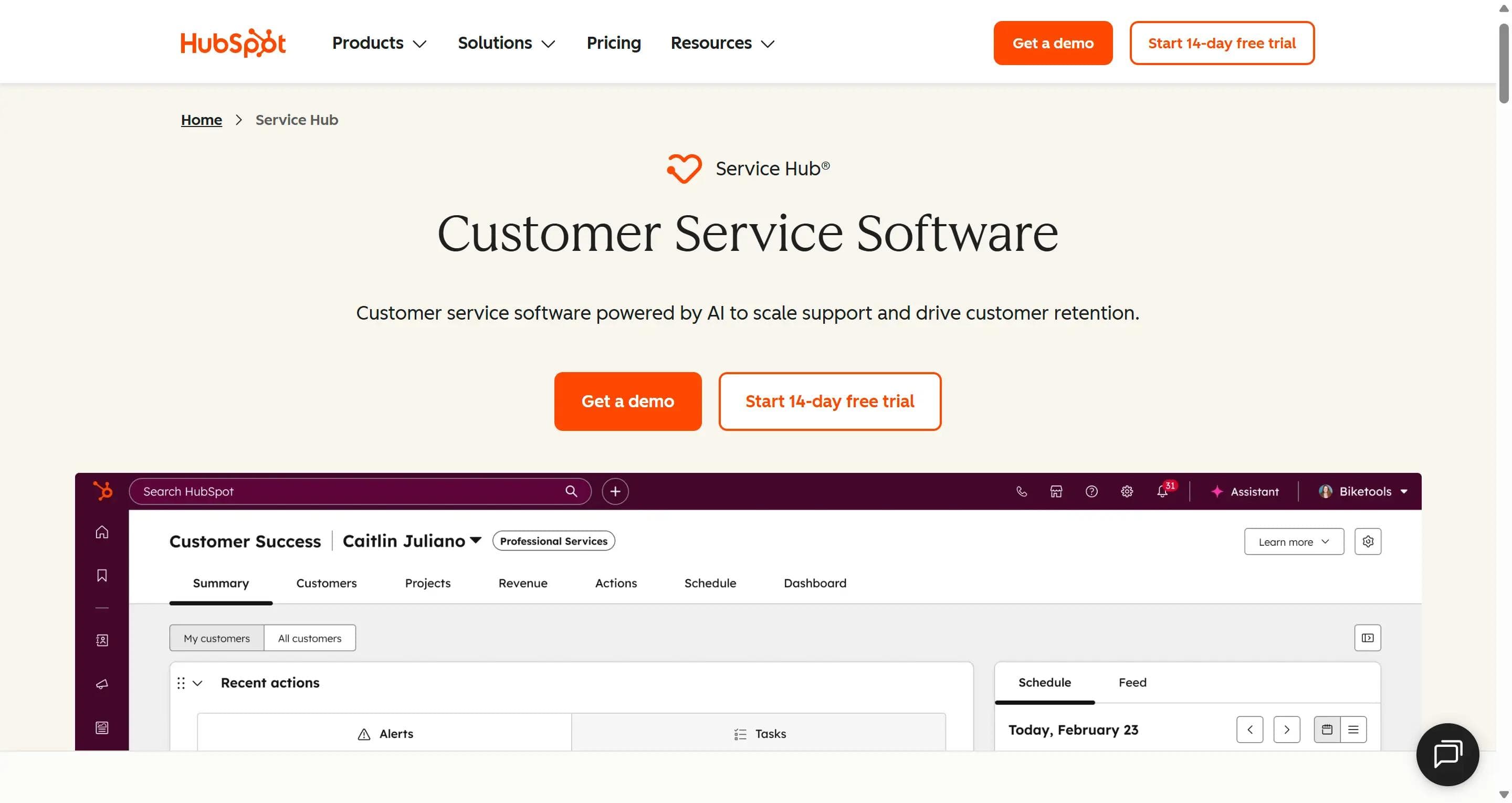
HubSpot Service Hub makes sense when support needs to see what sales and marketing already know. You get a shared help desk, ticketing, help pages, a customer portal, live chat, routing, automation, and reporting, all reading from the same HubSpot customer record. When someone chats in, your team sees their deals, emails, and history without switching tools.
Pros
- One customer record shared across support, sales, and marketing
- The AI agent answers using deal and lifecycle context, not just help pages
- The customer portal lets people track their own tickets
- Free tier for two users, with basic ticketing and live chat
- You only pay for AI when it resolves the conversation, at about $0.50 each
Cons
- The AI agent needs Professional at $90 a seat, six times the Starter price
- Professional carries a mandatory $1,500 one-time onboarding fee
- Enterprise means $150 a seat with a 10-seat minimum and $3,500 onboarding
- Hard to justify if you only want to replace a chat widget
- Credits meter AI usage separately from your seats, so there are two numbers to watch
Pricing
Per seat, billed annually.
| Plan | Cost per seat | Notes |
|---|---|---|
| Free | $0 | Up to 2 users, HubSpot branding |
| Starter | ~$15/mo | No AI agent |
| Professional | $90/mo | 3,000 credits, $1,500 onboarding |
| Enterprise | $150/mo | 10-seat minimum, $3,500 onboarding |
Each resolved AI conversation uses 50 HubSpot Credits, roughly $0.50.
Versus Tidio
HubSpot connects support to your whole customer history, which Tidio cannot do. Tidio costs a fraction of it and installs in an afternoon. The gap only makes sense if you're already paying for HubSpot.
Best for
Companies already running HubSpot CRM, where support needs the same customer record as sales. Everyone else will find the entry cost hard to defend.
11. ManyChat

ManyChat lives where social conversations start. Someone comments "price?" on your Instagram post, and ManyChat sends them a DM automatically. That one trick, comment-to-DM, is why creators and social-first brands use it.
You also get keyword triggers, lead capture, message sequences, broadcasts, and flow building across Instagram, Messenger, WhatsApp, SMS, and email, with TikTok available in some regions.
Pros
- Comment-to-DM automation on Instagram, the strongest version of this anywhere
- Broadcasts and sequences for re-engaging people who already messaged you
- Keyword triggers that need no technical setup
- Genuinely good at turning customer engagement on social into leads
- Free plan for small contact lists
Cons
- Not a website help desk. No proper ticketing, no help pages, no support inbox for your site
- You'll likely still need a second tool for website live chat and escalation to a person
- Pricing rises with the size of your contact list, not the number of chats you handle
- The AI features are a separate add-on
- WhatsApp and SMS carry Meta and carrier fees on top
Pricing
ManyChat prices are based on how many contacts you have, and the rates differ by country. There's a free tier for small lists, then paid plans that climb as your audience grows. Check ManyChat pricing for the figures shown in your region, and add WhatsApp or SMS provider charges separately.
Versus Tidio
ManyChat is far better at social growth automation and far weaker as a Tidio replacement. Tidio covers your website chat, ticketing, and AI answers in one place; ManyChat handles none of those. Treat ManyChat as a replacement for the social half of Tidio Flows, not for Tidio itself.
Best for
Creators and brands whose conversations start in Instagram comments and DMs. Pair it with other live chat software if customers also ask questions on your site.
12. ChatBot
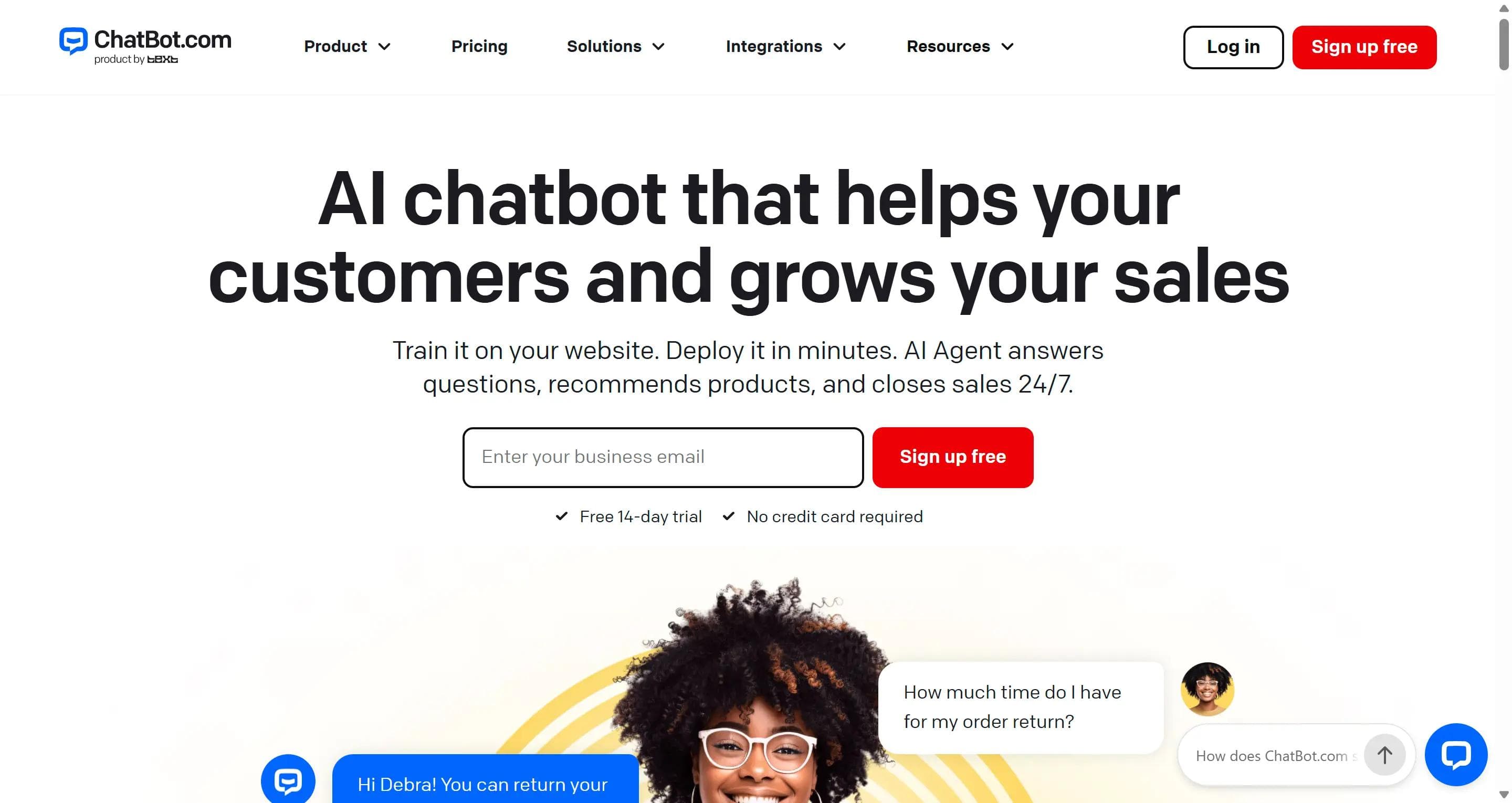
ChatBot, from the same company as LiveChat, is for teams who want to draw the conversation themselves rather than let AI improvise. You build paths in a visual editor, decide what happens at each step, and add an AI agent trained on your content where you want flexibility.
The product has grown past its bot-builder roots. It now includes website chat, a shared inbox, ticketing, and human takeover, plus Messenger, WhatsApp, SMS, and Shopify data.
Pros
- You control the wording at every step, so the bot can't improvise into trouble
- Visual builder with templates, no code required
- Predictable behaviour, which matters for regulated or high-stakes answers
- Shared inbox and ticketing are now included, not just the bot
- Connects to Shopify product and order data
Cons
- Essential includes only 10 AI resolutions a month, which almost any real traffic will pass in a day
- Extra resolutions auto-refill at $49.50 per 50, roughly $0.99 each, and the refill happens without you approving it
- Per-user pricing on top of the resolution charges
- Building paths by hand is real work, and every policy change means editing them
- No permanent free plan, only a 14-day trial
Pricing
Per user, billed annually.
| Plan | Cost per user | AI resolutions included |
|---|---|---|
| Essential | $19/mo | 10 |
| Growth | $79/mo | 200 |
| Enterprise | Custom | Custom |
Versus Tidio
Both let you build a bot without code, so that isn't the difference. Tidio's Flows and Lyro sit in one tool with live chat, and Tidio stays cheaper at low volume. ChatBot gives you tighter control over the script and a more capable builder, at the cost of more setup and a much smaller AI allowance.
Best for
Teams that want to decide exactly what the bot says and are willing to maintain those paths. Not the choice if you'd rather point an AI at your content and let it work the answers out.
Frequently asked questions
What is the best Tidio alternative in 2026?
It depends on the job: Steps AI for cross-channel AI support and sales actions, Zendesk for enterprise operations, Intercom for product support, Gorgias specifically for Shopify, Crisp for affordable human conversations. No chat tool wins independently of your channels, team size, and billing model.
What is the best free Tidio alternative?
Freshchat has the most generous free tier at 10 agents, then Crisp with two seats, Help Scout with five users, and HubSpot with two CRM-connected users. None includes unlimited AI, and Tidio's own free plan is still fine for a small site.
What is the best AI-powered Tidio alternative?
Steps AI, if you want one AI agent handling support and sales across your website and social channels, including live Shopify data. Gorgias, if your team edits and refunds orders all day. Intercom or Zendesk if the AI has to run inside a mature help desk.
What is the best Tidio alternative for Shopify and e-commerce?
Gorgias for the deepest Shopify workflows, where agents edit orders and issue refunds daily. Steps AI, when the same agent reads your Shopify catalogue and orders, also sells and captures leads across your website, Instagram, Facebook Messenger, and WhatsApp.
Which Tidio alternative is best for WhatsApp and Instagram?
Steps AI is the more reliable Tidio alternative when the same AI agent and knowledge must work on social channels and your website, ManyChat for Instagram and WhatsApp campaigns, Crisp or Freshchat for a shared human inbox. Meta's own message fees and approvals apply on top of any platform price.
Is there a Tidio alternative without conversation limits?
Crisp and LiveChat offer unlimited human conversations on paid plans, but seats, chat history, and AI usage are still capped. Unlimited chats your team answers are not the same as unlimited chats the AI answers, and the second is rarely included at a low fixed price.
Can I migrate my Tidio chat history and chatbot flows?
Contacts export as a CSV, transcripts have to be saved one at a time, and Flows don't transfer to any other tool. Keep your Tidio account active until you've confirmed the new platform holds everything you need.
See how Steps AI handles your support and sales conversations
Connect your own site and documents, then run your real customer questions through it across your actual channels. Check the answer quality, whether it completes the action, how the handover to a person works, and how fast credits go.