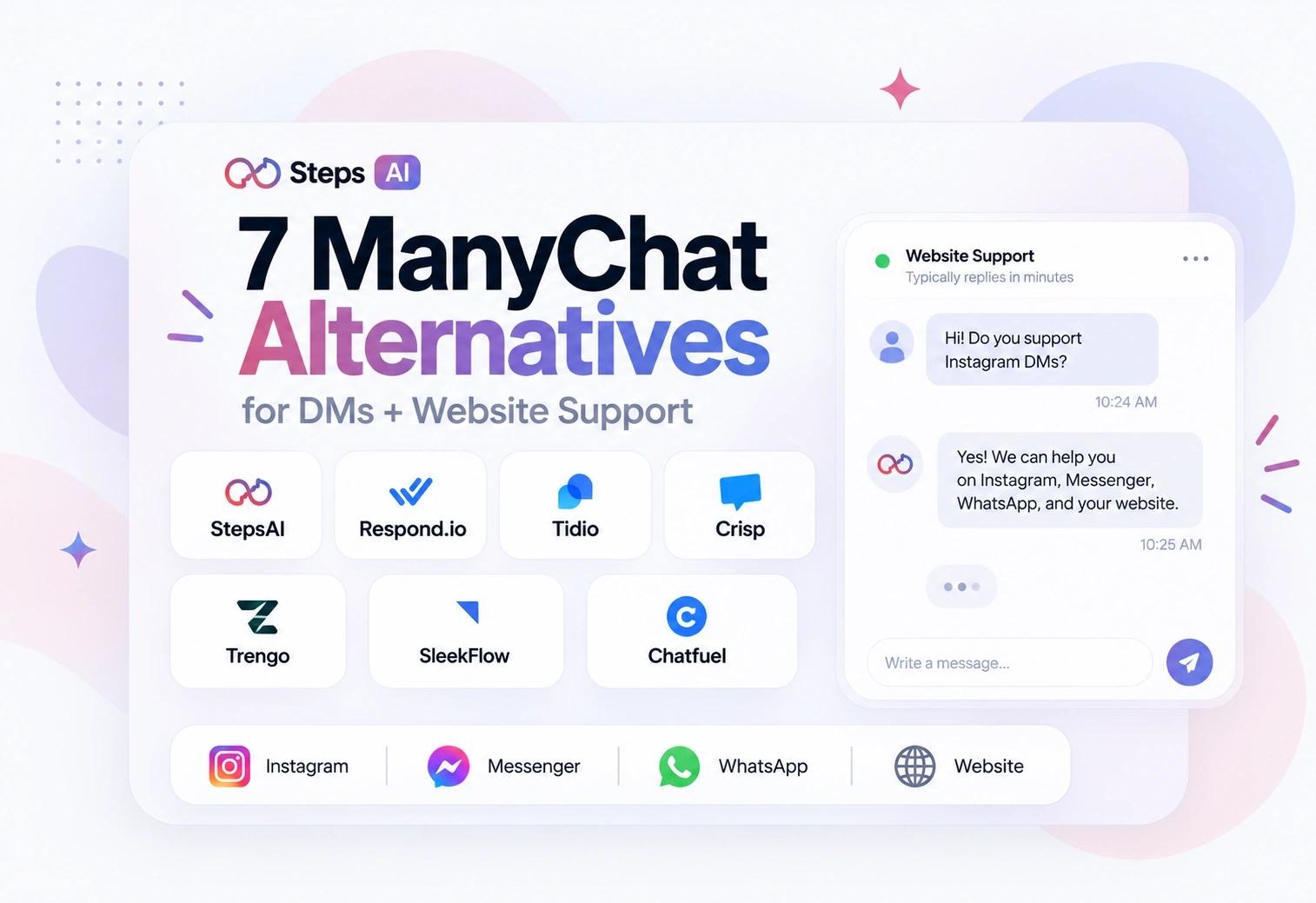
7 ManyChat Alternatives That Do DMs and Website Support
Tanu Adhikari · Sep 11, 2026Outgrown ManyChat? Seven tools that handle Instagram, Messenger, and WhatsApp DMs, plus real website chat. Compared on channel, AI, and what they actually cost at your usage.
Key Takeaways
- The best ManyChat alternative depends on the job: Steps AI for an AI sales and support agent across Instagram DMs, Messenger, WhatsApp, and website chat; Chatfuel for ManyChat-style social media marketing; Respond.io for support teams needing one inbox across multiple messaging channels.
- ManyChat's main limitation is website support. It automates Instagram and Facebook Messenger well but has no native web chat, so businesses selling or supporting on their site need a second tool or a switch.
- The best free ManyChat alternative is Chatfuel Light for basic Instagram and WhatsApp DM automation, or Crisp's free plan for a real website widget. Meta Business Suite is completely free for comment to DM triggers but has no website chat and limited AI capabilities.
- Check four things separately: DM inbox, visual flow builder, AI agents that answer from your knowledge base, and social-growth automation like comment to DM and broadcasts. Most roundups blur them together.
- Pricing units matter more than starting prices. ManyChat uses contact-based pricing ($29/month annually for 2,500 contacts), Steps AI charges per AI reply ($27/month for 500 credits), Crisp charges flat per workspace ($95/month). WhatsApp template fees from Meta are always extra.
- Before migrating, shortlist your two highest-volume channels first, then compare automation depth and real monthly cost at your actual usage, not at the advertised starting price.
Most people searching for ManyChat alternatives in 2026 are not unhappy with ManyChat's Instagram automation. They have simply outgrown it. ManyChat focuses on social-media messaging automation: comment-to-DM triggers, keyword replies, and funnels across Instagram, Messenger, WhatsApp, and TikTok. It does that well. What it does not do is answer a question from someone standing on your product page at 11 pm.
That gap is where this list starts. Every tool below handles direct messages and gives you native website chat, so one all-in-one platform can cover both sides of your customer conversations instead of two disconnected tools.
It matters more than it sounds: roughly 62% of consumers would rather use a chatbot than wait for a human agent, so an unanswered website question is usually a lost sale, not a postponed one.
What Counts as a Real ManyChat Alternative for This List
To be ranked here, a tool had to do four things:
- Support at least one core DM channel: Instagram, Facebook Messenger, or WhatsApp.
- Offer real website chat, not just a button that pushes visitors into WhatsApp.
- Provide automated replies or an AI agent for customer questions, plus a clean handover to a human.
- Give you a way to manage conversations, contacts, or leads after that first reply.
Many people fold four very different capabilities into the word "automation." They are not the same thing, and the difference decides your bill:
| Capability | What it actually means |
|---|---|
| DM inbox | Your team answers messages from every channel in one place |
| Flow automation | A visual flow builder with rules, buttons, triggers, and branches |
| AI agents | Software that reads your knowledge base and holds a natural conversation, answering open-ended questions in its own words |
| Social-growth automation | Comment to DM, ad replies, keyword triggers, broadcasts, and audience segmentation |
The ranking weighs channel coverage, how deep the website chat goes, how much the AI can handle alone, team handoff, social triggers, and the pricing unit. It is also worth checking whether the tool pushes what it learns into your CRM, because a chat that captures a lead and then strands it in an inbox does not reduce any repetitive work.
One tool sits outside the ranking. Meta Business Suite is Meta's native tool for Instagram and Facebook; it is completely free, and it can run basic keyword and comment automations. But as a marketing automation tool, its flows, segmentation, and message formatting are basic, and there is no website chat at all. Free is not the same as complete.
How the 7 ManyChat Alternatives Compare
We have included ManyChat as an unranked benchmark row so you can see exactly which key features you gain and lose by moving.
| Tool | Best fit | Core messaging channels | Native website chat | Automation model | Pricing benchmark |
|---|---|---|---|---|---|
| ManyChat (benchmark) | Social-growth campaigns | Any 3 of Instagram, Messenger, WhatsApp, TikTok, Telegram, SMS, email on Pro; all channels from Business | No | Visual flows, triggers, broadcasts, AI | Pro: $29/mo annually or $39 monthly, 2,500 active contacts, then $0.038 per extra contact |
| Steps AI | One AI across DMs and website | Instagram, Messenger, WhatsApp | Yes | Knowledge-trained sales/support AI, workflows, handoff | $27/mo, 500 credits |
| Respond.io | Multi-channel team inbox | Instagram, Messenger, WhatsApp, TikTok, Telegram and more | Yes | Workflows and AI Agents on Growth+ | Growth: $159/mo annually, 1,000 contacts, 10 users |
| Tidio | E-commerce website support | Instagram, Messenger, WhatsApp | Yes | Rule-based Flows plus Lyro AI | From $24.17/mo annually, Lyro from $32.50 |
| Crisp | Website-first customer support | Instagram, Messenger, WhatsApp, Telegram and more | Yes | Support workflows and omnichannel AI | Essentials: $95/workspace/mo |
| Trengo | Larger shared support teams | Instagram, Facebook messaging, WhatsApp, email | Yes | Routing, HelpMate AI, AI Journeys | Boost: €299/mo annually, 10 users |
| SleekFlow | Conversational sales | Instagram, Messenger, WhatsApp, TikTok, Telegram and more | Yes | Flow Builder and sales-focused AI agents | Pro from £99/mo annually, Pro AI from £129 |
| Chatfuel | ManyChat-style social automation | Instagram, Facebook, WhatsApp, TikTok (with restrictions) | Yes | Comment/DM tasks, visual flows, Fuely AI | Free Light plan, AI Pro $49/mo annually |
Two things the table cannot show:
First, WhatsApp template and messaging fees are billed by Meta on top of any software subscription, so a "cheap" WhatsApp plan can still carry a real per-message cost.
Second, each of these tools is really answering a different question. ManyChat's job is social acquisition. Crisp, Tidio, and Trengo do website support. Respond.io runs a team inbox. Steps AI and SleekFlow lead with AI-driven selling. Pick the job first, then the tool.
The 7 Best ManyChat Alternatives Reviewed
Each tool below is broken down the same way:
- Who it suits
- How it compares to ManyChat
- The channels it covers
- What it does on your website
- What it actually costs at real usage
1. Steps AI
Best for: small businesses and e-commerce stores that want one AI agent answering sales and customer support questions across their Instagram, Messenger, WhatsApp, and website.
Why Steps AI beats ManyChat: ManyChat answers from a path you built in advance, so it stumbles when a customer asks something you did not plan for. Steps AI works the other way around. It reads your business information and checks your real data. Ask ManyChat "where is my order," and it repeats your shipping policy. Ask Steps AI, and it looks up that actual order.
Where Steps AI falls short: no TikTok, no Telegram, and no SMS or email marketing. It also cannot reply to incoming email. ManyChat reaches more places, so if your job is running campaigns across every channel a creator uses, it still has the wider net.
Setup: paste your website link, and it is live in about five minutes, with no code.
DMs and messaging channels supported
- One Meta login connects Instagram, Messenger, and WhatsApp at the same time, so you set up three channels in one go
- The AI does the same job in a DM as it does on your site. It can look up an order, recommend a product, book an appointment, or hand the chat to a person, without you building a separate version for each channel
- Comment-to-DM and follow-to-DM triggers work on Instagram, so a social reply can open a conversation the AI then carries on its own
- WhatsApp broadcasts let you message a group of 1000 customers at once, then let the AI handle whatever comes back
- Every chat lands in a unified inbox, next to your website conversations
- Every channel answers from the same knowledge, so you update an answer once, and it changes everywhere
- Each channel can still have its own greeting and tone
What Steps AI can handle on your website
- Answers product, shipping, and returns questions in plain language, at any hour
- Looks up real order status through Shopify, WooCommerce, Shiprocket, Delhivery, and other connected systems
- Recommends products and shows them in the chat, so a browser can decide without leaving the page
- Books appointments straight into Google Calendar, Calendly, Cal.com, or Outlook
- Follows up on abandoned carts, collects contact details, and sorts serious buyers from browsers before anyone on your team steps in
- Raises a support ticket when something needs a proper fix
- Hands the chat to a person when it should, with a fallback message and an email alert so nobody is left waiting
- You can set rules for what it must never say, such as quoting a price or promising a refund
- No website yet? A shareable branded chat page is available, so an Instagram-only seller still gets a working agent link
AI automation and pricing
- Free: $0, one agent, 50 credits, no card needed, no expiry
- Starter: $27/month, 500 credits
- Growth: $76/month, 2,000 credits
- Scale: $207/month, 7,500 credits, plus lead scoring and deeper reporting
- Steps AI bills on AI replies rather than contacts, so a growing list does not raise your bill on its own. ManyChat charges you more as your contact list grows
- Extra credit packs start at $12 for 500, and unused credits carry over to the next month
- Annual billing takes 20% off
- Budget tip: you only pay when the AI replies. Incoming customer messages are free. The cost per reply depends on which AI model you choose, and the default uses about three credits, so plan around replies rather than contacts
- Starter is where most small stores land, and the full plan comparison shows exactly what each tier adds as your volume grows
2. Respond.io
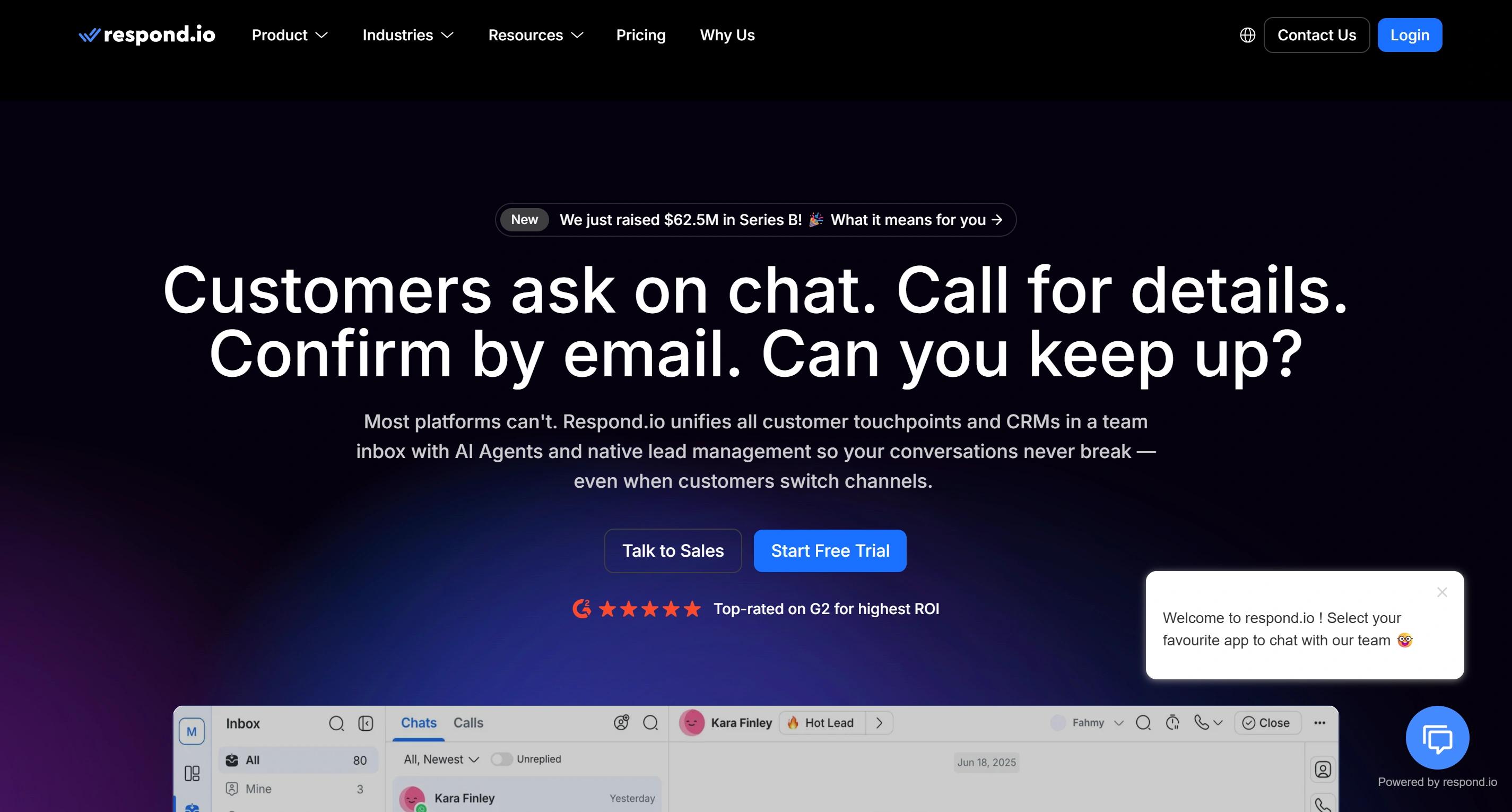
Best for: teams that need wide channel coverage, routing, collaboration, broadcasts, and AI inside one operational inbox.
Why Respond.io beats ManyChat: proper team operations, with ownership, reporting, and multiple messaging channels in one view.
Where Respond.io falls short: too expensive for a solo creator who just wants affordable Instagram automation.
DMs and messaging channels supported
- Instagram, Facebook Messenger, WhatsApp, TikTok Business Messaging, Telegram, LINE, Viber, WeChat, email, and SMS
- All land in shared or custom inboxes
- Agent assignment, internal notes, lifecycle stages, and contact records
- Mobile apps for replying away from a desk
- You can switch a customer from one channel to another mid-conversation
- Facebook comments can create contacts through private replies, but this is a messaging-operations platform, not a campaign tool
What Respond.io can handle on your website
- Native widget with live chat, pre-chat forms, attachments, and branding
- Website visitor identification links a chat to a known contact
- Can point visitors to your other connected channels
- Key limitation: website chat is session-based. Once an anonymous visitor closes the tab, you need their email or phone to follow up via email, SMS, or WhatsApp. Collect it early
- Installs on Shopify, WordPress, Wix, Squarespace, or with a plain HTML script
Automation and pricing
- Starter: $79/month annually, five users. No AI Agents, workflows, or broadcasts
- Growth: $159/month annually, ten users, 1,000 monthly active contacts, 10,000 AI credits
- Growth is the real starting point. It adds workflow automation, AI Agents, lead qualification, routing, appointment booking, advanced reports, Zapier and Make, and API access
- Overages: $12 per 100 extra contacts, $15 per 1,000 extra AI credits
- WhatsApp fees from Meta are separate
3. Tidio
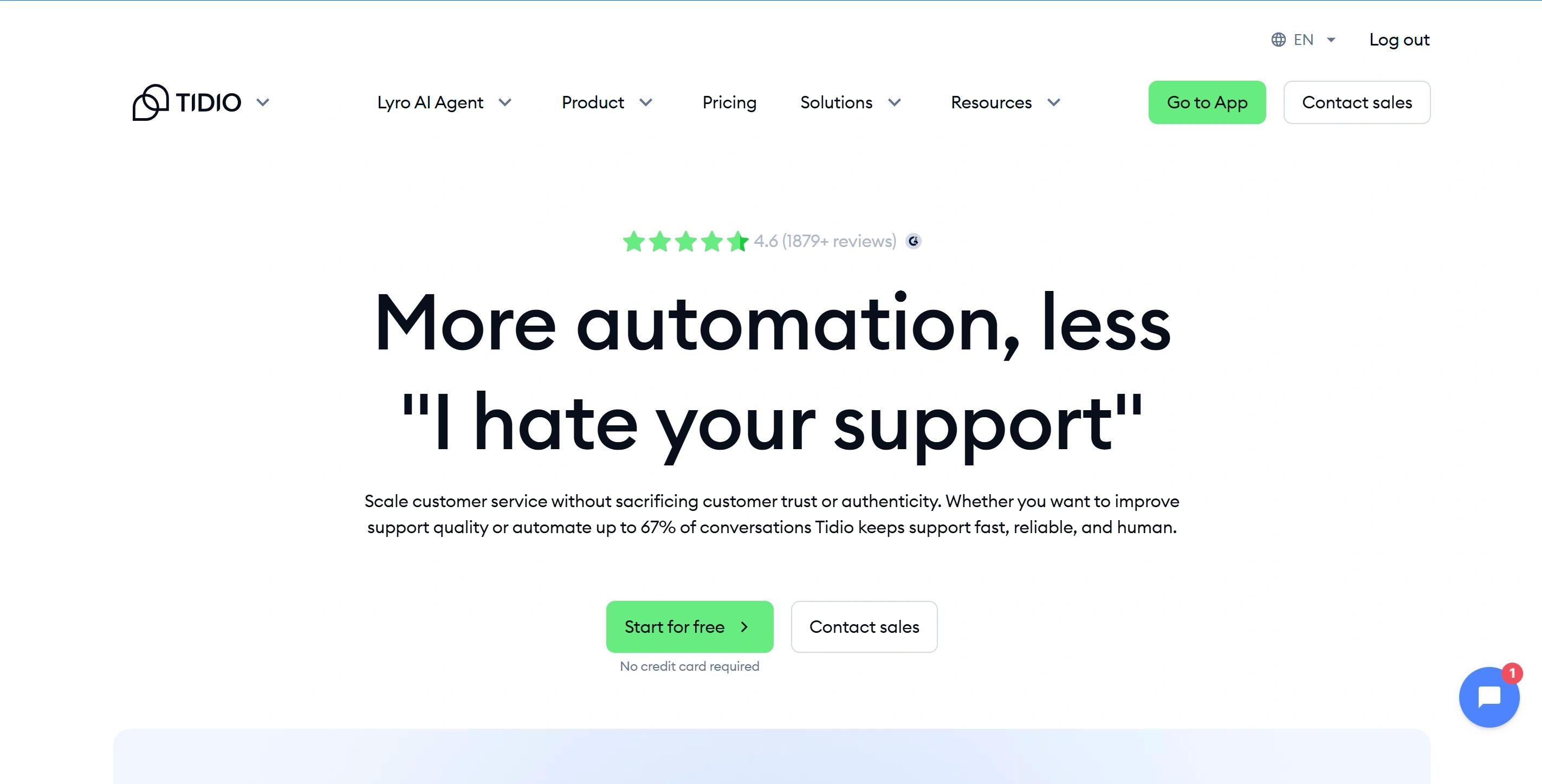
Best for: Shopify and WooCommerce sellers whose website chat and customer support matter more than social campaigns.
Why Tidio beats ManyChat: live chat, ticketing, product recommendations, and AI support in one e-commerce chat setup.
Where Tidio falls short: three separate usage meters make the real cost harder to predict.
DMs and messaging channels supported
- Instagram, Messenger, WhatsApp, email, and live chat in one view
- Both rule-based Flows and Lyro AI work on the social channels, not just the website
- Instagram: answers repeat questions and order-status requests without an agent
- Messenger: asks a few qualifying questions before passing a lead to your team
- WhatsApp: handles support requests and order updates
What Tidio can handle on your website
- Native live chat plus ticketing
- Visitor monitoring and proactive messages
- Lead capture, operating hours, saved replies, and assignment to a specific agent
- Ecommerce integrations give agents and Lyro live product data
- Lyro can recommend Shopify or WooCommerce products and call APIs to take actions
- Flows vs Lyro: Flows follow a path you designed. Lyro answers open-ended questions from your knowledge base
AI automation and pricing
- Lyro answers from uploaded or crawled content, asks for clarification, personalises by audience, and creates a ticket when it cannot resolve support alone
- Starter: $24.17/month annually, 100 human-handled conversations
- Growth: from $49.17/month, 250 conversations
- Lyro AI add-on: from $32.50/month, 50 AI conversations
- Three separate meters: human conversations, Lyro conversations, and visitors reached by Flows
- A Lyro conversation counts from its first reply in a thread. A new thread starts after 15 minutes of silence
- Model all three against your real support volume before you commit
4. Crisp
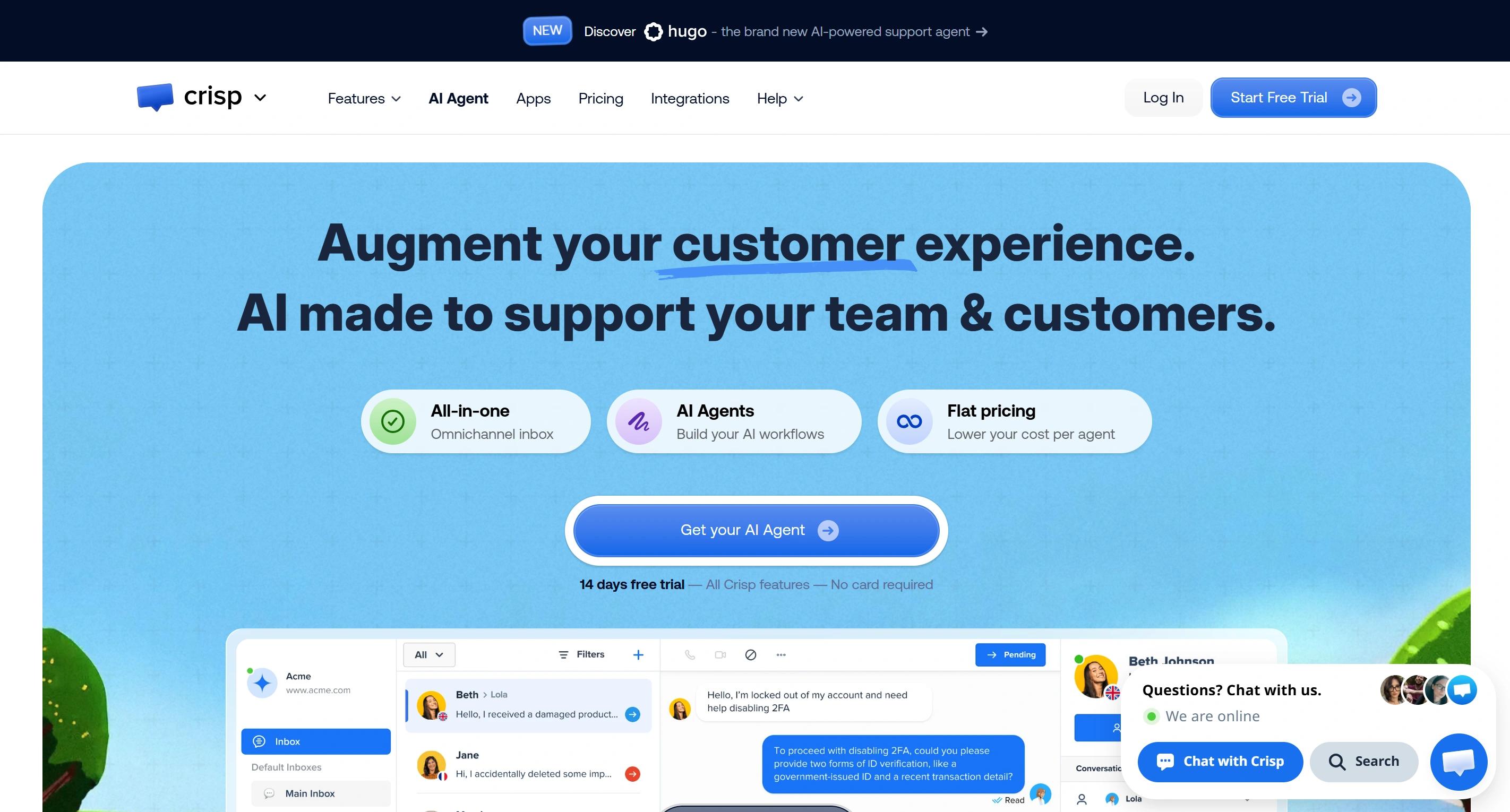
Best for: companies that want a mature support platform on their website first, with social channels added later.
Why Crisp beats ManyChat: far deeper website support, plus flat pricing per workspace instead of per contact.
Where Crisp falls short: weak on comment-to-DM and audience growth.
DMs and messaging channels supported
- Instagram DMs and story reactions, Messenger, WhatsApp Business, Telegram, SMS, LINE, Viber, X, email, and phone support
- Agents share support conversations, notes, customer profiles, routing, and full history
- Instagram needs a Business Account linked to a Facebook Page
- Instagram is only available from the Essentials plan, so compare Crisp at the $95 tier if you want omnichannel, not at the free tier
What Crisp can handle on your website
- A genuinely generous free plan: native website widget, two seats, mobile apps, chat SDKs for in-app messaging, contact forms, and ecommerce integrations
- Paid plans add advanced features like proactive triggers, widget customisation, help-centre articles, co-browsing, audio and video chat, and live visitor context
- Not all the features sit on every plan, so check tier by tier
- Much more website-first than ManyChat
Automation and pricing
- Flat per workspace, not per seat: Free, Mini $45, Essentials $95, Plus $295
- Essentials adds a visual workflow builder, omnichannel AI chatbot, knowledge base, routing, analytics, ten seats, and roughly 450 automated conversations from $25 of included AI credits
- Plus adds task-capable AI, ticketing, white labelling, and 20+ seats
- Read the fine print: "unlimited conversations" covers the support platform. AI still burns credits, and customer-profile limits change by plan
5. Trengo
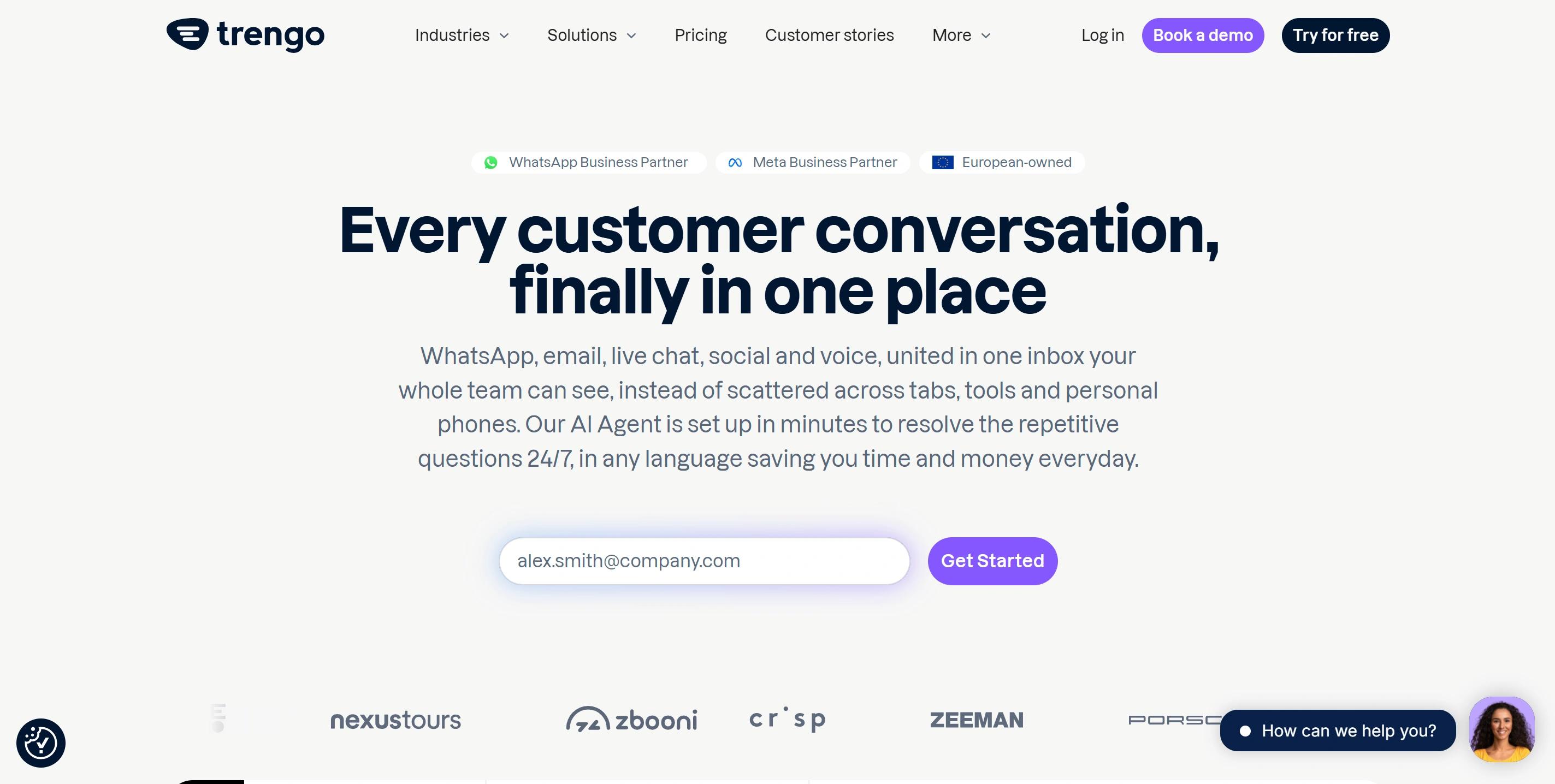
Best for: established support or sales teams where several agents share messaging, email, and website chat.
Why Trengo beats ManyChat: built for support operations at scale, with ten seats included.
Where Trengo falls short: the base price is hard to justify for small businesses or solo creators.
DMs and messaging channels supported
- WhatsApp, Instagram, Facebook messaging, email, and other service channels in one inbox
- Assignment, forwarding, internal comments, and mentions
- Labels, roles, contact profiles, and conversation outcomes
- Treat it as an operational alternative, not a replacement for ManyChat's audience-building tools
What Trengo can handle on your website
- Native embedded website-chat widget feeding the same shared inbox
- Agents route, assign, tag, and close website chats next to DMs and email
- Part of a broader service platform that can include voice, rather than a standalone marketing chatbot
Automation and pricing
- HelpMate suggests answers or sends them automatically
- AI Journeys automates multi-step support workflows, but it is still in beta, so confirm its status and check whether your must-haves are still open feature requests
- Boost: €299/month annually, ten users, 6,000 conversations per year
- Boost monthly: €349, 500 conversations per month
- A conversation covers all replies within a seven-day window
- Extra usage: €15 per 100 conversations annually, plus €0.25 per AI conversation
- Monthly billing costs noticeably more than annual
6. SleekFlow
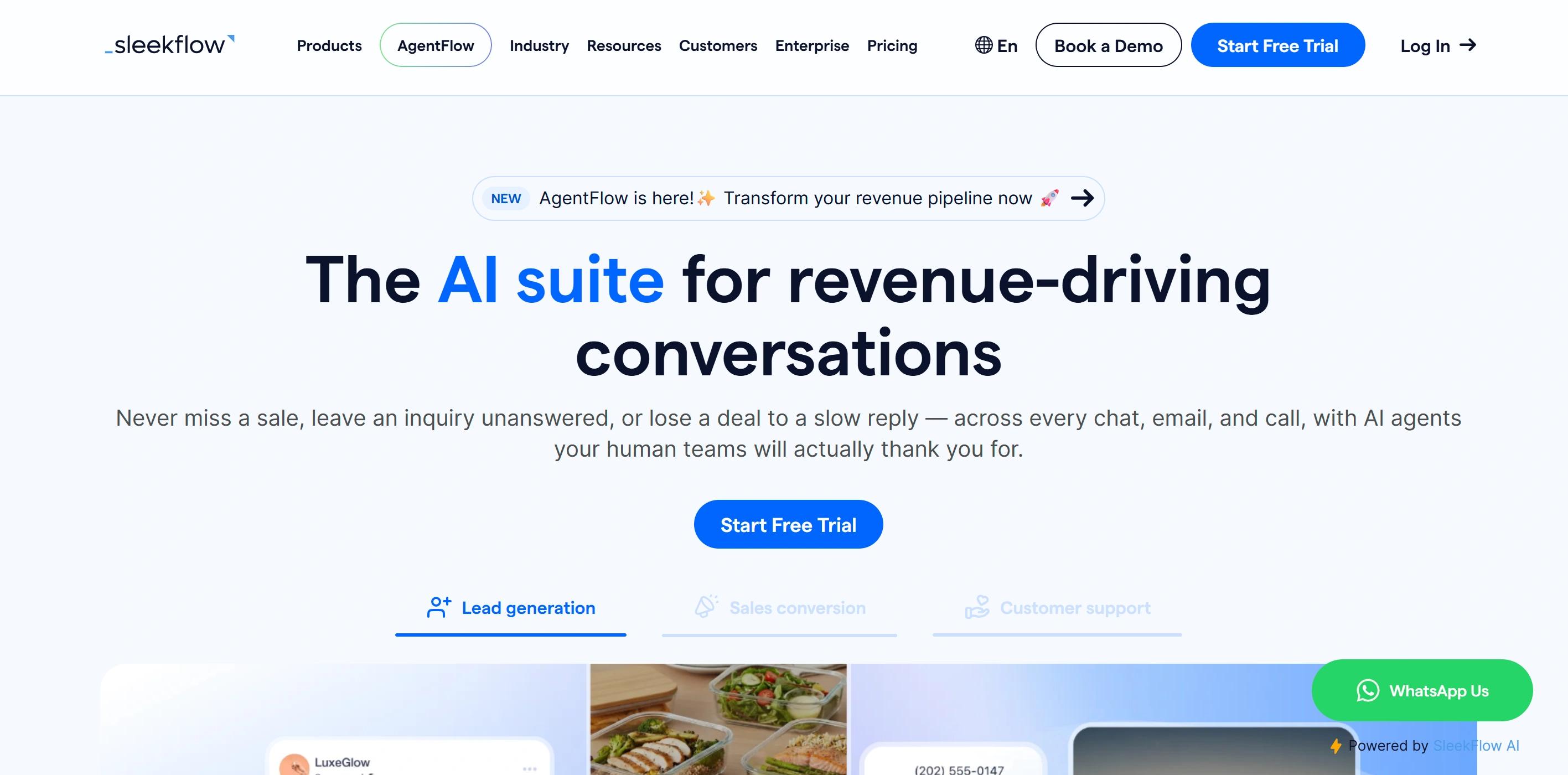
Best for: WhatsApp-heavy sales teams and ecommerce brands that want catalogues, payments, lead routing, and broadcasts together.
Why SleekFlow beats ManyChat: it closes sales inside the chat with carts, catalogues, and payment links.
Where SleekFlow falls short: pricier and more complex to set up than ManyChat or Chatfuel.
DMs and messaging channels supported
- WhatsApp Business, Instagram DMs, Messenger, TikTok Business Messaging, Telegram, WeChat, LINE, Viber, and SMS
- Web and mobile inbox
- Leads route automatically to specific salespeople
- Social-CRM data builds up per contact
- Broadcasts support multi-channel marketing campaigns
- Channel limits by plan: Pro three, Premium ten, Enterprise unlimited
What SleekFlow can handle on your website
- AI Growth Widget gives you live chat, visitor tracking, pre-chat forms, and lead capture
- Proactive messages triggered by the page someone is viewing
- Shopping assistant recommends products, shows Shopify catalogue items, builds carts, and sends payment links
- The differentiator: a website lead can move into WhatsApp for follow-up after they leave your site, which is where most website chat tools stop
Automation and pricing
- AgentFlow learns from your website, files, product data, and custom answers
- It can qualify leads, score them, assign owners, recommend products, and run multi-step sales playbooks
- Standard Pro: from £99/month annually
- Pro AI: from £129/month annually
- Both start with 500 monthly active contacts, three users, and three channels
- Regional currency may differ from the listed price
- WhatsApp hosting, template, and SMS fees are separate
- "Unlimited" AI and Flow Builder usage sits under a fair-use policy
7. Chatfuel
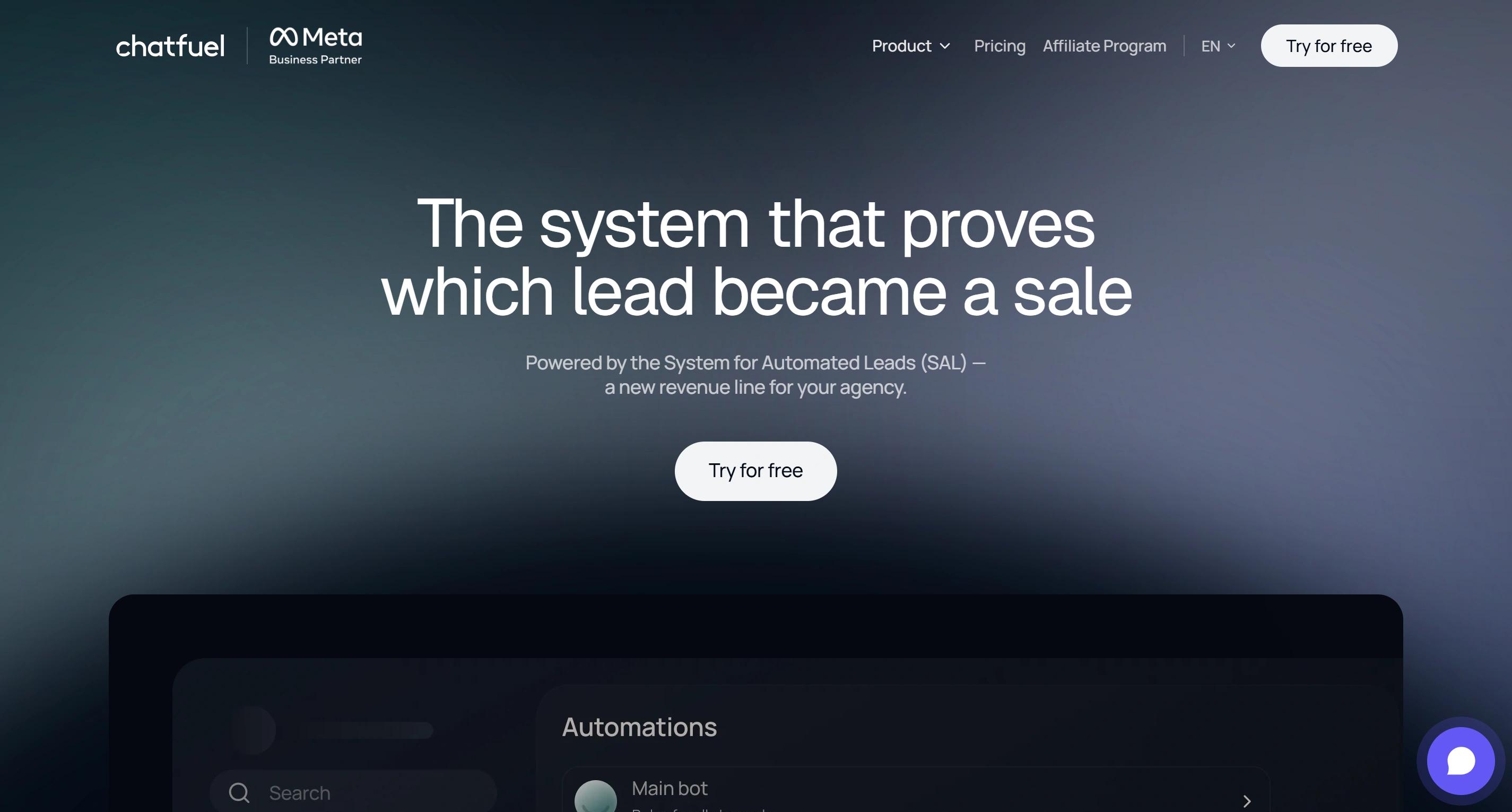
Best for: teams that want ManyChat-style social automation plus a real website widget. This is the closest like-for-like swap on the list.
Why Chatfuel beats ManyChat: native web chat, unlimited contacts, and a free plan that actually does something.
Where Chatfuel falls short: no formal ticketing, so Crisp, Tidio, or Trengo are better for service operations.
DMs and messaging channels supported
- Chatfuel Light covers Instagram, Facebook, and WhatsApp automation
- TikTok is available, subject to regional and account restrictions
- Instagram tasks reply to DMs and to messages from ads
- They also reply publicly and privately to comments on posts, reels, and ads
- The originating post stays attached as context, so replies make sense
- Everything routes into a shared inbox
- That is real Instagram DM automation, not a generic auto-reply
- TikTok caveats: US-registered accounts cannot connect, EU contacts may not appear, and a commenter has to message you first
What Chatfuel can handle on your website
- Install a branded widget with an HTML snippet instead of pushing visitors into a social app
- Fuely AI mode for knowledge-based answers
- Flow mode for step-by-step visual paths
- Automatic answers, lead qualification, and support questions
- Booking through a built-in calendar, handy for agencies and service businesses
- Human takeover from the shared inbox at any point
Automation and pricing
- Chatfuel Light is free and includes basic Instagram, Facebook, and WhatsApp flows, a shared inbox, segmentation, templates, and automated replies. For most people hunting a free ManyChat alternative, this is the honest answer
- AI Pro: $49/month with annual billing, adding Fuely AI, a knowledge base, lead-qualification funnels, broadcasts, and re-engagement
- Contacts and non-AI messages are unlimited, a real win over contact-based pricing
- The catch: AI runs on an unpublished fair-use allowance based on reply complexity and context size
- If you hit that limit, the AI pauses until your plan renews or resets, or until you connect your own OpenAI key
Which Tool Fits the Way Customers Contact You?
Do not compare all seven. Start with your two highest-volume channels, shortlist the two tools that cover them, then compare automation depth and real cost at your actual usage.
Mostly Instagram and Messenger DMs
- Steps AI if you want comment replies and DMs handled by an AI agent that can also look up an order or recommend a product, not just send a preset reply.
- Chatfuel if comments on posts, reels, and ads should trigger automated public or private replies. This is the closest thing to ManyChat's model.
- Tidio if those DMs feed an e-commerce support operation with website live chat and Lyro AI behind them.
- Respond.io if several agents need routing, ownership, reporting, and one inbox across multiple accounts.
Mostly WhatsApp
- Steps AI if WhatsApp is where order questions land, since it checks the real order instead of quoting your shipping page, and broadcasts let you follow up afterwards.
- SleekFlow if catalogues, payment links, broadcasts, lead scoring, and routing to sales teams matter most.
- Respond.io for broader messaging operations and complex workflows.
- Tidio if ecommerce support is the centre of gravity.
- Calculate Meta template fees separately, and check what you are allowed to send inside versus outside WhatsApp's 24-hour customer-service window.
DMs plus high-volume website chat
- Crisp when human chat volume is high and flat workspace pricing is easier to forecast. Estimate AI credits on top.
- Tidio when live chat, ecommerce data, ticketing, Flows, and Lyro all need to coexist. Model all three meters.
- Respond.io or Trengo when routing and multi-agent operations justify a higher base subscription.
- Steps AI when you expect AI to absorb most repetitive traffic. Count total AI replies, not conversations.
One AI agent across DMs and your website
Around 82% of shoppers say they are more likely to buy from a brand that gives them a consistent experience across channels, which is the whole argument for running one AI instead of three separate bots.
Steps AI is the clearest fit when Instagram, Messenger, and WhatsApp cover your DM needs: one knowledge base, channel-specific behaviour, context that follows the customer, a unified inbox, workflows, and clean human handoff.
Tidio is the better pick if ecommerce support tooling outweighs cross-channel continuity. SleekFlow wins when the AI must run a sales playbook. Chatfuel wins when social comments and ads are where most conversations start.
Whatever you shortlist, check that "AI supported" means the AI replies to customers by itself on every channel you need, not that it merely drafts suggestions for a human to send.
See What Steps AI Does With Your Own Questions
There is only one way to find out whether an AI support tool can really handle your customers: give it a real question and watch what it does. Paste your website link into Steps AI, and you have a working agent in about five minutes, trained on your own pages, files, and FAQs.
Then ask it the questions your customers ask you every week. A product question. An order question. Something you never wrote a flow for. That last one is where a path-based tool runs out of road, and an AI agent keeps going.
The free plan costs nothing and needs no card. It shows you whether the AI understands your business. Order tracking, human handoff, and your Instagram, Messenger, and WhatsApp channels start on Starter at $27 a month. Nothing has to move off ManyChat while you look.
Frequently Asked Questions
Is there a free alternative to ManyChat?
Yes. Chatfuel Light is free and covers basic Instagram, Facebook, and WhatsApp flows with a shared inbox. Crisp has a free plan with a real website widget and two seats. Meta Business Suite is completely free for comment and keyword automations, but it has no website chat. Free tiers almost always mean limited AI capabilities, so check what you give up before committing.
Is ManyChat still free in 2026?
Technically yes, but the free plan changed significantly. On 2 March 2026, ManyChat cut its free tier from 1,000 active contacts to 25 per month, with any two channels from Instagram, TikTok, Messenger, or Telegram, and up to four active automations. WhatsApp is not available on Free or Essential. It starts on Pro at $29 a month. Most accounts running a real automation pass 25 contacts on day one, so the free plan now works as a demo rather than something you can run a business on.
Why are people switching away from ManyChat?
Three reasons come up most. The free plan reduction above. Contact-based billing, where your bill rises as your audience grows even if you have not changed how you use the tool, with overage fees on top once you pass your limit. And website support, which ManyChat does not offer at all.
Does ManyChat have website chat?
No. ManyChat has no native website widget. It automates Instagram, Messenger, WhatsApp, TikTok, Telegram, SMS, and email depending on your plan, but a visitor on your product page cannot start a conversation with you through ManyChat. If website chat matters, you either add a second tool alongside it or move to something that covers both.
What is the best ManyChat alternative for Instagram DM automation?
Chatfuel is the closest match. It handles comment replies on posts, reels, and ads, keeps the originating post as context, and routes everything into a shared inbox. Steps AI is the better pick if you want those DMs answered by an AI that can also look up an order or recommend a product rather than send a preset reply.
Which ManyChat alternative is best for customer support?
It depends on where your support volume sits. Crisp is a strong option for website-first support with flat workspace pricing. Tidio suits Shopify and WooCommerce stores that need live chat, ticketing, and AI together. Trengo fits larger teams sharing an inbox across messaging, email, and website chat. Steps AI works when you want one AI agent covering DMs and your website from a single knowledge base.
Can I keep ManyChat and just add website chat?
Often yes, and it is usually less disruptive than rebuilding funnels that already work. Crisp and Tidio both start free or cheap and sit alongside ManyChat without touching your social automations. The trade-off is two subscriptions, two inboxes, and a customer whose website conversation does not connect to their DM history.
How much do ManyChat alternatives cost?
The range is wide, and the pricing unit matters more than the headline. For reference, ManyChat runs from $14 a month for 250 contacts up to $139 for 25,000, billed annually. Among the alternatives, Chatfuel Light is free, Steps AI starts at $27 a month, Tidio from $24.17, Crisp at $95 per workspace, Respond.io at $159, SleekFlow from £99, and Trengo at €299. Some bill per contact, some per conversation, some per AI reply. WhatsApp template fees from Meta are charged separately on all of them.
Do I lose my contacts and automations if I switch from ManyChat?
Not automatically, but nothing transfers on its own either. Flows do not move between platforms, so anything complex has to be rebuilt. Most tools let you export contacts as a CSV and import them. The safest approach is to run the new tool in parallel on one channel first, then move the rest once you trust it.