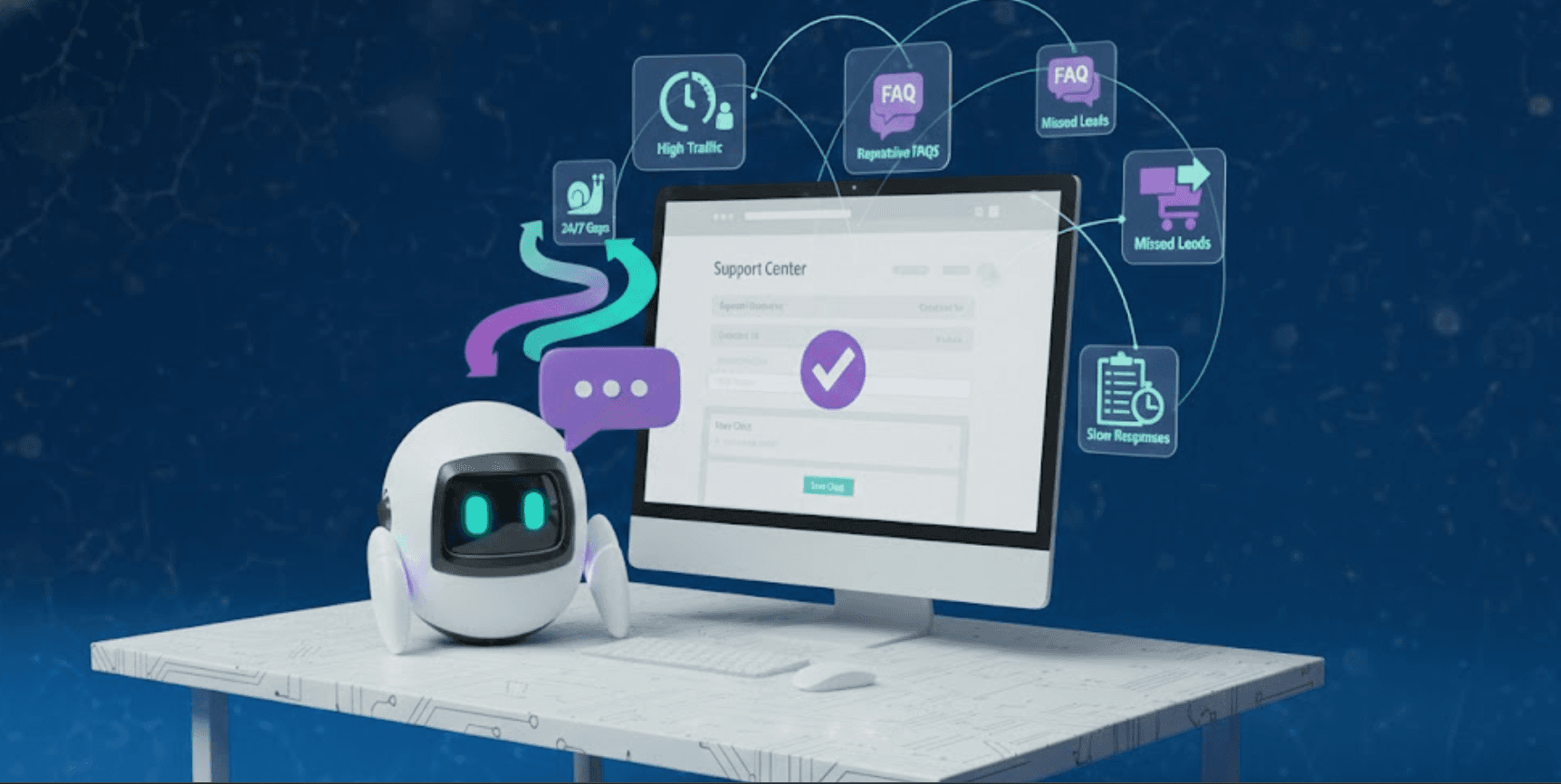
Signs Your Website Is Ready for an AI Chatbot
You've heard about chatbots. You've seen them on other websites. Maybe you've even interacted with a few good ones and thought "we should have this." But you're not sure if now is the right time, if your business is ready, or if adding a website chatbot would actually help or just create more work.
Here's the reality: not every website needs a chatbot right away, but there are clear signals that indicate when the time is right. When you start seeing these signs, a website chatbot shifts from a nice-to-have to something that will directly impact your bottom line. Platforms like Steps AI make implementation simple enough that "not being ready technically" is no longer a valid concern. The real question is whether you're experiencing the problems that chatbots solve.
This guide walks through the specific signs that indicate your website is ready for an AI chatbot, so you can make an informed decision about timing.
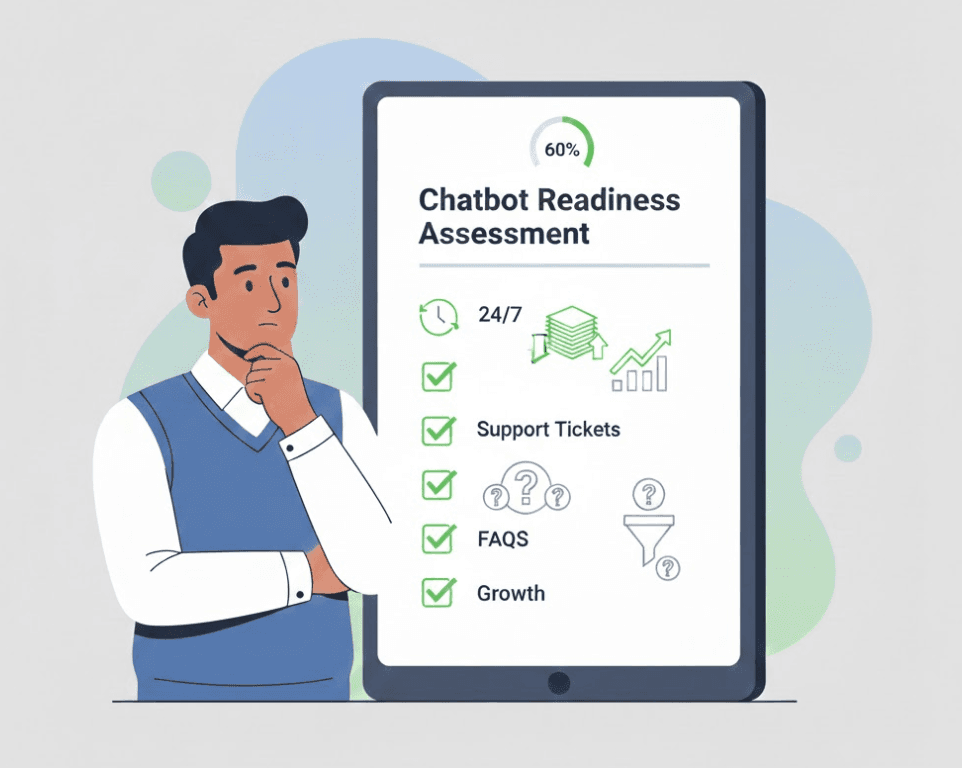
Sign 1: Your Support Team Answers the Same Questions Repeatedly
This is the clearest signal. If your support inbox is full of variations of the same questions day after day, you're ready for a website chatbot.
What this looks like:
You see "What are your business hours?" fifty times per week. "Where's my order?" fills your inbox daily. "How do I reset my password?" appears so often your team could answer it in their sleep. "Do you ship to [country]?" comes in from every time zone.
Your team is spending hours on questions that don't require their expertise, judgment, or problem-solving skills. They're answering the same thing over and over, copy-pasting from saved responses, and getting frustrated with the repetition.
Why this signals readiness:
These repetitive questions are exactly what chatbots excel at handling. They don't get tired of answering the same question. They don't need to copy-paste from saved responses. They provide instant, consistent answers 24/7.
If 40-60% of your support volume consists of routine, informational questions, a website chatbot can handle that volume automatically. Your team gets freed up for complex issues that actually need human attention.
The tipping point: When you catch yourself thinking "we just answered this yesterday" or when your team starts expressing frustration about repetitive questions, it's time.
Sign 2: You're Losing Leads Outside Business Hours
You check your analytics and notice something frustrating. Traffic comes in overnight, on weekends, during holidays. People visit your site, browse products or services, and then leave. No contact form submissions. No purchases. No way for them to get the answers they need to move forward.
What this looks like:
Your international customers visit during their daytime, which is your nighttime. Busy professionals browse your site after work, at 9 PM or 10 PM. Weekend shoppers land on your site when your team is offline. Holiday traffic sees your products but can't get answers to purchase questions.
You can see in your analytics that traffic exists, but conversion rates for off-hours visitors are significantly lower than during business hours.
Why this signals readiness:
A website chatbot doesn't sleep. It provides the same level of immediate engagement and support at 3 AM on Sunday as it does at 3 PM on Tuesday. Those off-hours visitors get instant answers to their questions instead of hitting a wall and leaving.
This is especially critical if you're running ads or doing international business. You're paying to drive traffic. If that traffic arrives when no one's available to help, you're wasting your investment.
The tipping point: When your off-hours traffic represents more than 20-30% of your total traffic, or when you start noticing conversion rate drops during non-business hours.
Ready to capture those off-hours leads? Try Steps AI free and provide 24/7 support without hiring a night shift.
Sign 3: Your Bounce Rate Is Higher Than You'd Like
People land on your website, look around briefly, and leave without engaging. Your bounce rate sits at 60%, 70%, or higher. You're driving traffic successfully, but visitors aren't sticking around.
What this looks like:
You check Google Analytics and see average session duration under a minute. Most visitors view one or two pages and exit. They're not clicking through your navigation, not reading your content, not moving toward conversion.
You've optimized your design, improved your copy, and worked on your site speed. But the bounce rate remains stubbornly high.
Why this signals readiness:
High bounce rates often indicate that visitors can't quickly find what they need or get their questions answered. A website chatbot provides immediate engagement the moment someone lands on your site.
Instead of expecting visitors to navigate through menus, search for information, or dig through FAQ pages, the chatbot offers instant help. "Looking for information about our pricing?" "Need help finding the right product?" This proactive engagement gives visitors a reason to stay and explore.
Learn how website chatbots improve engagement and reduce bounce rate with specific data on the impact you can expect.
The tipping point: When your bounce rate exceeds 60% despite having good content and clear navigation, or when visitors aren't converting despite healthy traffic numbers.
Sign 4: Your Team Can't Keep Up With Growth
Your business is growing. Traffic is increasing. Customer inquiries are climbing. This is good news, except your support team is drowning.
What this looks like:
Response times are getting longer. Your team used to respond to inquiries within an hour. Now it's four hours, six hours, sometimes the next day. Customer satisfaction is slipping because people are waiting too long for answers.
You're hiring, but you can't hire fast enough to keep pace with growth. Every new team member helps, but within a few weeks, the workload has grown again and you're back to being overwhelmed.
Why this signals readiness:
A website chatbot scales instantly. Whether you get 100 inquiries per day or 1,000, the chatbot handles them with the same speed. There's no hiring lag, no training period, no capacity constraints.
This doesn't mean you stop hiring humans. But it means your human team can focus on complex issues while the chatbot absorbs the routine volume that comes with growth.
The tipping point: When you're planning to hire more support staff primarily to handle volume, not complexity. If the new hires would spend most of their time on routine questions, a chatbot is more efficient.
Sign 5: You Sell Products or Services That Need Explanation
Your offering isn't self-explanatory. Customers have questions before they buy. They need to understand features, compare options, verify compatibility, or clarify how something works.
What this looks like:
Your products have variations (sizes, colors, specifications). Your services have different tiers or packages. Customers need to know if your solution works with their existing systems. Technical specifications matter for purchase decisions.
You see high cart abandonment rates because customers aren't confident they're choosing the right option. They leave to "do more research" and never come back.
Why this signals readiness:
A website chatbot can answer pre-purchase questions instantly. "Will this work with Mac?" "What's the difference between the Pro and Standard plans?" "Do you have this in size medium?" Instead of leaving to search elsewhere or emailing you for answers, customers get immediate clarity.
This is particularly powerful for ecommerce, SaaS, and technical products where purchase decisions depend on specific information. The faster you remove uncertainty, the faster customers buy.
The tipping point: When you notice high product page views but low conversion rates, or when customers frequently email questions before purchasing.
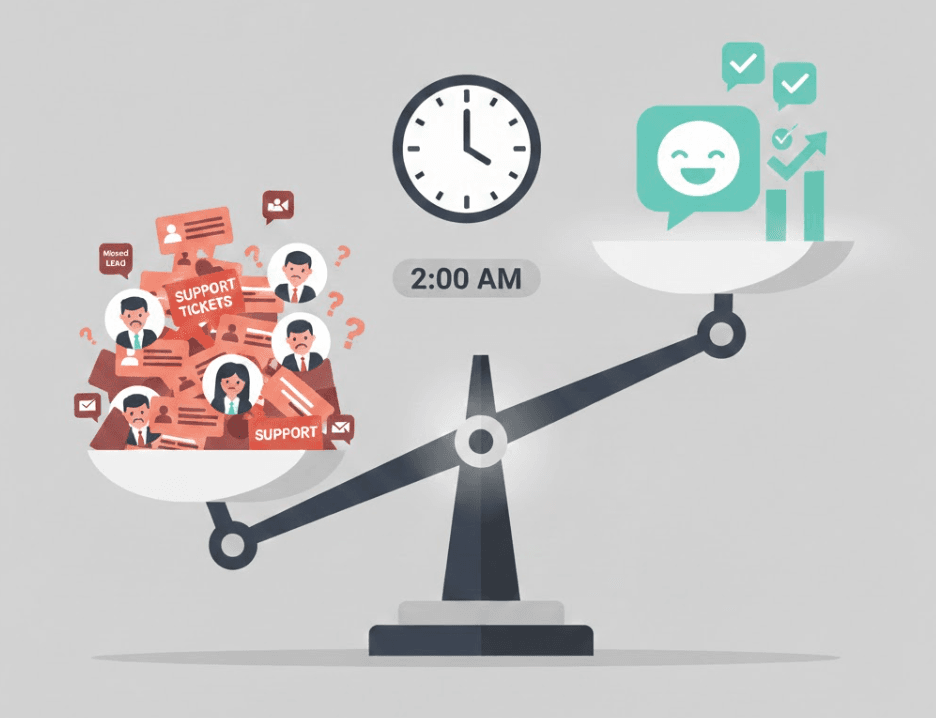
Sign 6: You're Running Marketing Campaigns That Drive Traffic
You're investing in ads, SEO, content marketing, or social media campaigns. Traffic is coming in. You're paying for clicks. But conversion rates aren't where they need to be to justify the spend.
What this looks like:
Your Google Ads are running, bringing qualified traffic to your landing pages. Your SEO efforts are working, driving organic search traffic. Your content marketing is attracting visitors. But the conversion rate from visitor to lead or customer is lower than expected.
You're essentially paying to drive people to your website, then hoping they figure out what to do next and convert. Some do. Many don't.
Why this signals readiness:
A website chatbot maximizes the value of paid traffic. Instead of landing on a static page and leaving, visitors can immediately engage with the chatbot, get questions answered, and move toward conversion.
When you're spending money to acquire visitors, you want the highest possible conversion rate. A chatbot that engages visitors, answers questions, and captures leads ensures you get more value from every dollar spent on traffic.
The tipping point: When your customer acquisition cost is high enough that improving conversion by even 15-20% would significantly impact ROI.
Sign 7: Customers Ask Similar Questions Across Multiple Channels
You're getting the same questions via email, contact forms, social media, phone calls, and live chat. Different channels, same questions. Your team is answering the same thing five different ways.
What this looks like:
Someone emails asking about shipping. Someone else calls asking about shipping. A third person messages you on Facebook asking about shipping. Your team is managing multiple platforms, but the content of inquiries is highly repetitive across channels.
This fragmentation is inefficient. Your team is stretched across platforms instead of centralized, and customers don't have a consistent place to get instant answers.
Why this signals readiness:
A website chatbot centralizes routine support. Instead of customers guessing whether to email, call, or message you, they land on your website and immediately see a way to get help. The chatbot handles the routine questions across all channels (you can integrate it with multiple platforms), while complex issues still flow to your team.
This creates consistency for customers and efficiency for your team.
The tipping point: When you're managing three or more support channels and seeing high overlap in question types across them.
Sign 8: You Have Documented Knowledge That Could Be Automated
You've built comprehensive FAQs, help documentation, knowledge bases, or product guides. The information exists. But customers aren't finding it or aren't reading through long articles to find specific answers.
What this looks like:
Your FAQ page has 50 questions and answers. Your help documentation is detailed and thorough. But customers still email asking questions that are clearly answered in your documentation. They just didn't find it or didn't want to read through it.
You've invested time creating these resources, but they're underutilized because customers want quick, direct answers, not self-guided research.
Why this signals readiness:
A website chatbot makes your existing knowledge instantly accessible through conversation. Instead of reading a 2,000-word article to find one piece of information, customers ask the chatbot and get the specific answer they need in seconds.
You've already done the hard work of documenting your knowledge. A chatbot just makes it more accessible and useful.
The tipping point: When you have substantial documented information that customers should be finding themselves, but they're not.
Sign 9: Your Conversion Rate Needs Improvement
You're getting traffic. People are visiting your site. But the percentage who actually convert into leads or customers is lower than it should be.
What this looks like:
You have 10,000 monthly visitors but only 100 conversions. That's a 1% conversion rate. Industry benchmarks suggest 2-3% is achievable. You're leaving money on the table.
You've optimized your landing pages, improved your call-to-actions, and refined your value proposition. But there's still a gap between traffic and conversions.
Why this signals readiness:
Often, the gap between visitors and conversions is unanswered questions or unaddressed concerns. A website chatbot identifies and resolves these friction points in real-time.
When someone's about to leave without converting, the chatbot can intervene: "Got questions before you decide? I can help." This last-chance engagement recovers visitors who would otherwise be lost.
Even a modest improvement in conversion rate has a significant impact. If a chatbot helps you move from 1% to 1.5%, that's 50% more conversions from the same traffic.
The tipping point: When you've optimized the static elements of your site but conversion rates still aren't meeting goals or industry benchmarks.
Making the Decision: Are You Ready?
You don't need to check every single box to be ready for a website chatbot. But if you're experiencing three or more of these signs, the timing is right.
The beauty of modern chatbot platforms is that implementation is no longer a months-long technical project. Learn how to set up a chatbot on your website in under an hour with platforms designed for non-technical users.
The question isn't "can we do this?" It's "are we experiencing the problems that chatbots solve?" If the answer is yes, the ROI of implementation typically shows up within the first month.
What Happens If You Wait?
Delaying when you're seeing these signs has real costs.
Lost leads that came to your site outside business hours and left because no one could help them. Missed revenue from visitors who bounced because they couldn't find answers. Burned-out team members answering the same questions endlessly. Lower marketing ROI because you're driving traffic without optimizing conversion.
These aren't hypothetical costs. They're happening right now if you're experiencing the signs above.
The businesses that implement chatbots when they see these signals gain a competitive advantage. They capture leads their competitors miss. They scale support without scaling headcount proportionally. They convert traffic more efficiently.
The Bottom Line
The signs that your website is ready for an AI chatbot are clear and specific. Repetitive support questions. Off-hours traffic. High bounce rates. Growth that's outpacing your team's capacity. Products that need explanation. Marketing spend that needs better conversion. Multi-channel question redundancy. Underutilized documentation. Conversion rate gaps.
If these sound familiar, your website isn't just ready for a chatbot. It needs one.
The good news? Implementation is straightforward with modern platforms. You don't need technical expertise, a development team, or months of setup time. You need to recognize the signals, choose the right platform, and get started.
Frequently Asked Questions (FAQs)
How do I know if my business is too small for a chatbot?
There's no such thing as "too small" if you're experiencing the signs above. Even small businesses benefit from 24/7 availability and automated routine questions. If you're getting more than 50 support inquiries per week, a website chatbot will provide ROI.
What if we don't have much traffic yet?
Low traffic isn't a dealbreaker if you're converting poorly. A chatbot can significantly improve conversion rates on the traffic you do have. However, if you're getting less than 500 monthly visitors, focus on driving traffic first, then add a chatbot.
Can you implement a chatbot too early?
Yes. If you don't have documented answers to common questions, if your product/service offering is still changing rapidly, or if you don't know what questions customers typically ask, wait. Build that foundation first, then implement a chatbot.
How long does it take to see results?
Most businesses see measurable impact within the first 2-4 weeks. You'll notice reduced support ticket volume, improved off-hours engagement, and better conversion rates almost immediately if you're experiencing the ready signs.
What if customers don't like chatbots?
When chatbots are helpful and well-implemented, customer satisfaction actually improves. The key is providing value (instant answers) while offering easy escalation to humans when needed. Poor chatbots annoy customers. Good ones enhance their experience.
Do we need technical skills to implement?
No. Modern platforms like Steps AI are built for non-technical users. You upload your information, customize appearance, and add a code snippet to your site. No coding or technical knowledge required.